


A simple, affordable phone clamp can seriously elevate your mobile photography. I tested 3 Legged Thing’s Phil Clamp to see how much it improved stability and sharpness, coming away with some fantastic images...
Introduction: What Is a Tripod Phone Clamp (and Why Mobile Photographers Should Use One)?
Simply put, a phone tripod clamp is a small accessory that securely holds your smartphone on a tripod.
If you want the stability a tripod brings to photography when shooting with your smartphone, without relying on a handheld grip or an awkward balancing act, a clamp gives your phone a stable, reliable mounting point, much like a tripod plate does for a mirrorless or DSLR camera.
At its most basic, a phone clamp connects two things that don’t naturally fit together: your tripod head and your smartphone.
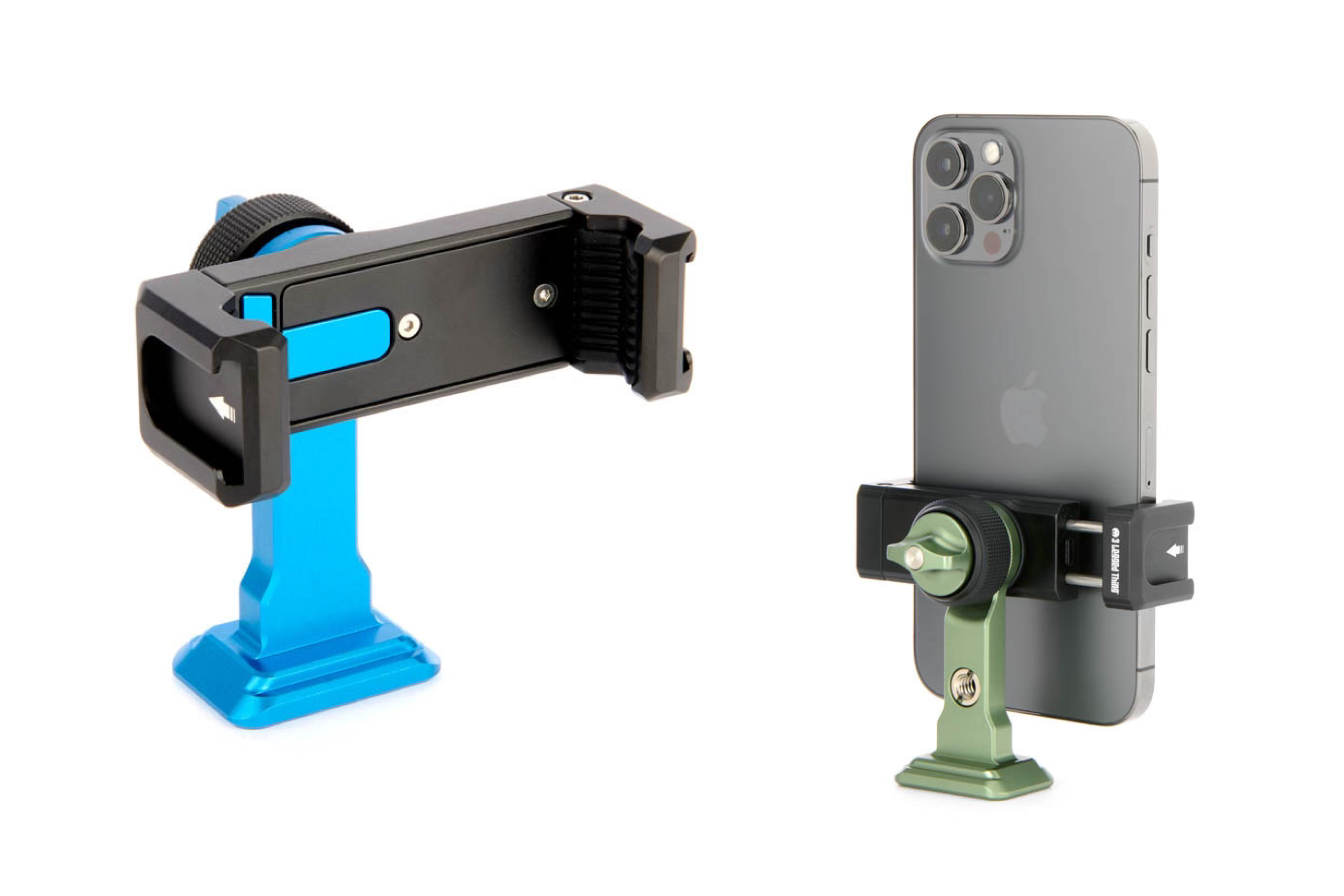
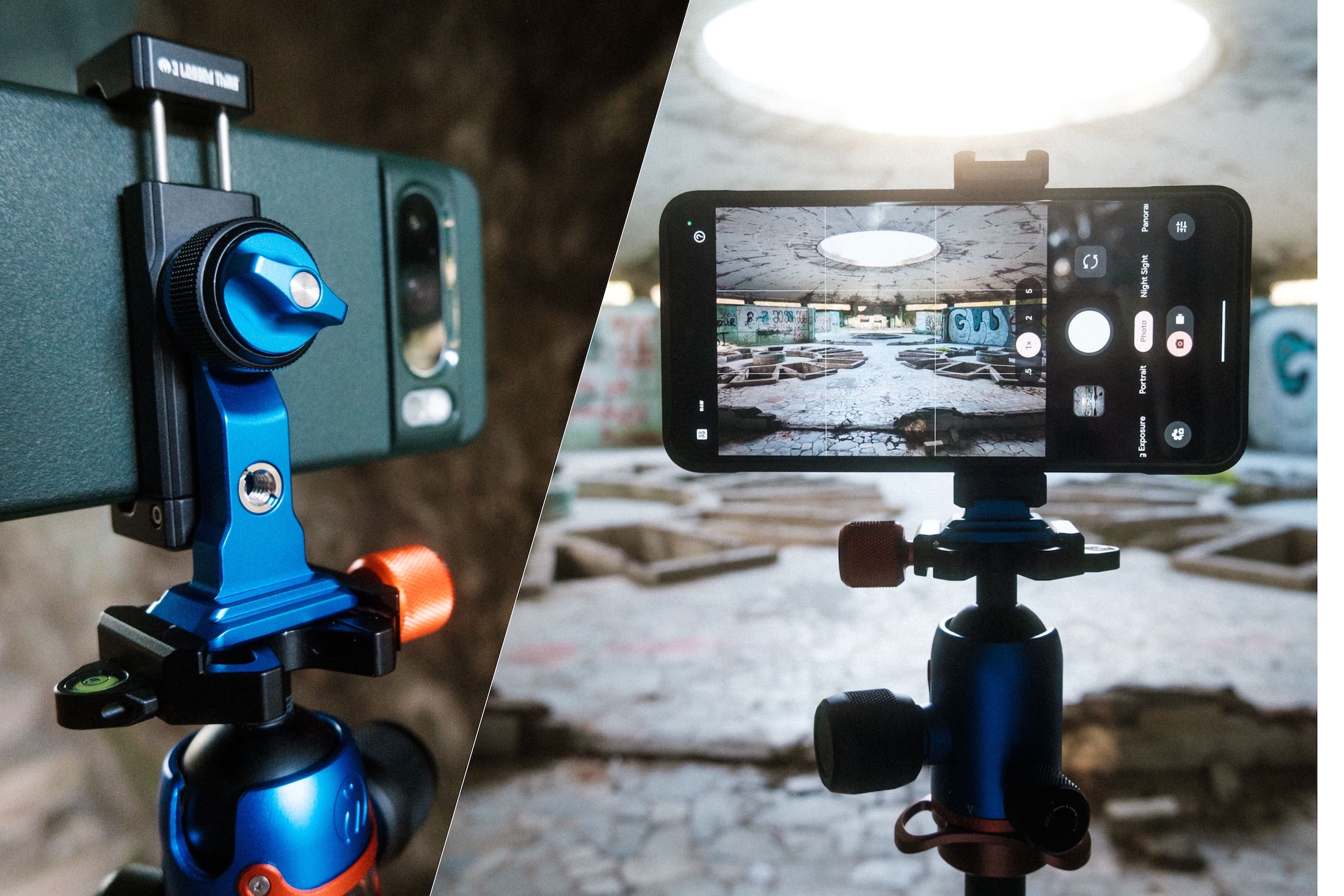
Once attached, it allows you to frame, compose and shoot with far more precision than holding your phone alone. Many clamps (including the clamp used for his guide) also include rotation, locking mechanisms or cold shoe mounts, opening up creative techniques that are difficult, if not impossible, to achieve handheld.
Even if you’re more used to shooting with a “proper” camera, a clamp can unlock your phone’s full potential. Sharper photos, cleaner composition, and hands-free shooting all become far easier, and that can make a massive difference.
For this guide, I’m using the Phil Clamp from 3 Legged Thing with the 3 Legged Thing Bucky tripod, paired with a Google Pixel 8 Pro. You can read on below about how to use a mobile phone clamp, what to consider when purchasing one, and also see some example images of the clamp in action, along with the final results!
Why a Phone Tripod Clamp Can Transform Your Mobile Photography
As outlined above, there are several ways a phone clamp can genuinely transform your mobile photography, but for me, the biggest benefit is the stability it brings.
Some questions for you as the reader, how many shaky photos have you taken while holding your phone? How often have you wanted to shoot in low light, or try some of your phone’s more advanced features, only to be let down by movement and blur?
A phone clamp makes all of this dramatically easier by keeping your phone completely still on a tripod, so no more shaky hands.
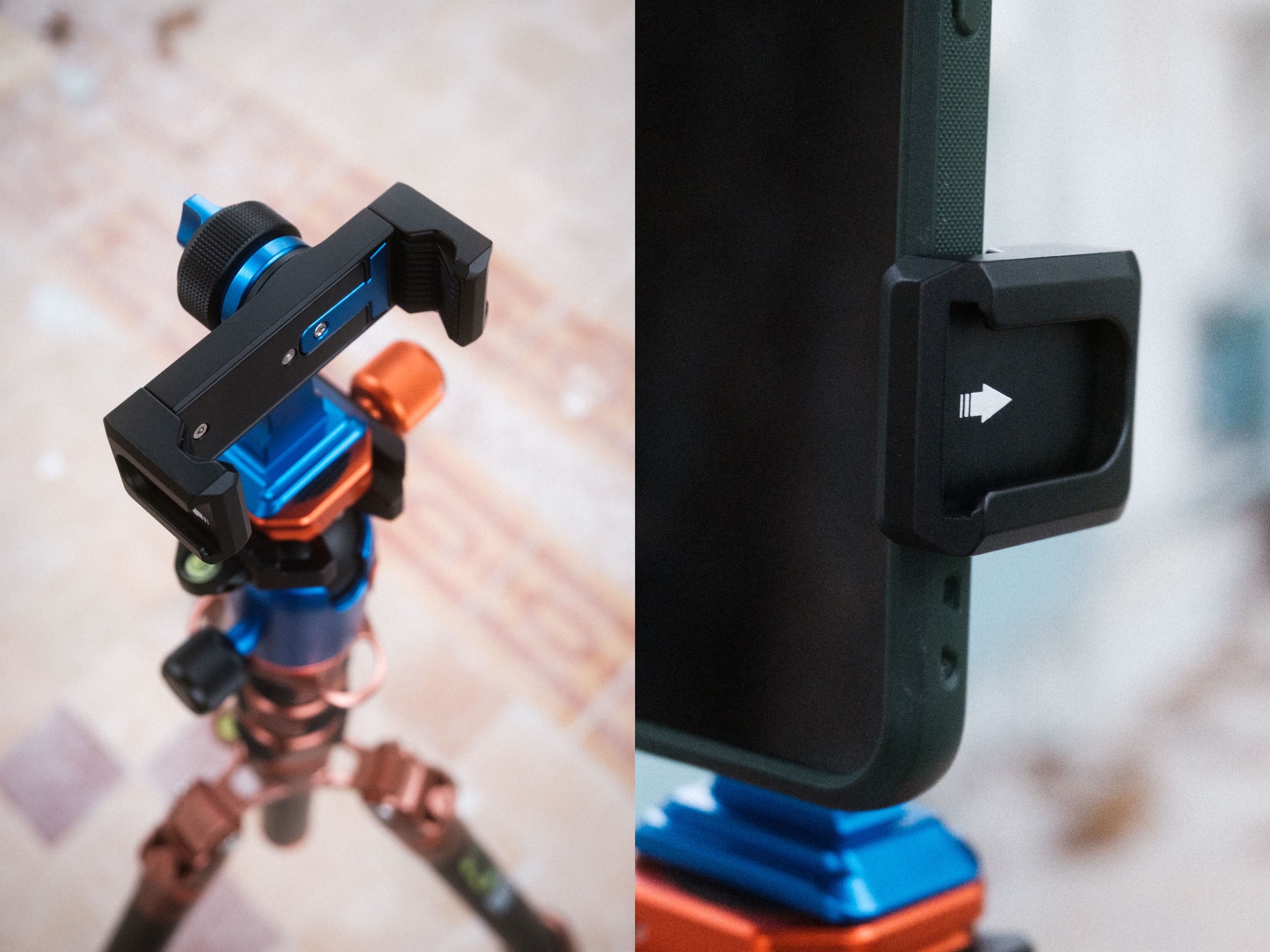
Beyond stability, a clamp also improves how you compose images. Much like using a tripod with a camera, it allows for cleaner framing and access to angles that are difficult to achieve handheld, such as shooting low to the ground, high above eye level, or at more unusual angles.
It also forces you to slow down. And as I’ve argued before, slowing down is one of the most effective ways to improve your photography. You think more carefully about composition, light and timing, and the results often reflect that.
While I won’t go into video in detail here, if you’re a videographer or a photographer who occasionally shoots video, then a tripod and phone clamp can be a revelation for taking videos with your mobile, too.
Key Features to Look For in a Phone Clamp (Featuring 3 Legged Thing’s Phil Clamp)
Build quality is the first thing to consider. There are plenty of cheap phone clamps available for just a few pounds, euros or dollars, but many of them are a false economy. I’ve owned flimsy mobile tripods in the past that didn’t survive first use, in one case, the whole thing fell apart before I even mounted my phone.
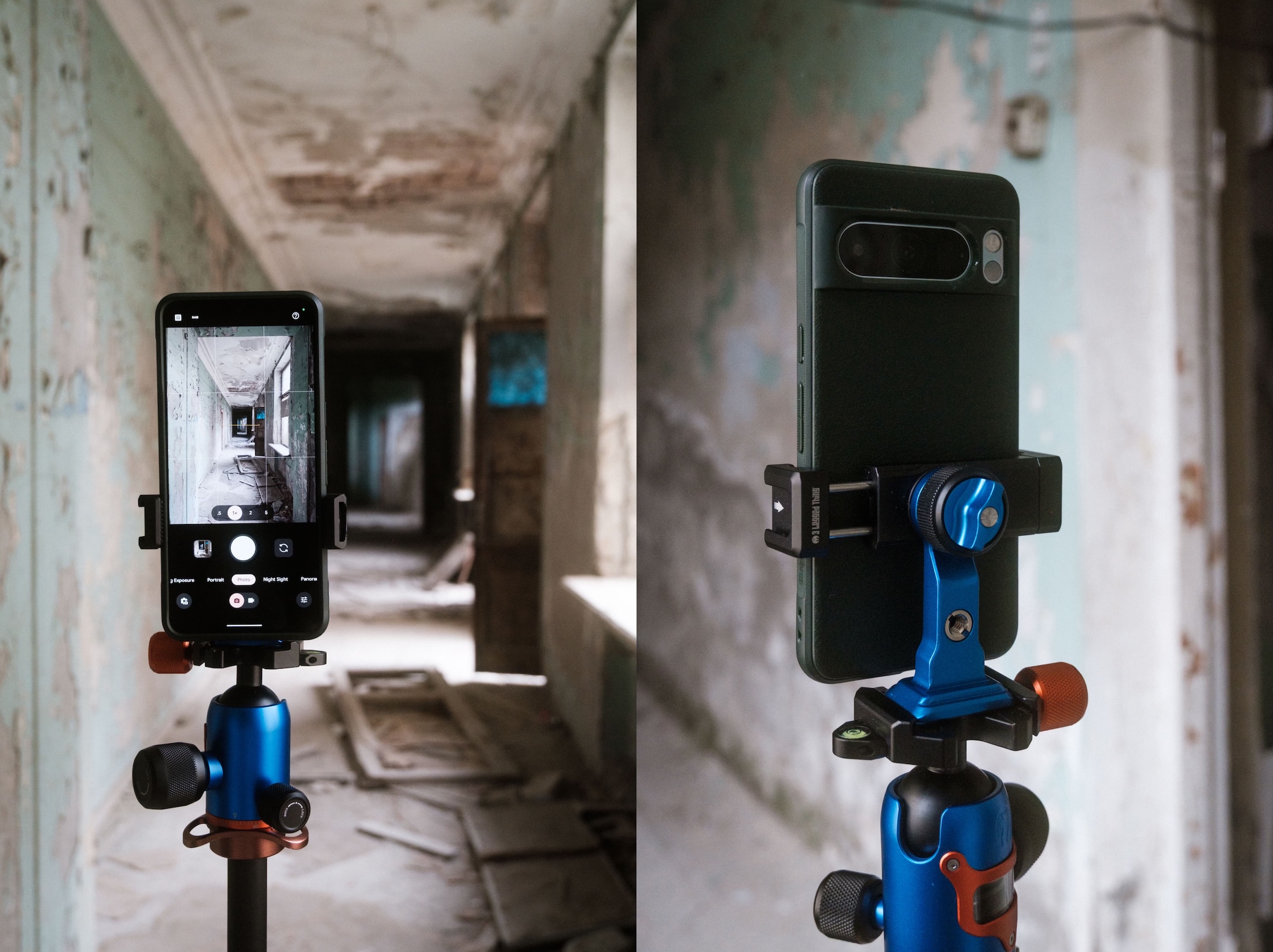
Spending a little more on a well-made clamp usually pays off. The Phil Clamp from 3 Legged Thing retails at £29.99 and $29.99. It feels incredibly sturdy and is clearly designed to withstand regular use in the field.
It’s the kind of accessory you can trust to hold your phone securely, which is exactly what you want when you’re shooting in unfamiliar places or challenging conditions.
The 3 Legged Thing Phil Clamp: Full Specifications
See the full specifications and details of the Phil Clamp on the 3 Legged Thing website.
How to Use a Tripod Phone Clamp in the Field: 3 Practical Tips for Better Mobile Photos
Using a phone clamp out in the field is straightforward, but a few small habits can make a big difference to your results.
First: Start by positioning your tripod carefully. A stable base matters just as much as the clamp itself, especially on uneven ground. Once the tripod is level, attach the clamp and secure your phone firmly before making any adjustments.
Second: Use your phone’s gridlines to help with composition, particularly when shooting architecture or landscapes. With your phone locked in place, you can fine-tune framing in a way that’s difficult to do handheld.
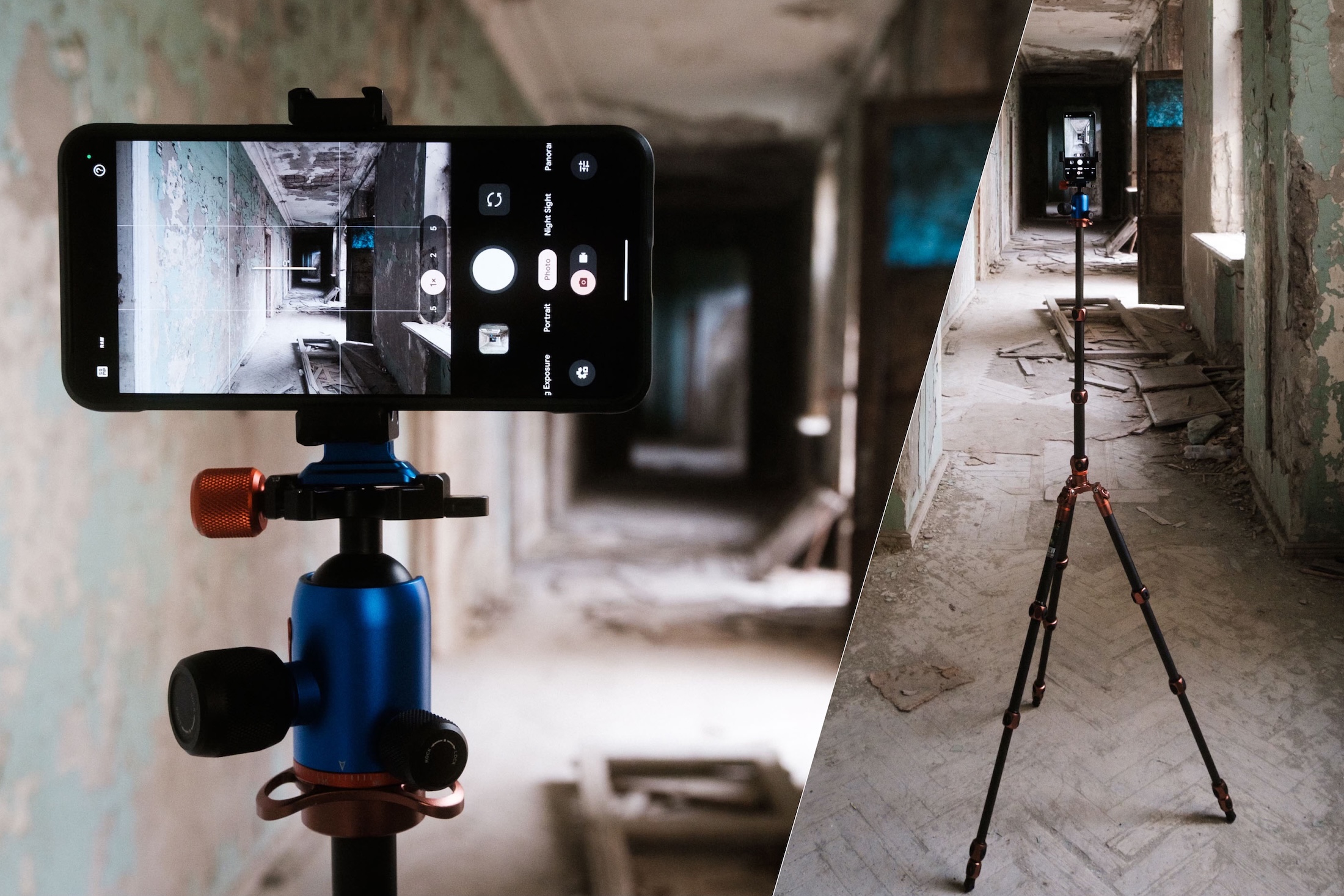
If your phone offers a timer or remote shutter, use it. Even tapping the screen can introduce movement, so letting the phone fire hands-free will help keep your images sharp.
For low-light scenes, interiors or night photography, a clamp allows your phone to gather more light without blur, something that’s especially useful in atmospheric locations.
Finally: Don’t rush. One of the biggest benefits of using a phone clamp is that it naturally slows you down. Take advantage of that by experimenting with angles and being deliberate with your framing.
Shooting Mobile Photography With the Phil Clamp: Behind the Scenes in Tskaltubo, Georgia
I wanted to test the phone clamp by doing what I enjoy most with my photography: travelling.
That said, using a tripod and phone clamp isn’t always practical for travel photography. It takes time to set up, and in busy places, you may not want to draw attention to yourself with lots of gear. So I chose to use the clamp in a location on my latest trip where slowing down felt natural, Tskaltubo, Georgia. Known for its abandoned Soviet-era sanatoriums (though that’s slowly changing), it’s a place that rewards patience and careful camera observation to get the very best images in empty, abandoned spaces.
Below you’ll see a gallery of images using the phone clamp. What surprised me most was how natural it felt to use my phone this way on a tripod, like my other camera gear. Rather than it feeling restrictive, the combination of tripod and clamp encouraged slower, more thoughtful shooting, and the results reflected that.
Also, I truly believe that when using kit to get the sharpest, best composed and clearest images possible, your really getting the most out of your camera phone - I knew that the Google Pixel 8 Pro camera was powerful, but I hadn’t realised just how much so until I used it with my tripod and clamp.
Gallery of Images from Tskaltubo, Georgia
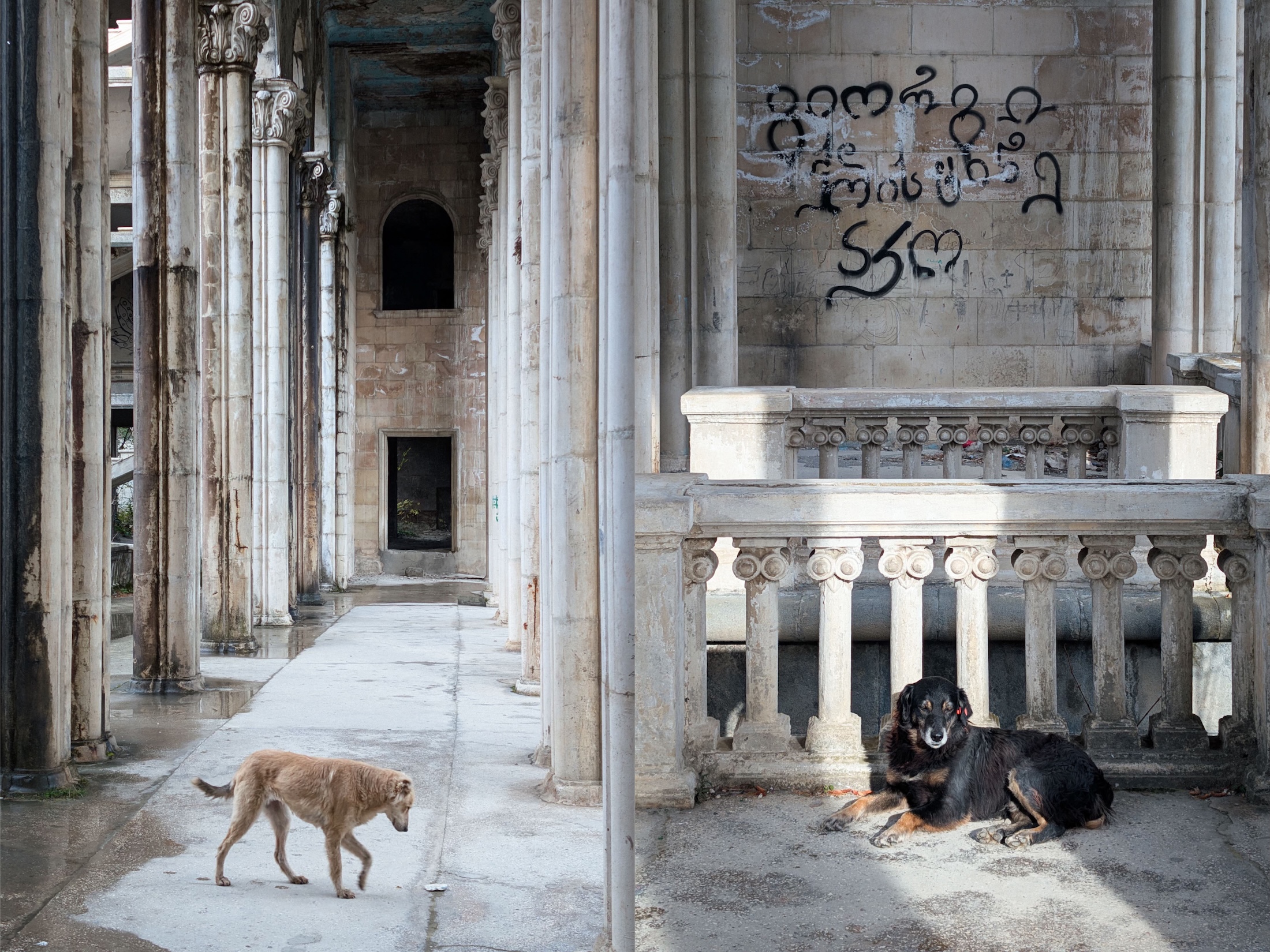
All of the photos were captured in the semi-abandoned Georgian spa town of Tskaltubo, which has become a popular tourist destination in recent years. You can read more about the town and its abandoned sanatoriums in this excellent blog post from Wander-Lush. I’d highly recommend visiting if you’re interested in unusual travel or urbex photography and find yourself in the Caucasus.
It’s also worth noting that I wasn’t breaking or entering any of these locations. All of the places featured were open and accessible, and many of the abandoned sanatoriums now offer guided tours. Some even have security guards or locals on site to look after visitors.
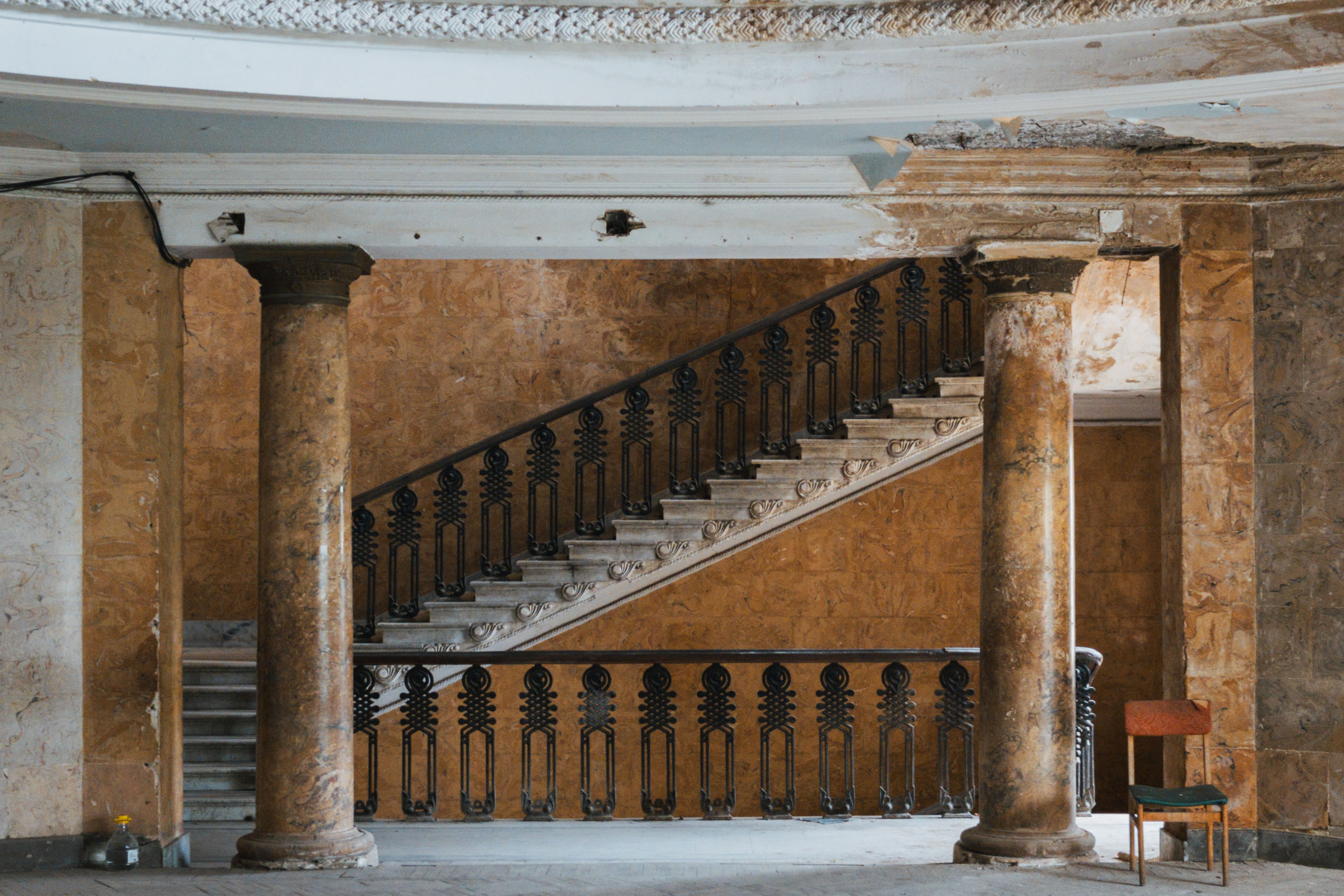
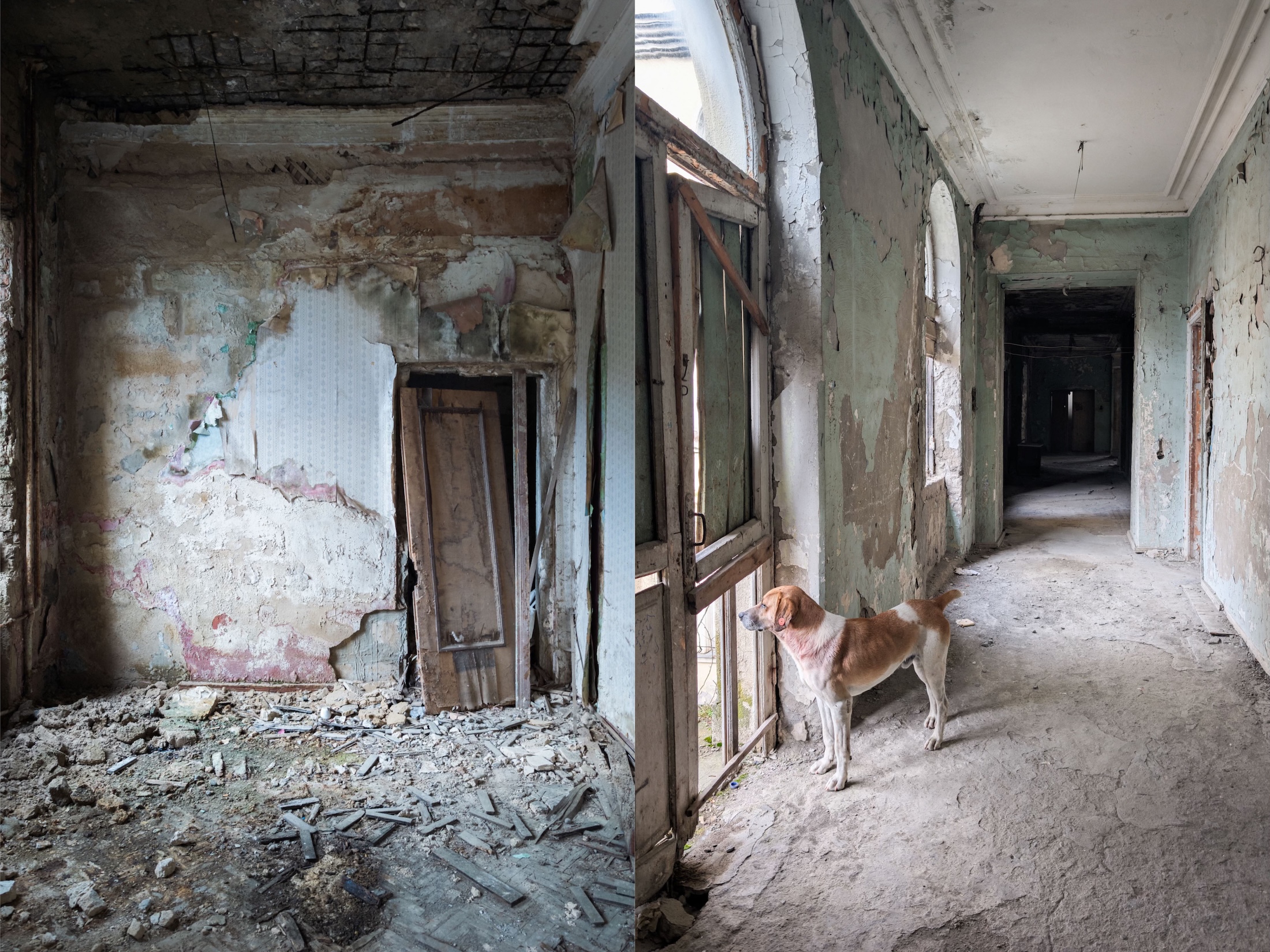
A few of these images were taken at the Legends Spa Resort, a semi-restored former Soviet sanatorium where I stayed during my trip. As a guest, I had free rein to explore the extensive grounds, including an unrestored wing, an experience that felt genuinely magical.
These images have been taken using the clamp, tripod and my Google Pixel 8 Pro. Again, I'm genuinely amazed at how great some of these pictures have turned out from my smartphone with the help of the kit.



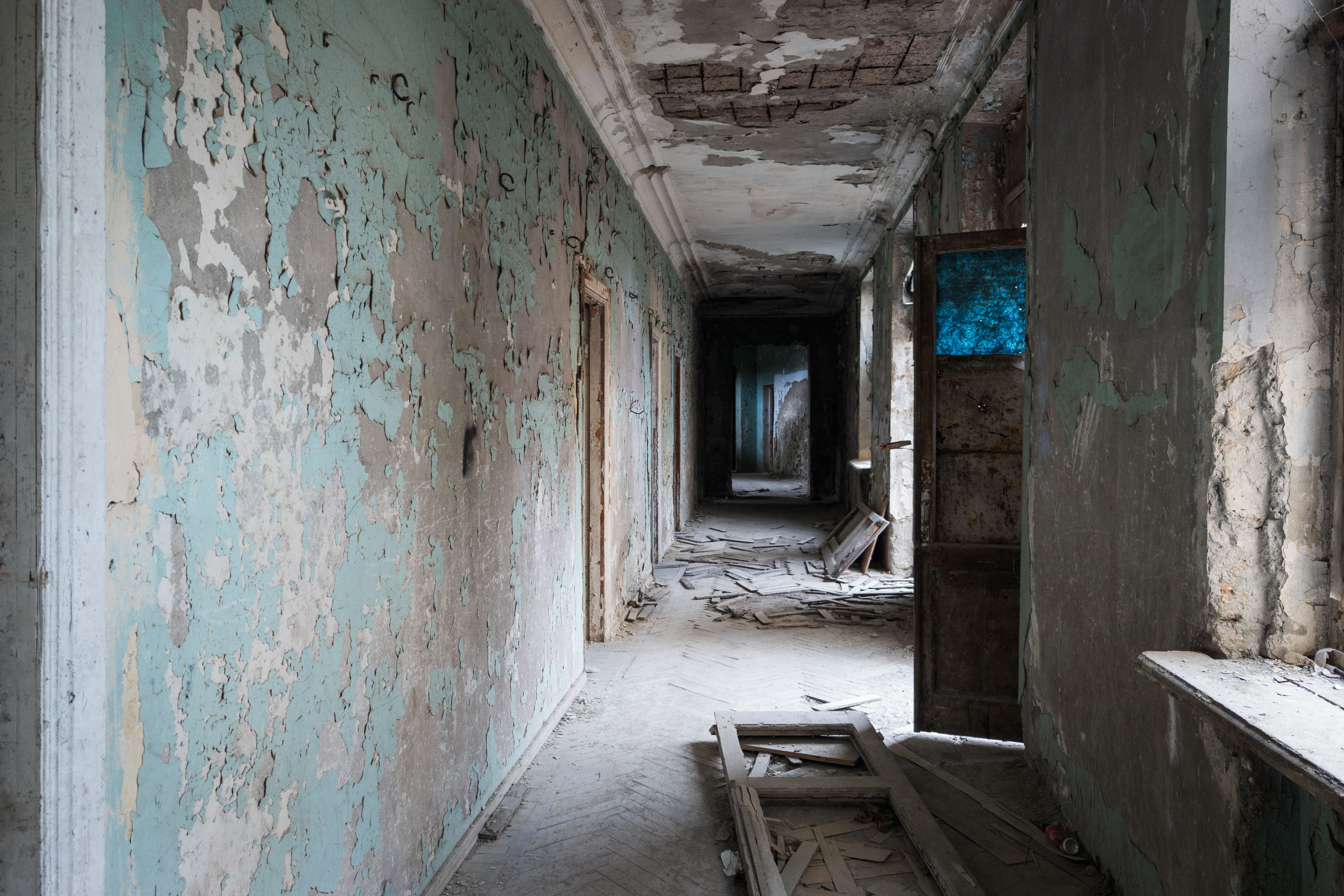
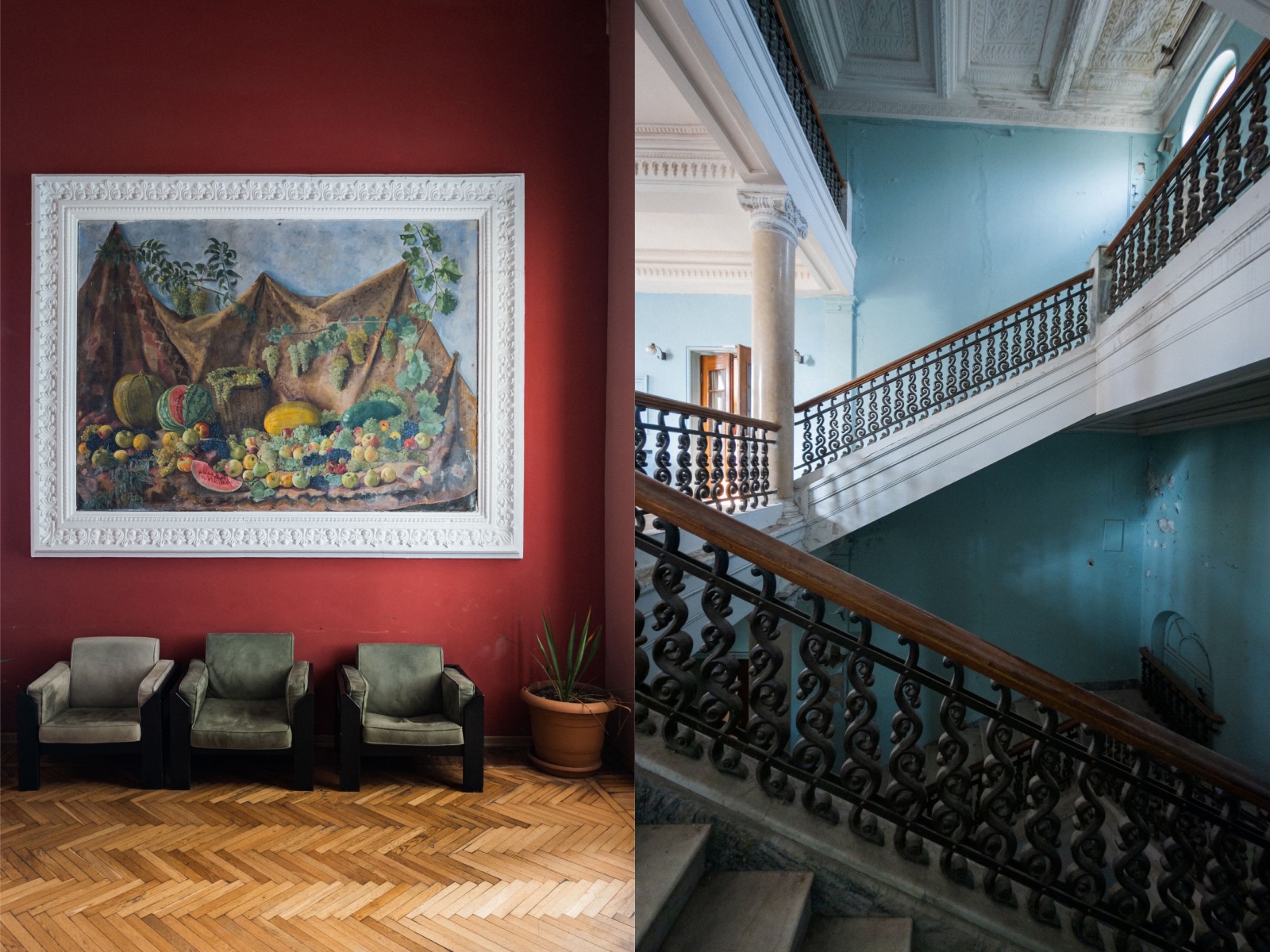
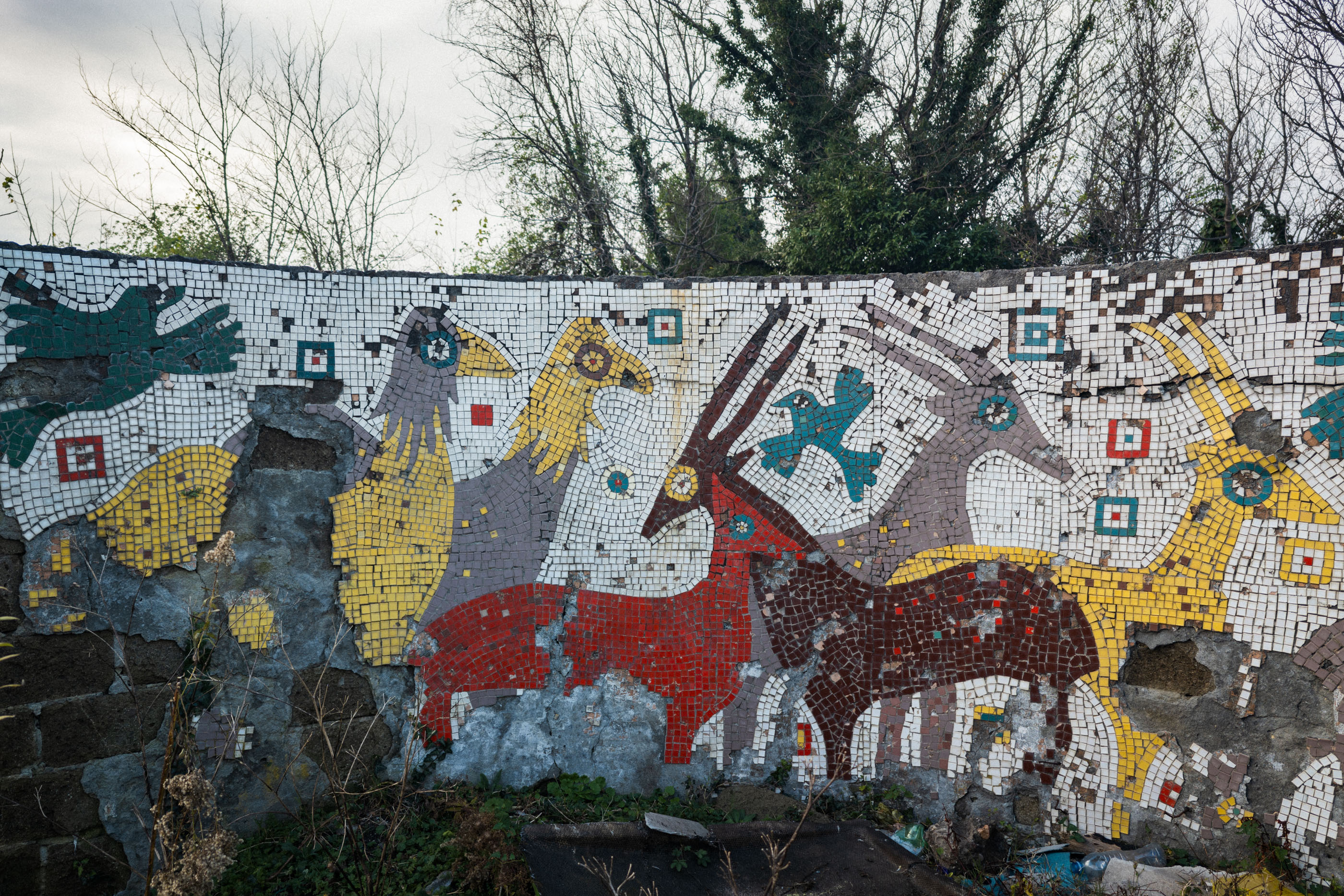
"I'm genuinely amazed at how great some of these pictures have turned out from my smartphone with the help of the kit."

What I loved about using the Phil Clamp (and what could be improved)...
What I liked:
- The build quality is fantastic, it's solidly built and incredibly sturdy, you can tell a lot of care and attention has gone into its design
- It has an incredibly strong grip; my phone didn't slip at all when in use
- It's very easy to attach and remove from the tripod
- The clamp is compact and travel-friendly; it fits in my Bucky Tripod Bag with ease
- There's the option to add additional accessories such as LED lights and mics
- It did a stellar job in making my mobile photography sharper, clearer and stronger by making me slow down and be more considerate with my framing and compositions
What could be improved:
Neither of these is a deal-breaker, but they’re worth keeping in mind depending on how and where you shoot:
- It's slightly heavier than ultra-cheap plastic clamps (though this is also why it feels durable) and if packing lightly is important for you keep that in mind
- Like any tripod setup, it take time to set up and get the final shot compared to shooting handheld
Additional Kit: 3 Legged Thing Vanz Tripod Feet
For some of my shots, I also used the 3 Legged Thing Vanz Tripod Feet. These can turn your tripod into a tabletop setup, but I mainly used them on this trip to deal with the varied ground and terrain inside the abandoned sanatoriums.
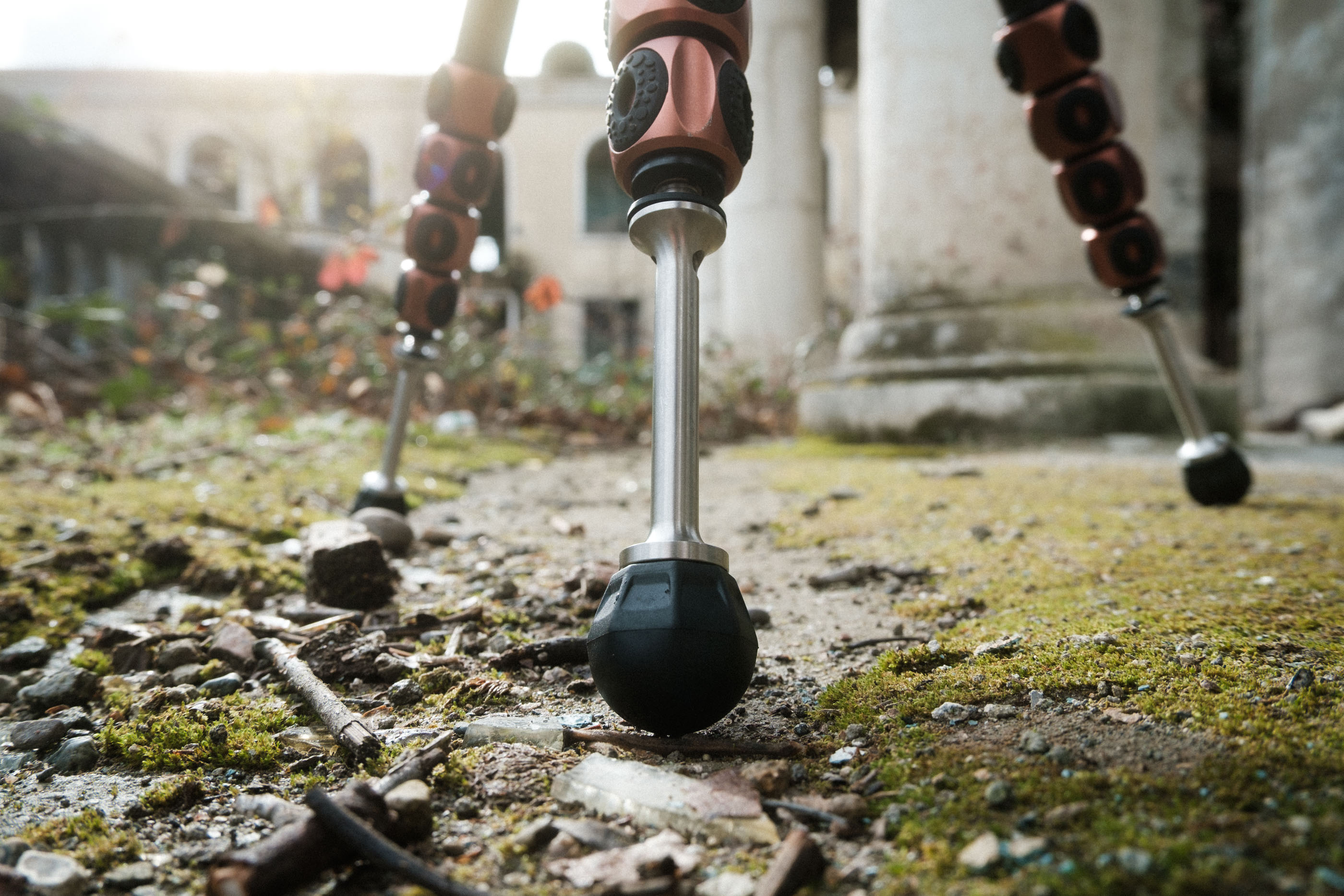
As 3 Legged Thing describes them: “The spikes are designed to elevate your tripod clear of potentially harmful terrain, or for embedding in soft ground to provide a firmer anchor during windy and turbulent weather.” There was plenty of that in Tskaltubo, and they proved invaluable.
I’m also keen to try them properly for tabletop photography, which I’ll cover in a future guide.
Final Thoughts: Is a Tripod Phone Clamp Worth Adding to Your Mobile Photography Kit?
In a word, yes!
While using a clamp and tripod does take a little more time, the trade-off is well worth it. As demonstrated in this guide too, pursuing a good quality clamp is absolutely worth it and essential to getting the best results.
With a phone clamp, you'll absolutely gain sharper images, better composition and have far greater creative control. You'll find that you'll have the ability to shoot in situations that would otherwise be impossible handheld.
If you enjoy mobile photography and want to push it further, especially when travelling or shooting in low light, a phone clamp is one of the simplest and most effective upgrades you can make.
For me, the Phil Clamp, along with the Vanz tripod feet, has earned a permanent place in my kit, and I’m already looking forward to taking it on future photography adventures.


