


Picfair has been hard at work creating a completely new library experience for photographers, read on and find out more about the improvements below

A brand new library for your images and albums
Ahead of a number of exciting new album features we’ll be unveiling soon, Picfair has been hard at work creating a completely new library experience for photographers.
Re-built from the ground up, the new image library features improved navigation, new filtering options, updated tools for editing and moving images and albums, and fresh new designs and interfaces.
Improved navigation:
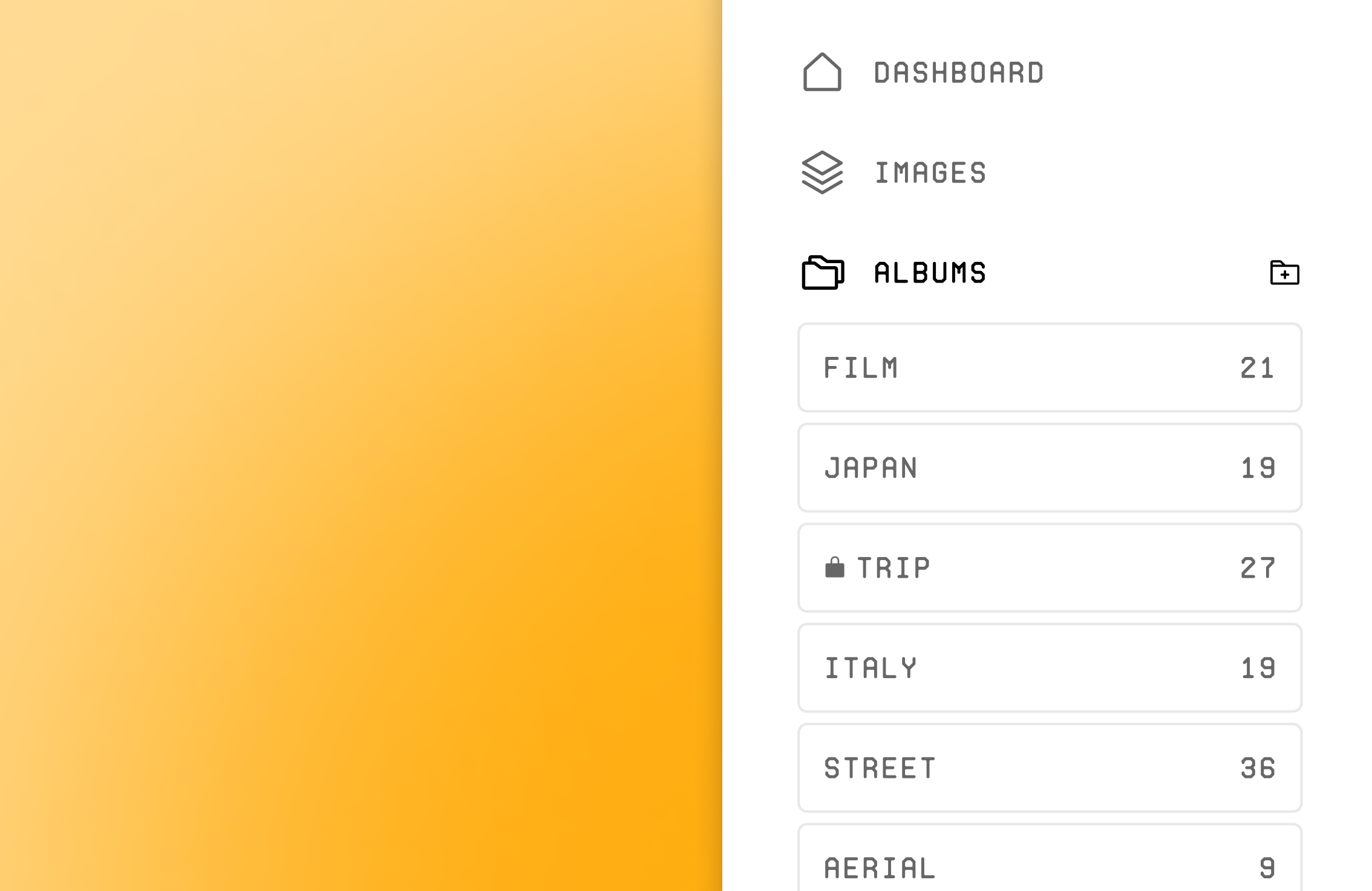
- Images and Albums fully integrated into Dashboard
- Move seamlessly between image and store management
- View, access and create individual albums from Dashboard sidebar
The new library has been fully integrated into the Picfair Dashboard for quick and easy navigation between dashboard, images and albums.
Albums are now listed and accessible in the dashboard sidebar, where you can also now create a new album with a single click.
Sorting and Filtering:
- Sort and filter within the ‘Add to album’ interface
- New reordering options for images within an album
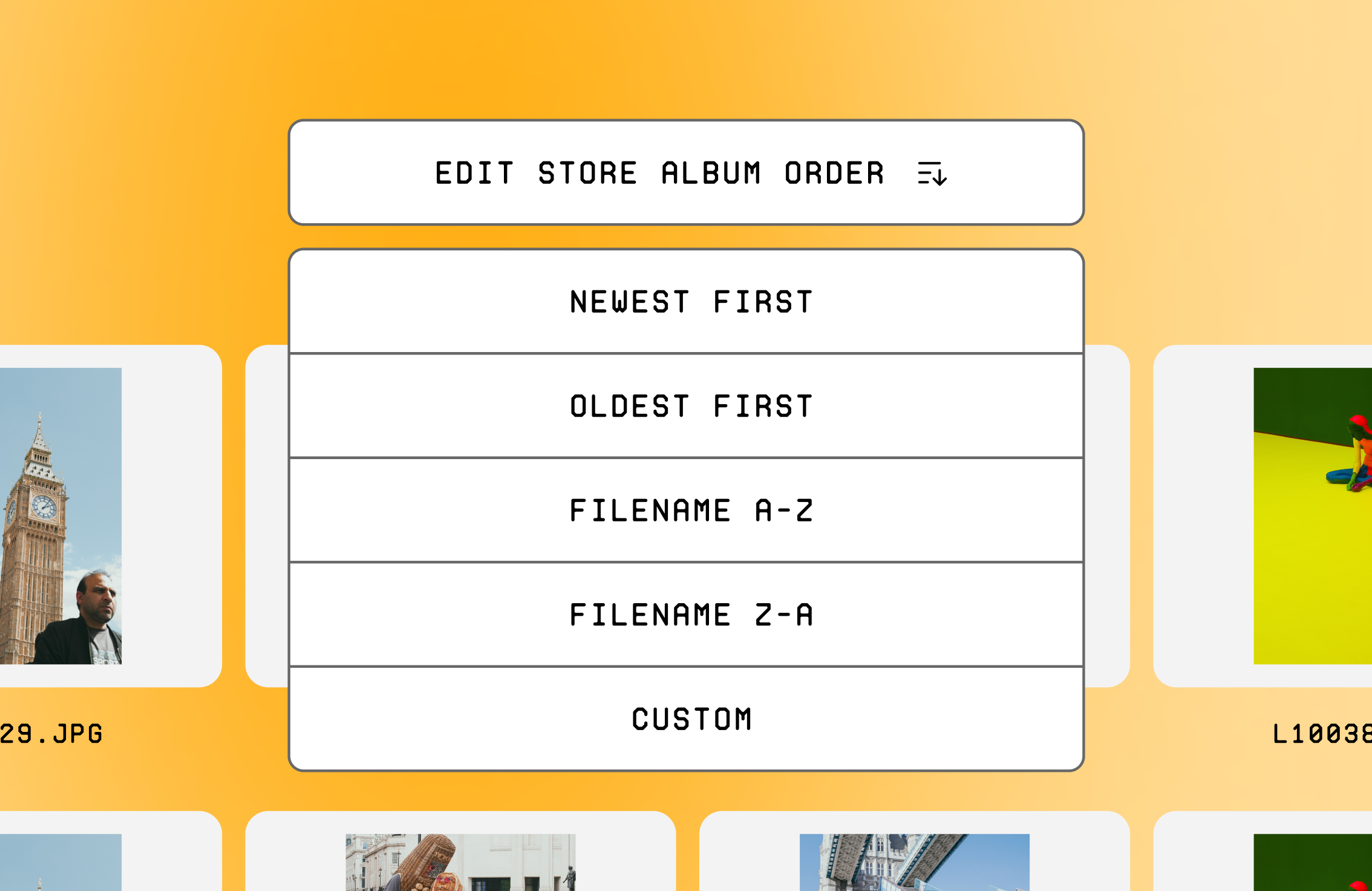
- New reordering albums options
When creating and editing albums, the library now includes the ability to sort images when adding to an album.
We’ve also added all the same filter options that exist in the image library to the ‘Add to album’ interface. This means photographers can now easily isolate the images to add to an album.
Within an album, photographers now have a range of image ordering options. In addition to the existing ‘custom’ order, images can now be arranged by ‘newest-oldest’, ‘oldest-newest’, ‘filename A-Z’ or ‘filename Z-A’.
Albums can also now be sorted to display on your store by ‘newest-oldest’, or ‘oldest-newest’, as well as the existing custom display order.
Editing and Moving:

- ‘Drag and Drop’ into albums
- Improved ‘selecting’ and ‘deselecting’ functionality
- Improved tag editing options
Photographers can now add images to an album by ‘dragging and dropping’ directly from their image library into an album in the dashboard sidebar. To make this possible, the ‘selecting’ and ‘deselecting’ functionality has been refined and improved, including an updated ‘select all’ feature.
In the image editing interface, Picfair has also updated the tags section which includes a fix for photographers who were having trouble pasting lists of pre-prepared tags.
New Designs and Interfaces:
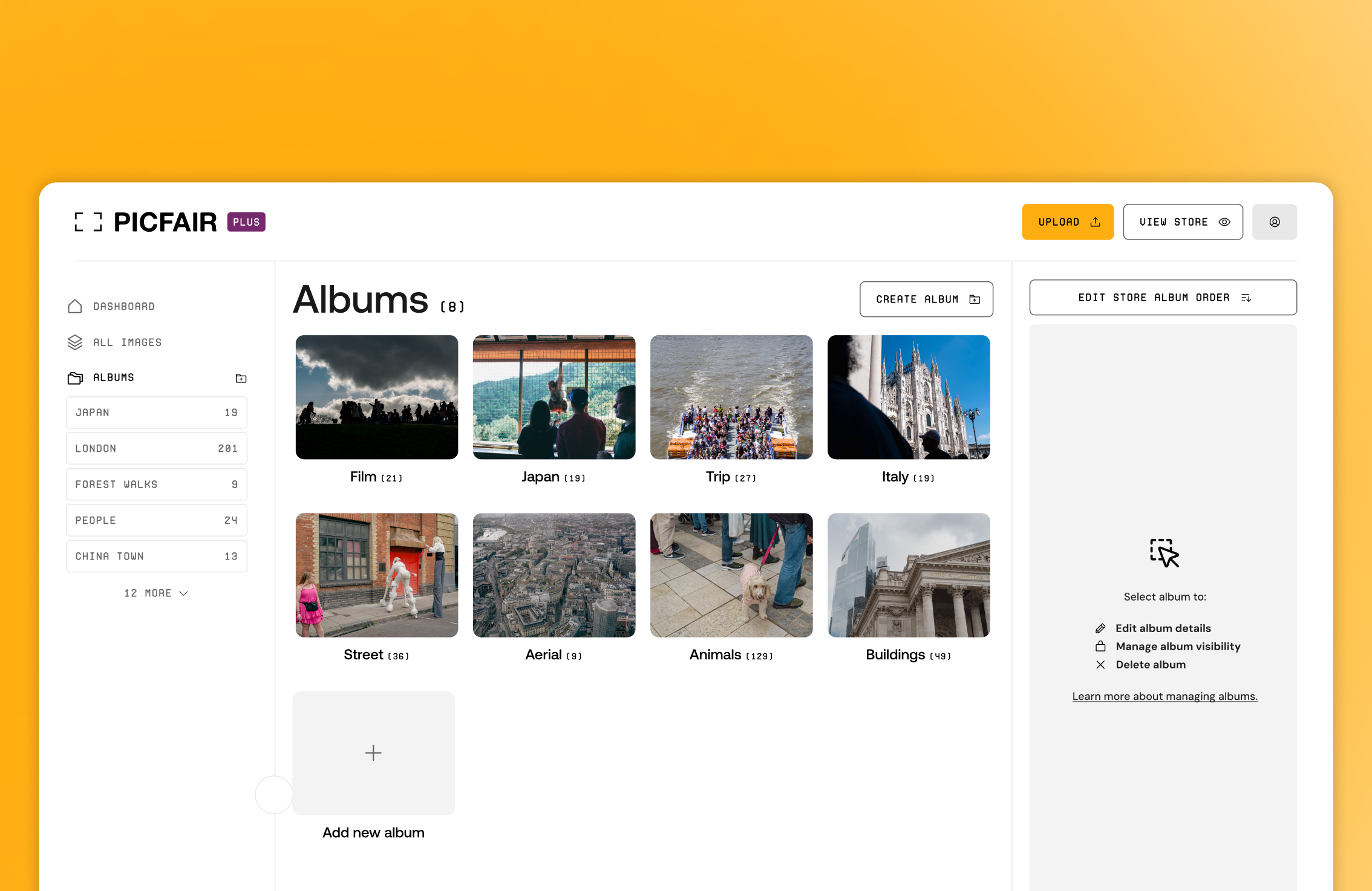
- Fully updated design to match dashboard and store settings
- Customisable ‘Info’ sidebar view
- Improved tips messaging in sidebar
The design of the library has been completely refreshed and updated, bringing it in line with the dashboard and store settings experience.
The new ‘Information and Editing’ sidebar for images and albums now has expand and collapse options for each section, allowing photographers to customise their editing experience.
You’ll also see contextual tips and links for photographers in the sidebar, including feature descriptions and links to the Support Centre for additional information.


Expertly crafted guides and tutorials brought to you directly from the Team Picfair.
View all articles


