


Following our major library rebuild, we’re thrilled to introduce private album functionality for Picfair photographers

Introducing: Private Albums
Following our major library rebuild, we’re thrilled to introduce private album functionality for Picfair photographers.
Frequently used by event photographers who want to share their images with a specific audience, private albums are also perfect for everyday photographers wanting to share memories with close family and friends, or commercial photographers looking for a means of sharing a shoot directly with their client.
Now, any Picfair photographer can control who can view an album by adding password protection on an album-by-album basis.
How it Works For the Photographer:
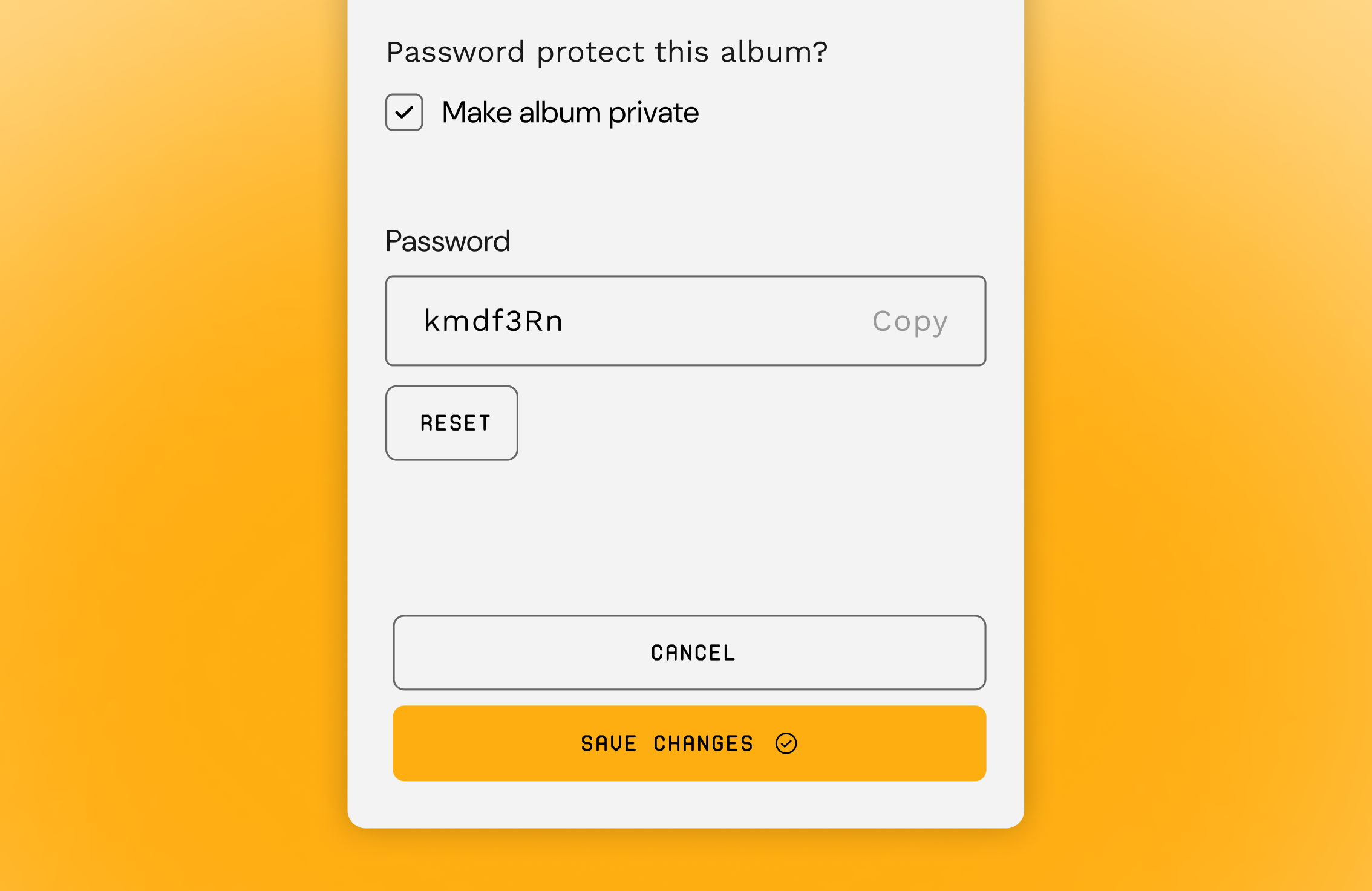
- ‘Password protect’ checkbox on every album
- Unique passwords for each private album
- Change the status at any time
Photographers can now choose to make any album private via the album details interface in their image library.
When an album is made private, a unique, album-specific password will be created, meaning that album and images can only be viewed when the correct password is entered.
Images in a private album will not be visible in any other public view on a photographer’s store, such as the ‘All images’ view.
An album can be switched between public and private at any time, and passwords can be reset if the photographer wishes to keep the album private but change who has access.
Can I add a custom message for people visiting a private album?
Yes! You’ll find the option to include a custom message alongside the ‘Make album private’ option in the album menu.
How it Works for Customers:
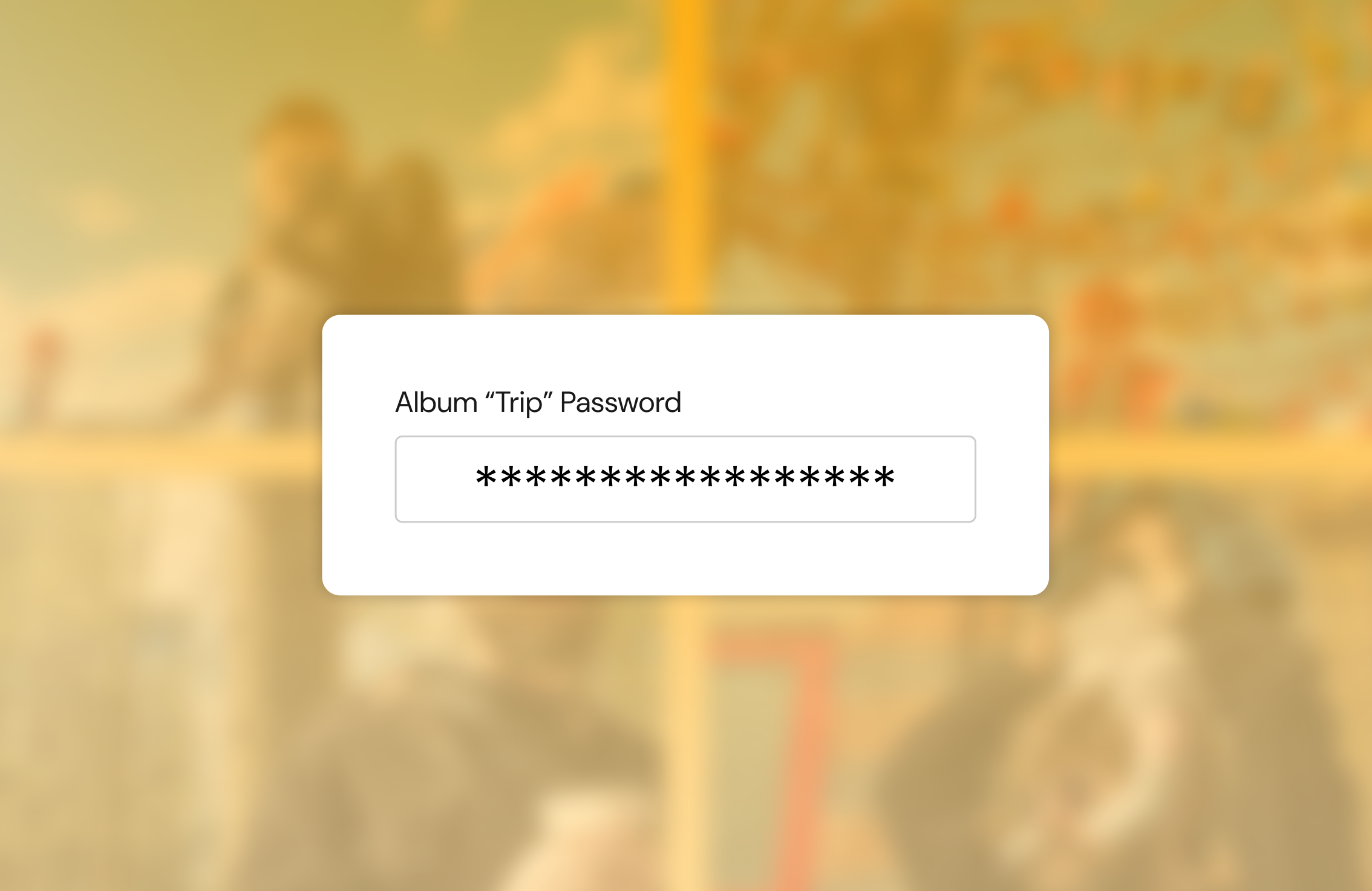
- Receive a unique URL and password for specific albums
- Details shared by photographer’s preferred method
- Password required to access images when visiting album URL
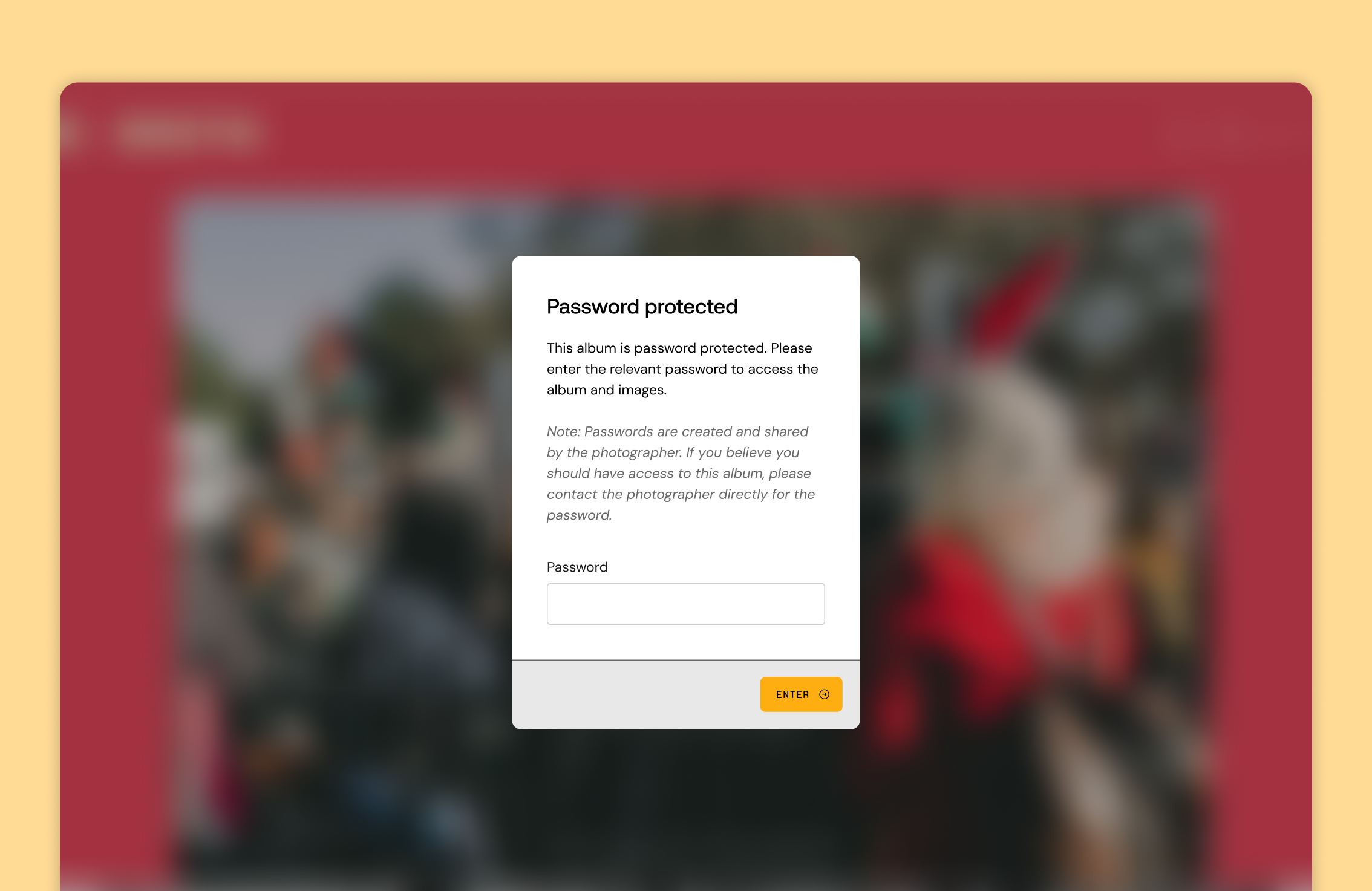
Customers visiting the URL will be asked to enter the album password, and the images won’t be revealed until the correct password is entered.
Private albums don’t appear on the albums index page of a store, so visitors will only reach them if they have the unique URL.
Where to Enable Private Albums
- New albums
- Existing albums
- Album creation during Upload
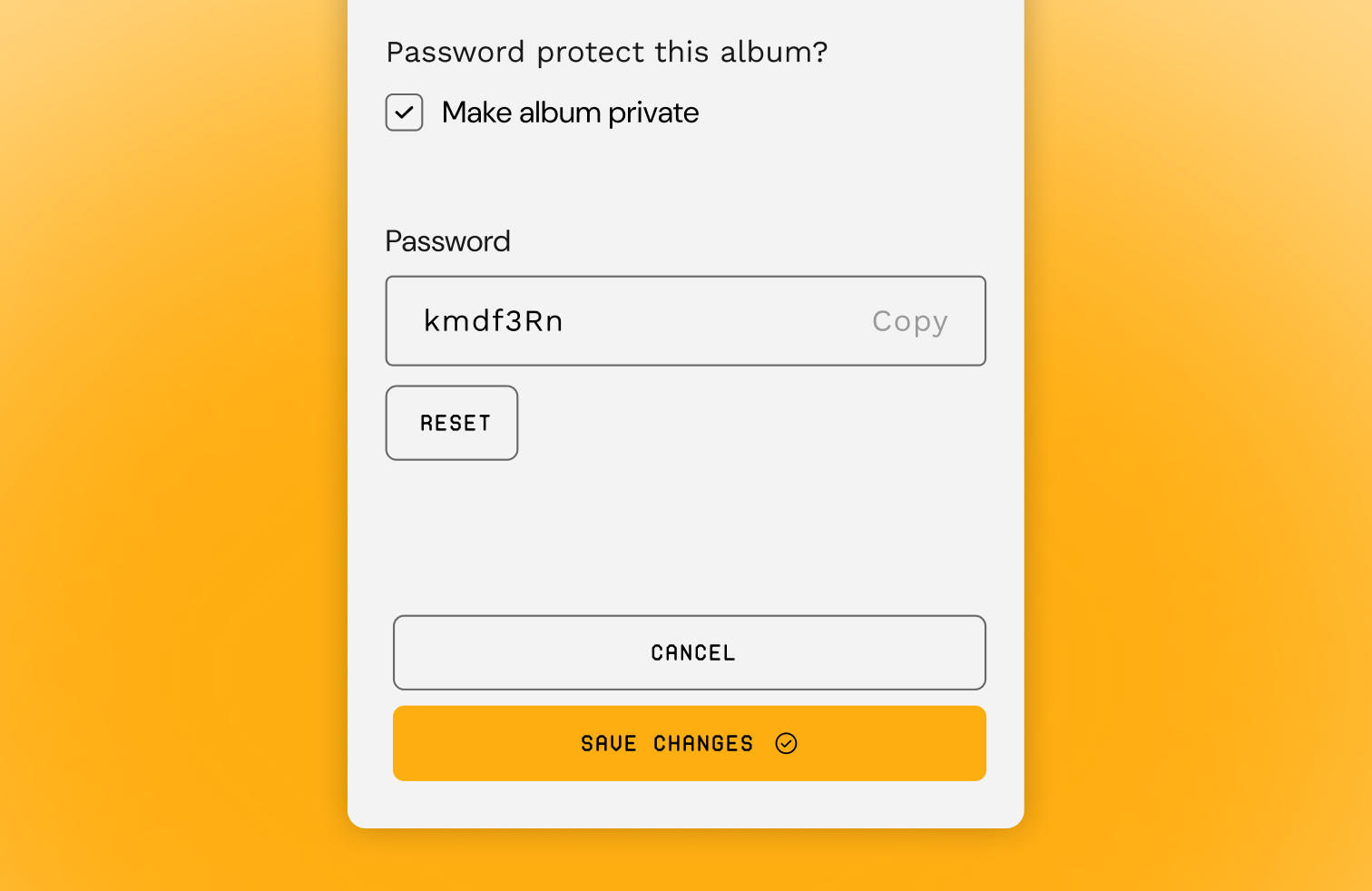
The ‘Private’ status can be set on any album's details interface. This means an album can be set to private before any images are added, or at any time after it’s been created, regardless of whether it contains images or not.
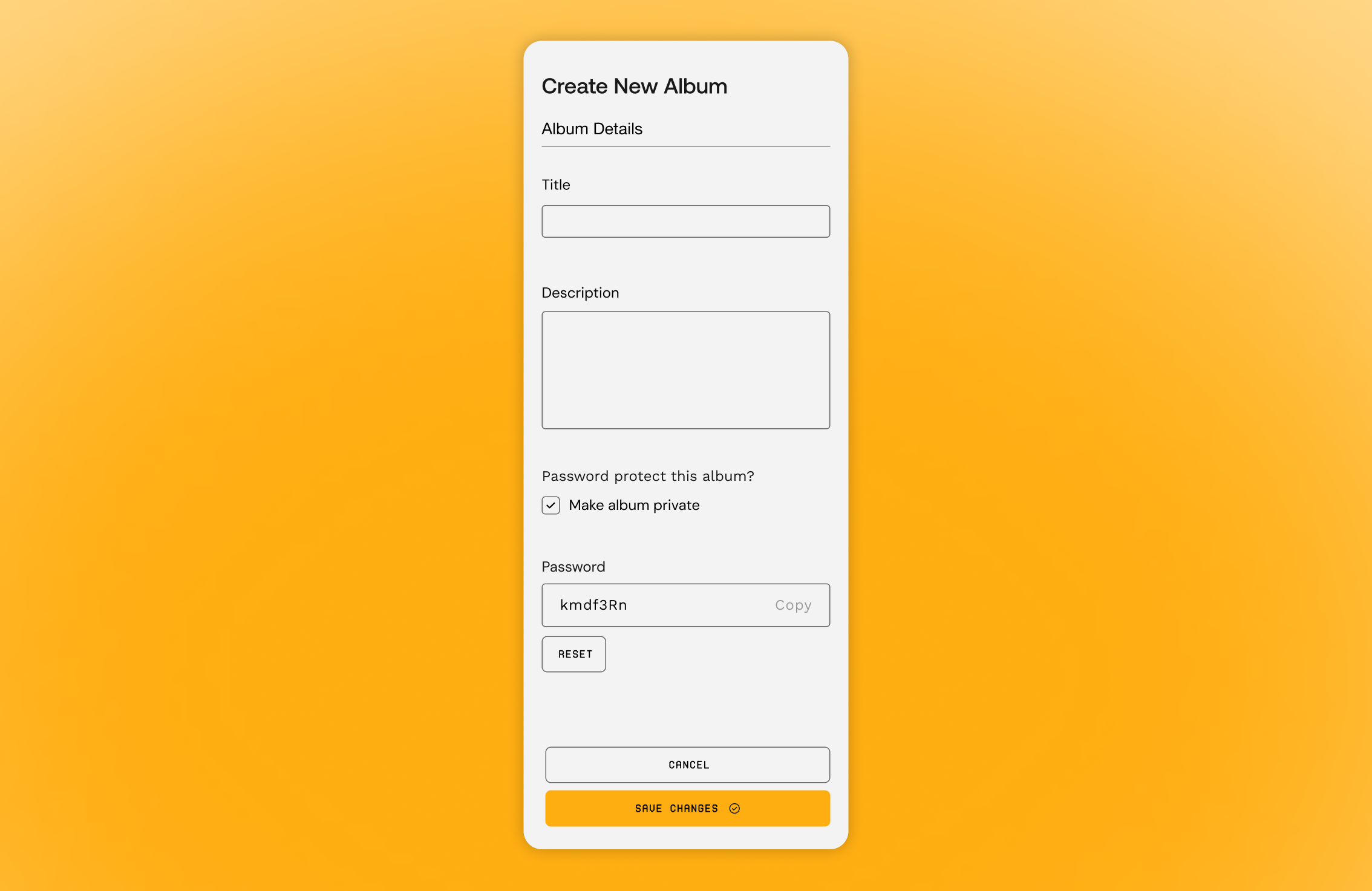
Photographers now have the added option of creating a private or public album directly from the upload page. This new feature allows photographers to create, password-protect, and upload into an album in one simple action, directly from the uploader.
How Private Albums and images appear in the Image Library
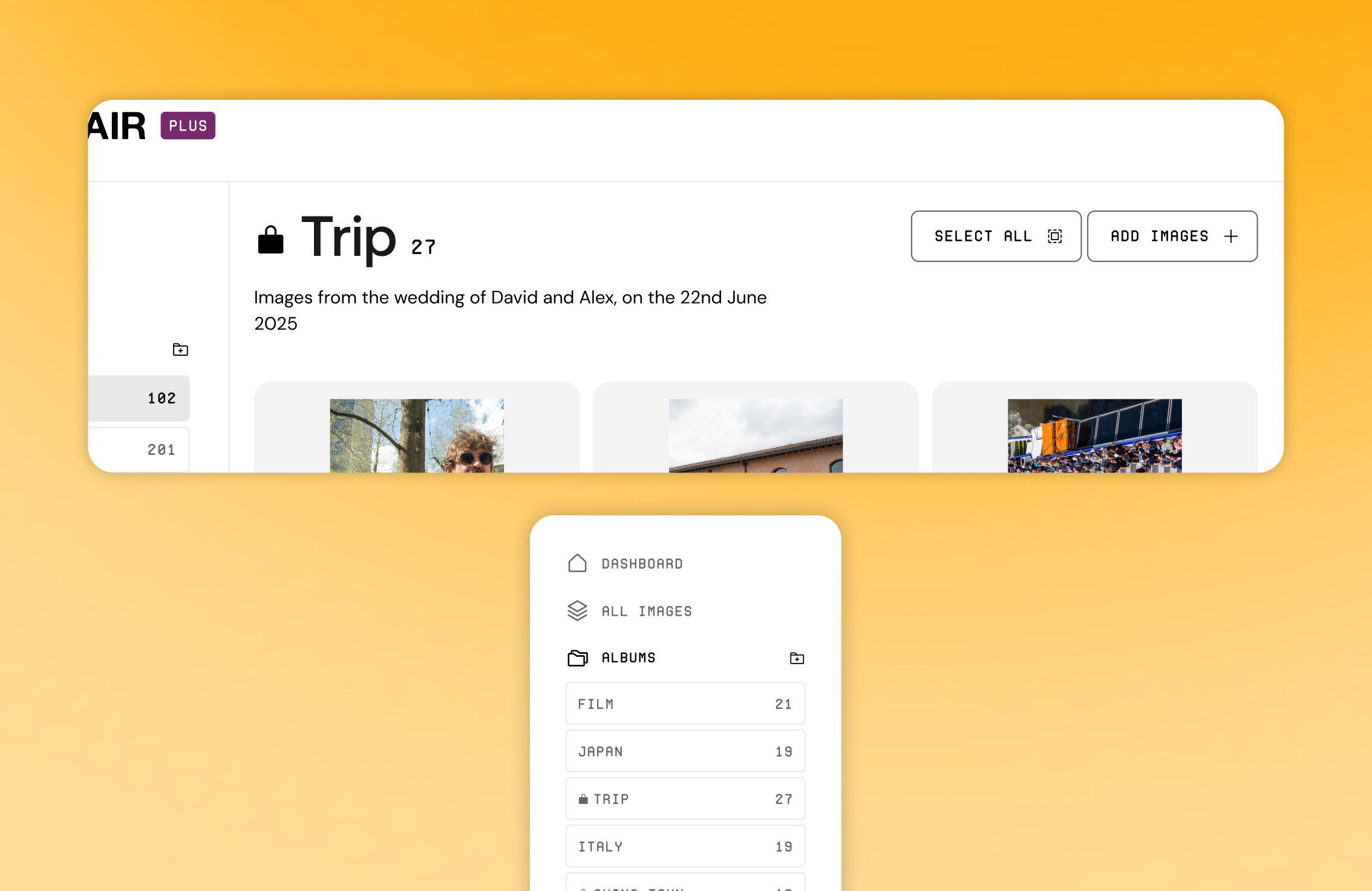
- ‘Lock’ icon on private albums
- Images in private albums flagged in the image library
To ensure photographers have visibility on the public or private status of their albums and images, all private albums will be clearly indicated in their library with a ‘lock’ icon.
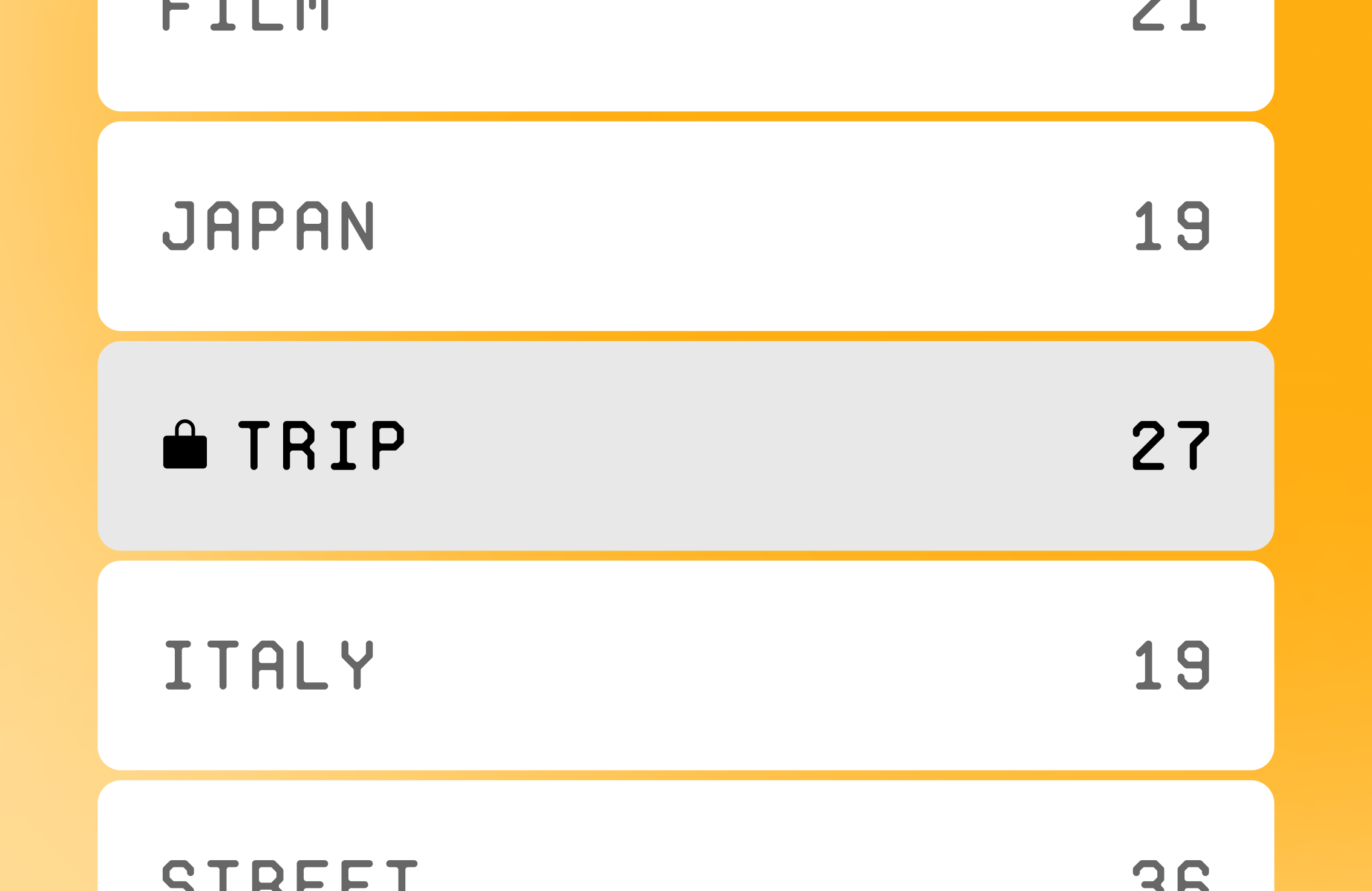
Any image in a private album will also display a lock icon in the image library so that photographers can easily see which images will be hidden from public view.
For more information and for a step-by-step guide on creating a private album, visit our Support Centre.


Expertly crafted guides and tutorials brought to you directly from the Team Picfair.
View all articles


