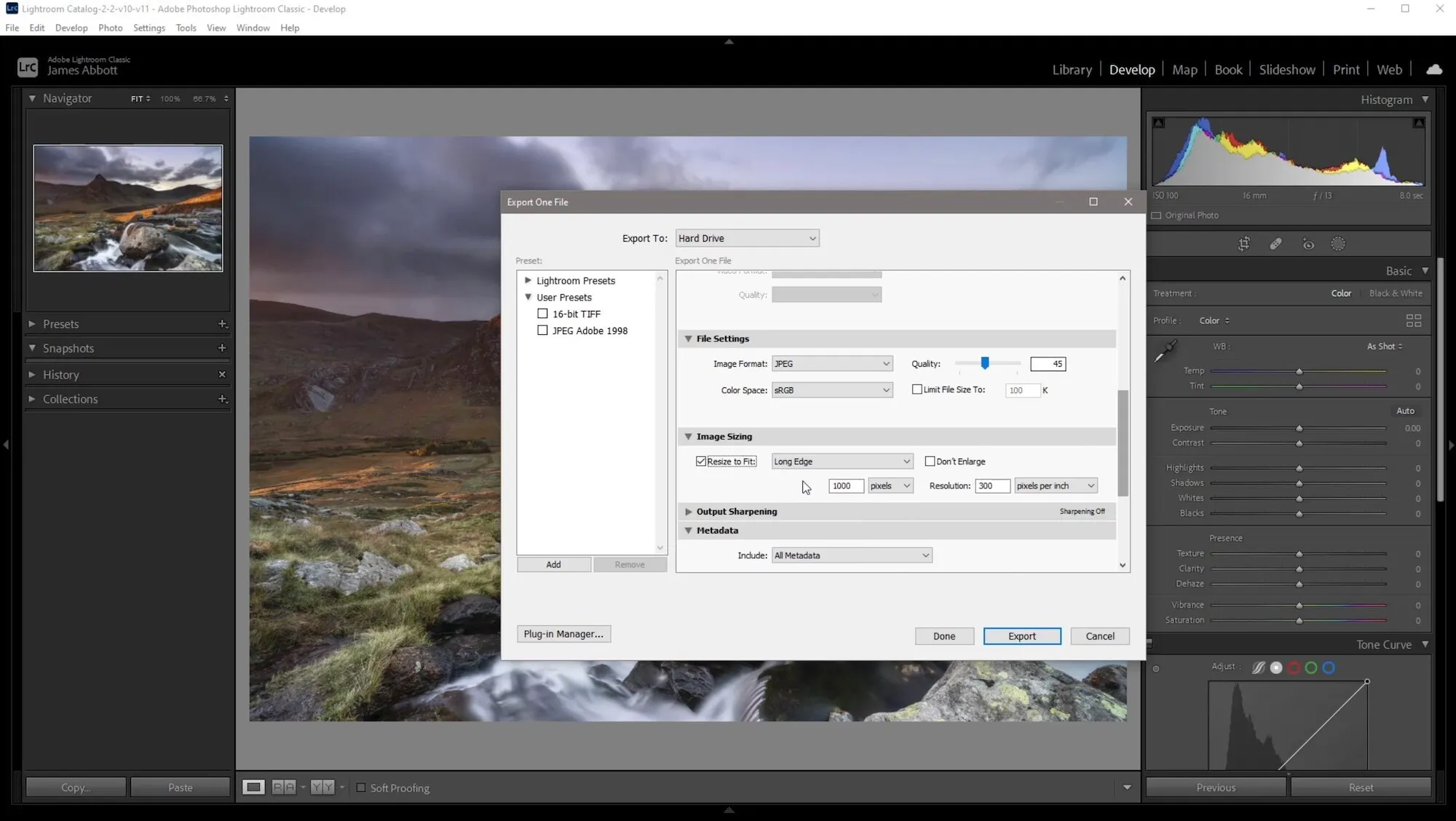
VIDEO: How to save photos for web use using Lightroom & Photoshop
Image editing expert James Abbott shows how you save your photos for fast-loading web use using Adobe Lightroom and Photoshop.
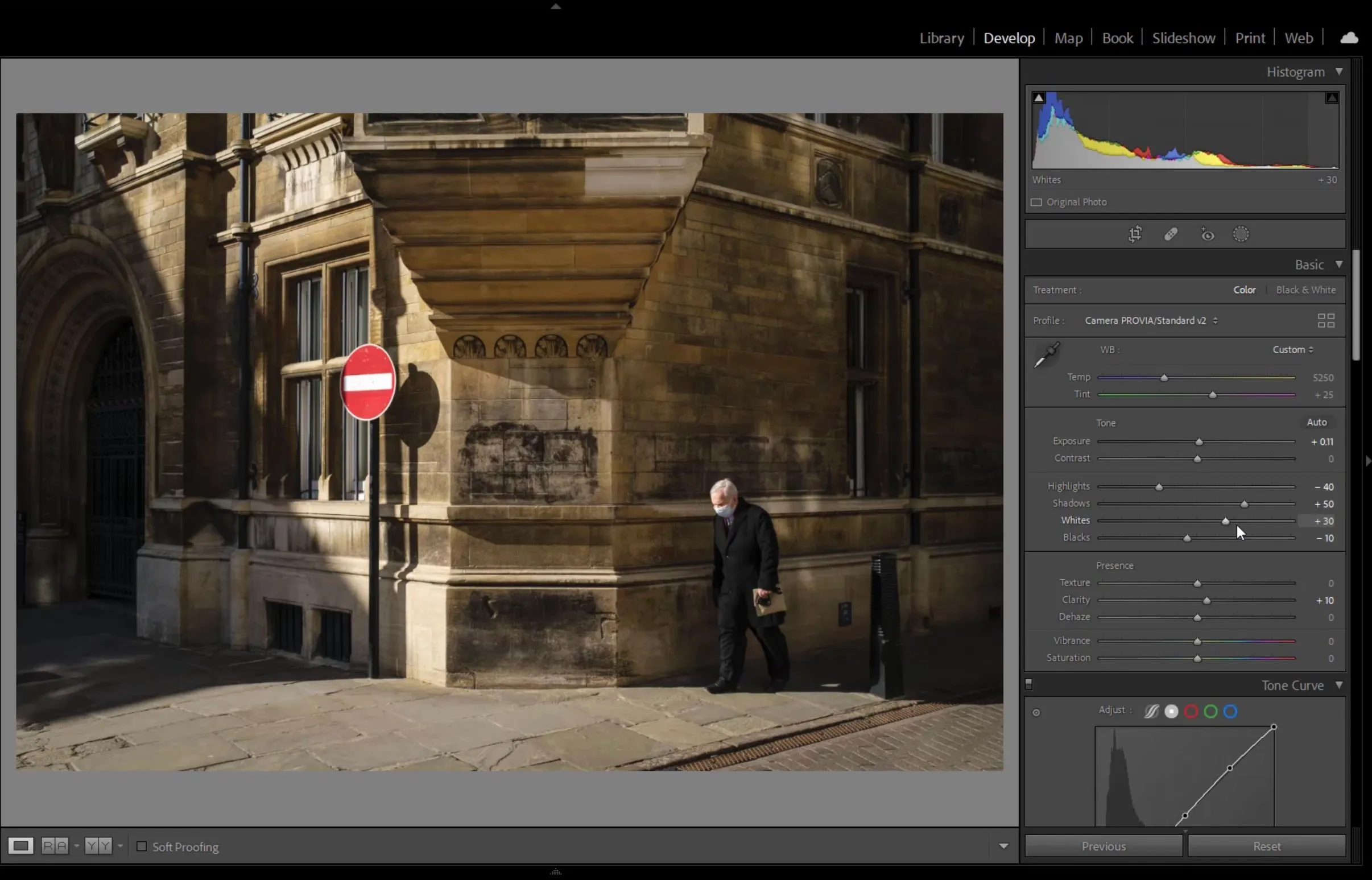
Adobe Collection - 5 simple Lightroom tutorials for beginners
Ideal for beginners; these video tutorials show you how some of the simple, yet highly effective tools in Lightroom can enhance your shots
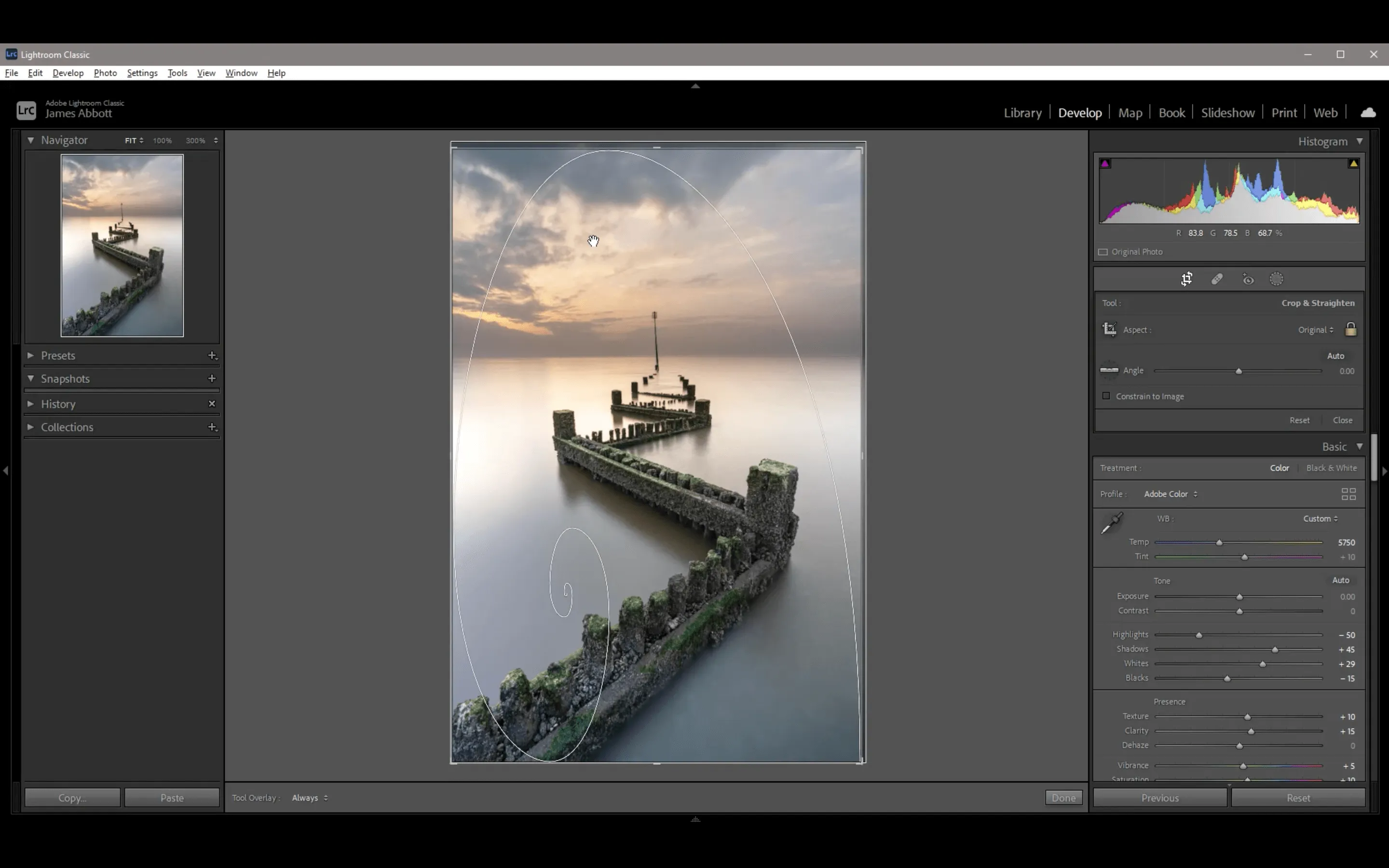
VIDEO: How to use Lightroom’s Cropping Tools
Discover Lightroom’s brilliant cropping tools and see how easy it is to use them and make significant improvements to your images.
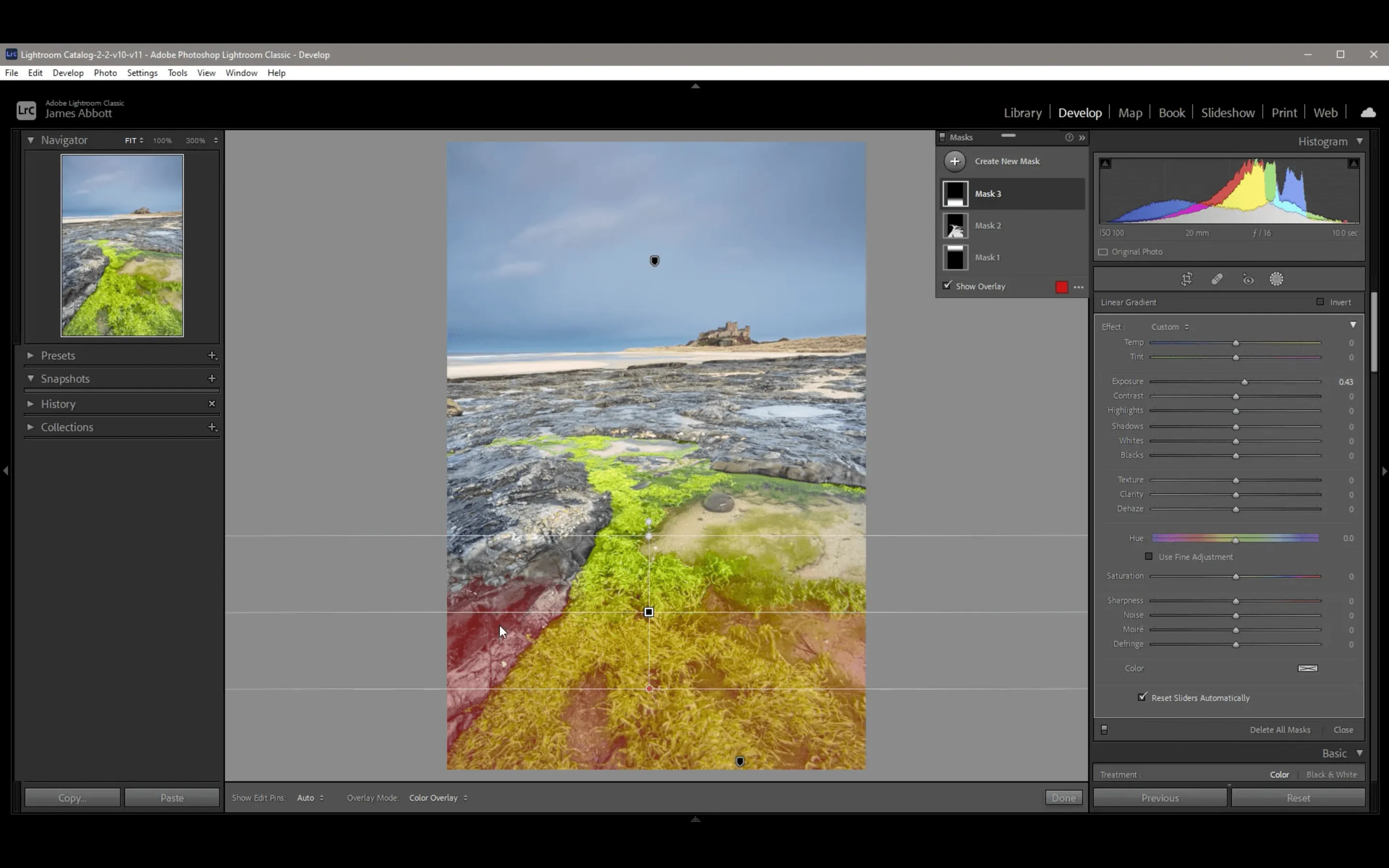
VIDEO: Beginner's tutorial on using Lightroom's Masking tool
Lightroom expert James Abbott demonstrates how easy it is to use the Masking tool in Lightroom to creatively enhance your image.
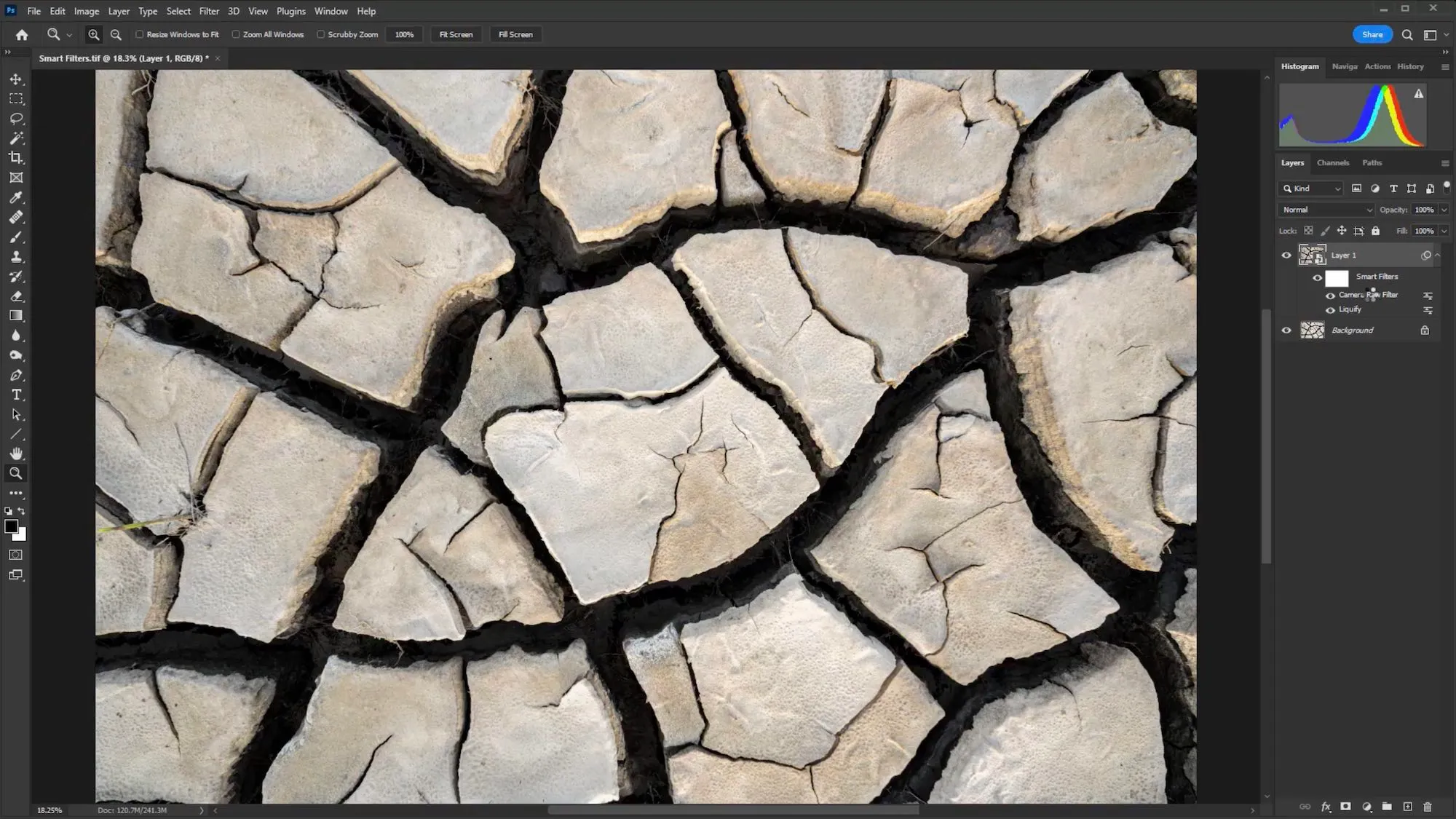
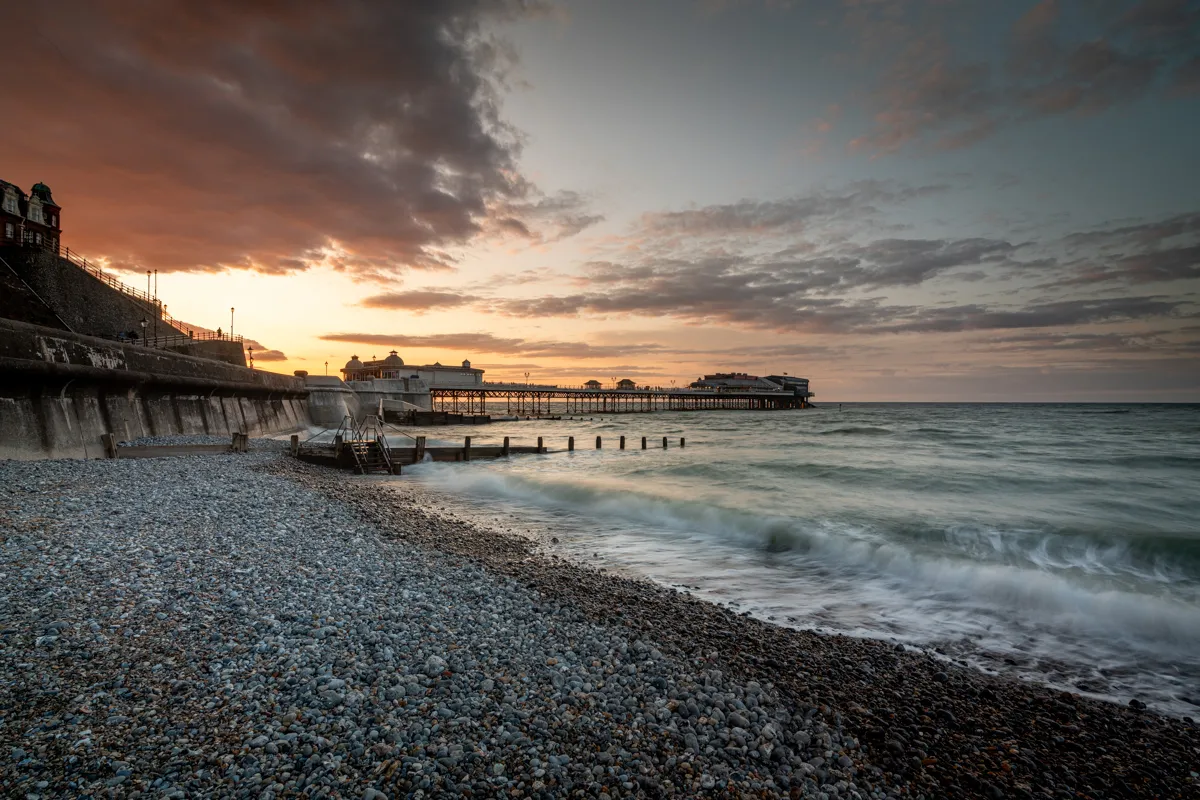
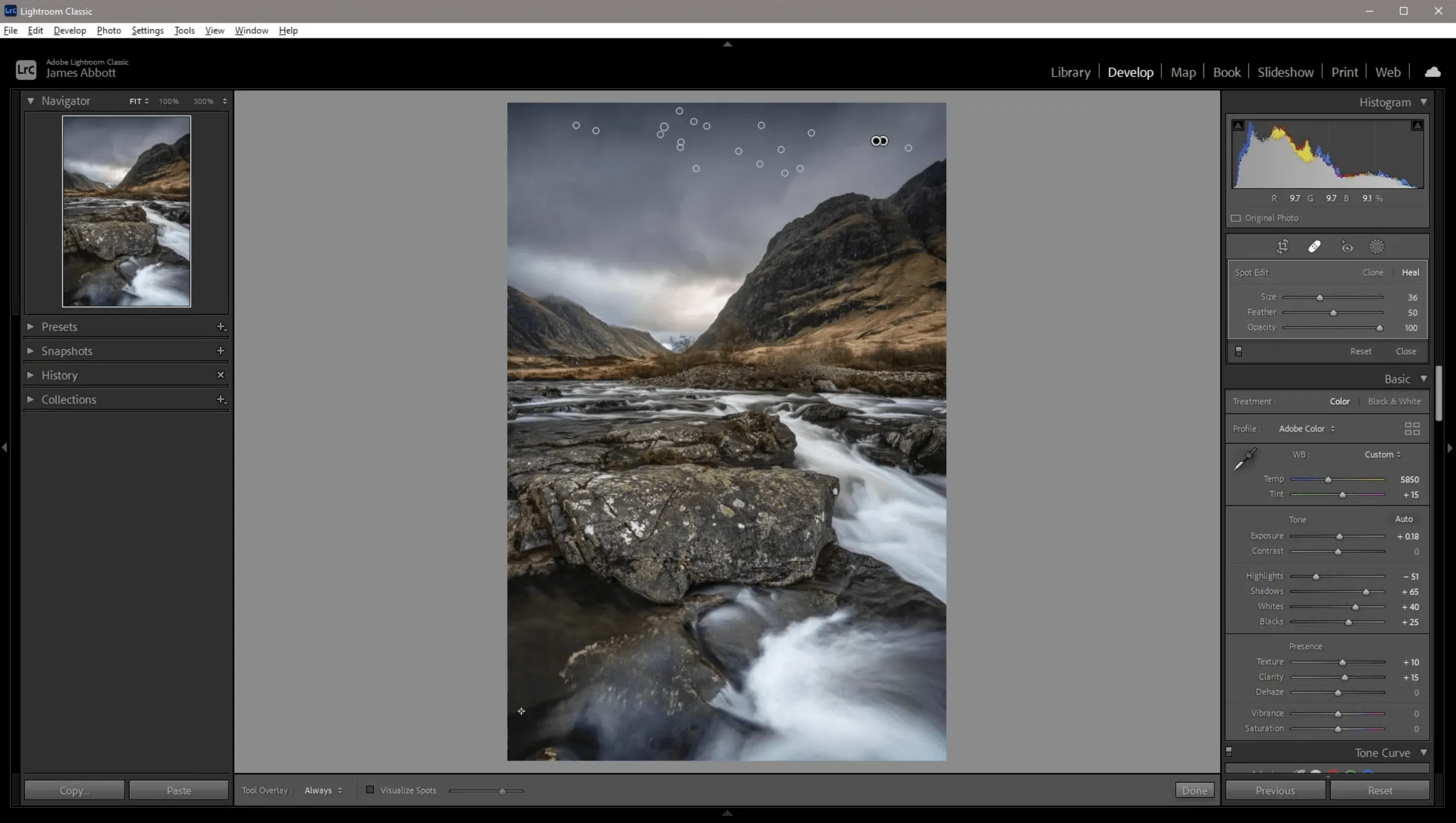
How to remove dust marks from your photos in Lightroom
See how quickly and easily you can get rid of those pesky dust marks on your photos by using simple tools in Lightroom.
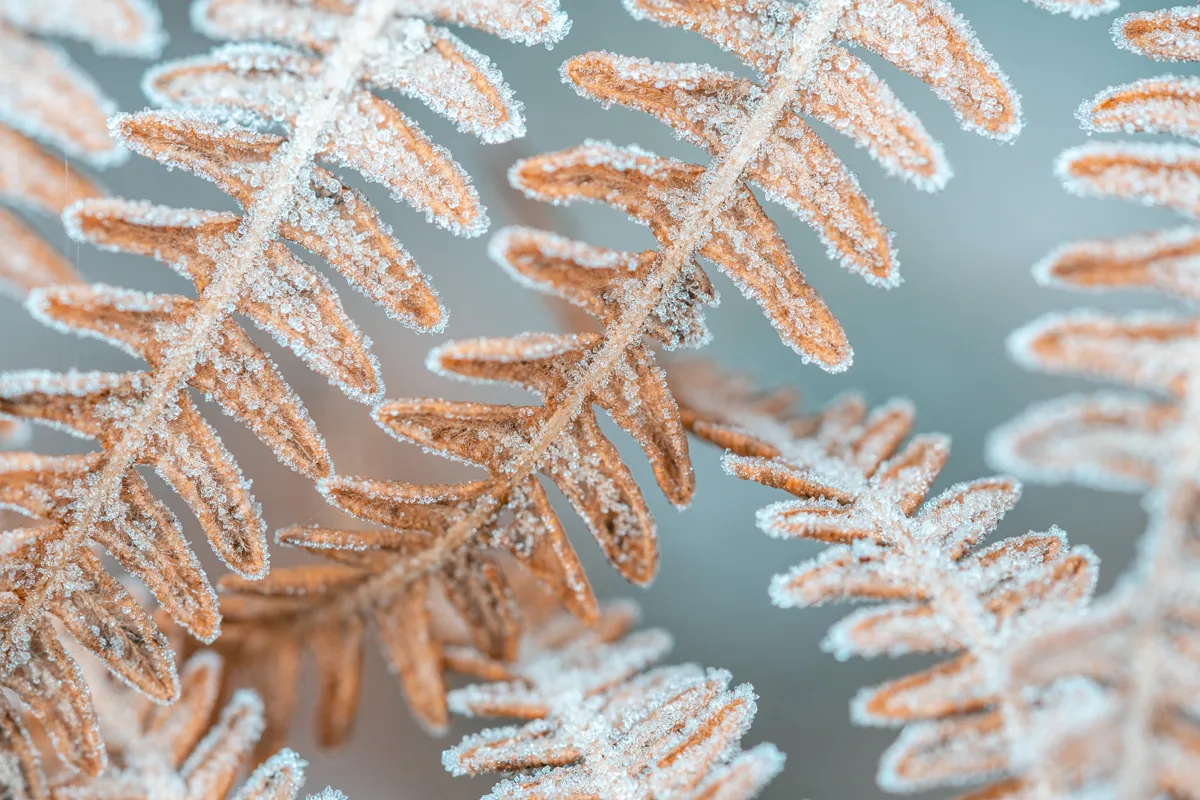
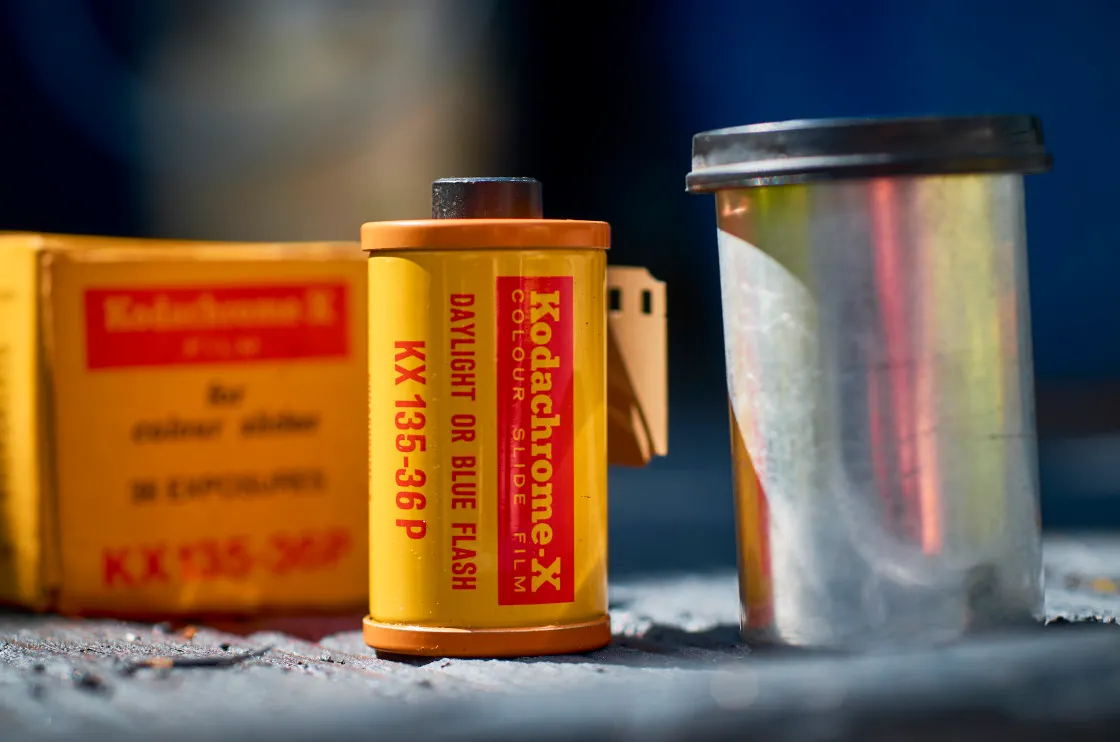
3 editing techniques to give your digital images an authentic film look
3 editing techniques in Lightroom, Photoshop or Affinity Photo to get a trendy film-like look for your images.
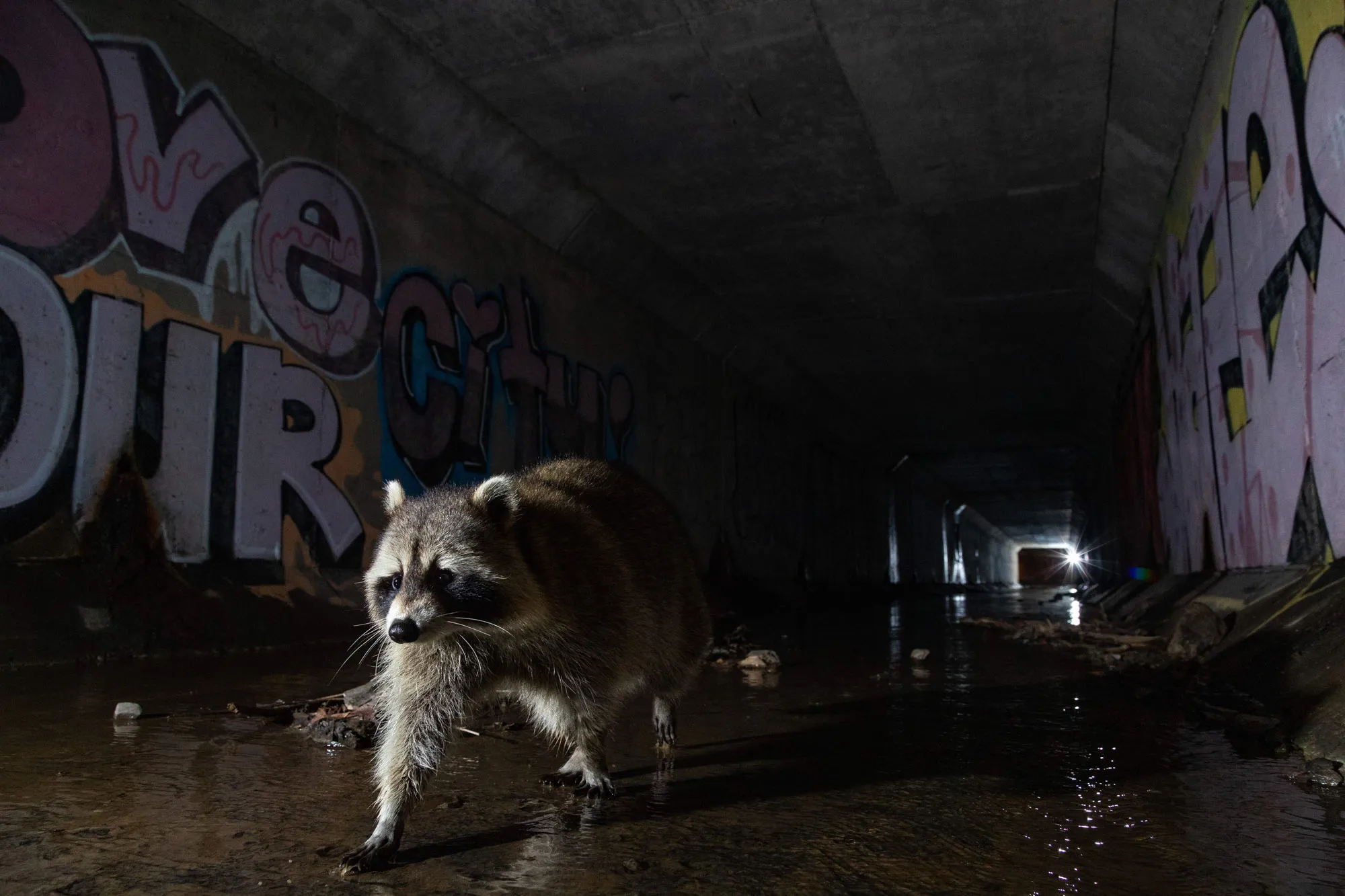
VIDEO: Where to photograph urban wildlife - a location guide with Andrew Budziak
Photographer and filmmaker Andrew Buzdiak guides us through some of the best locations for photographing urban wildlife in cities.
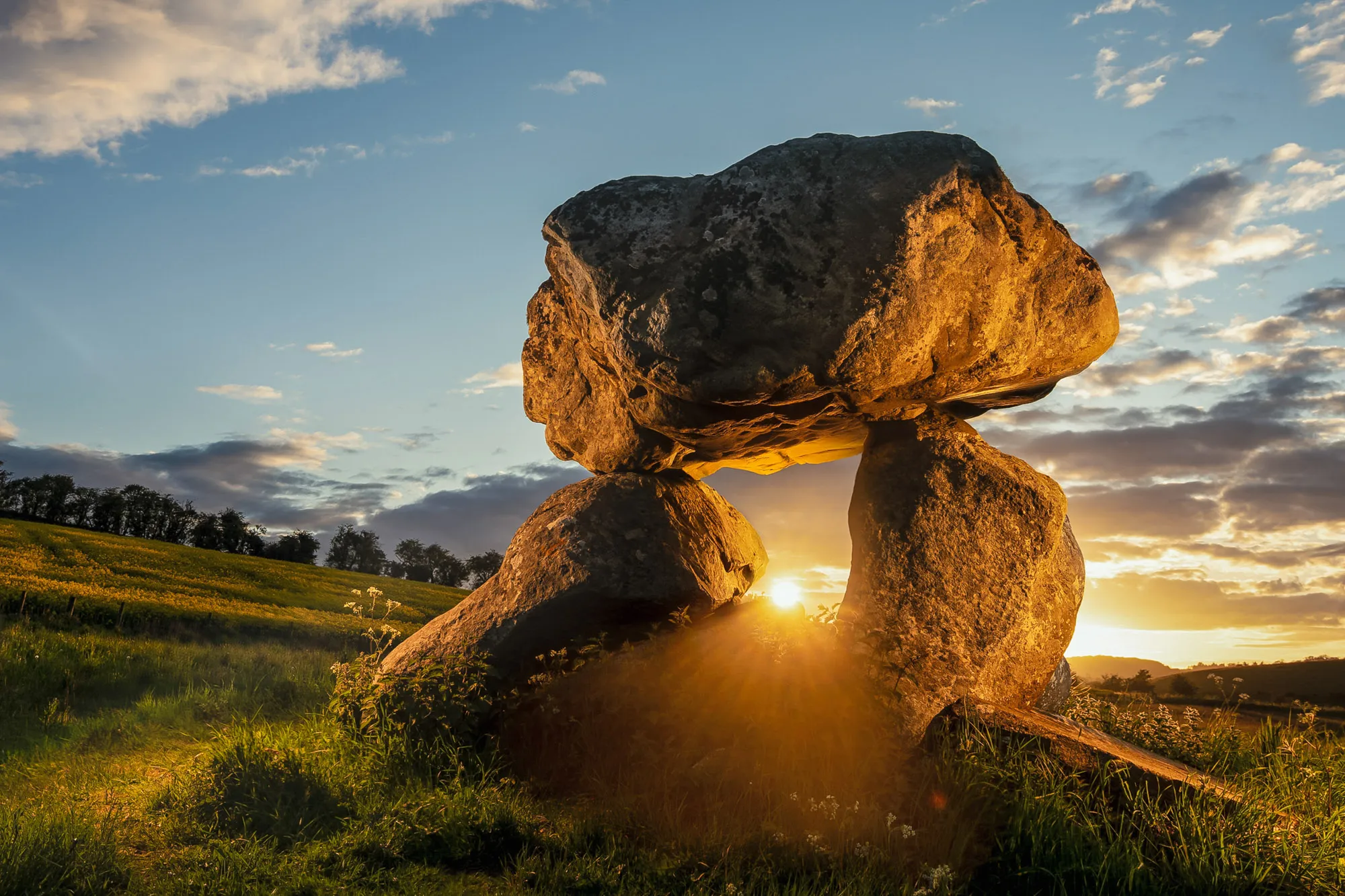
VIDEO: 5 essential Lightroom edits for every image
5 simple edits you should apply to every image after importing them to Lightroom.
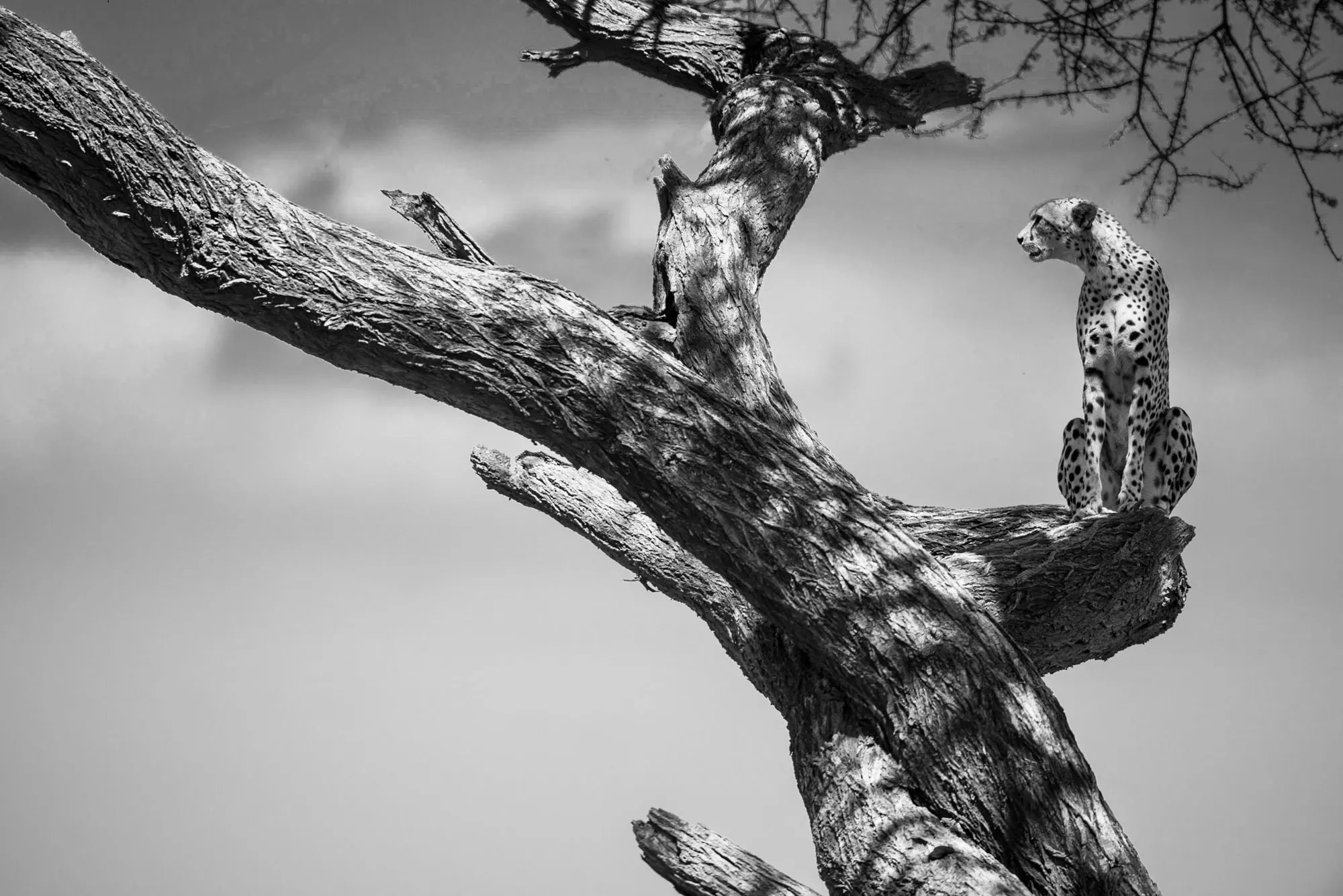
VIDEO: Simple sharing tricks in Lightroom
See how quick and easy it is to share your photos with others using Lightroom.

VIDEO: How to create your own toning profiles for Lightroom
Learn how to make your own beautiful toning profiles that you can apply across your images in Lightroom with our beginner's tutorial.
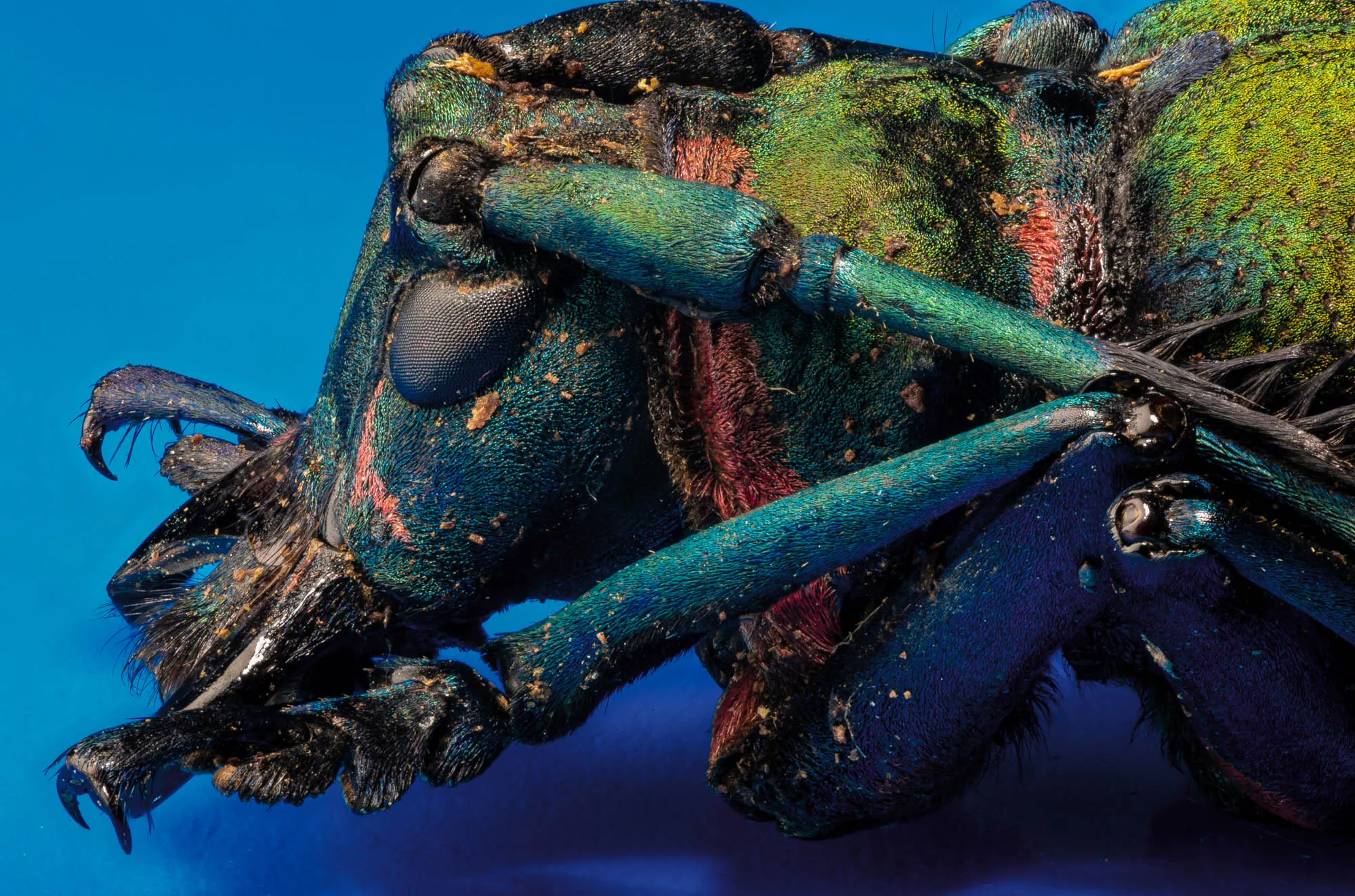
VIDEO: How to edit with Hue, Saturation and Luminance (HSL) in Lightroom
See how simple it is to use the HSL controls in Lightroom to quickly and effectively enhance your shots.
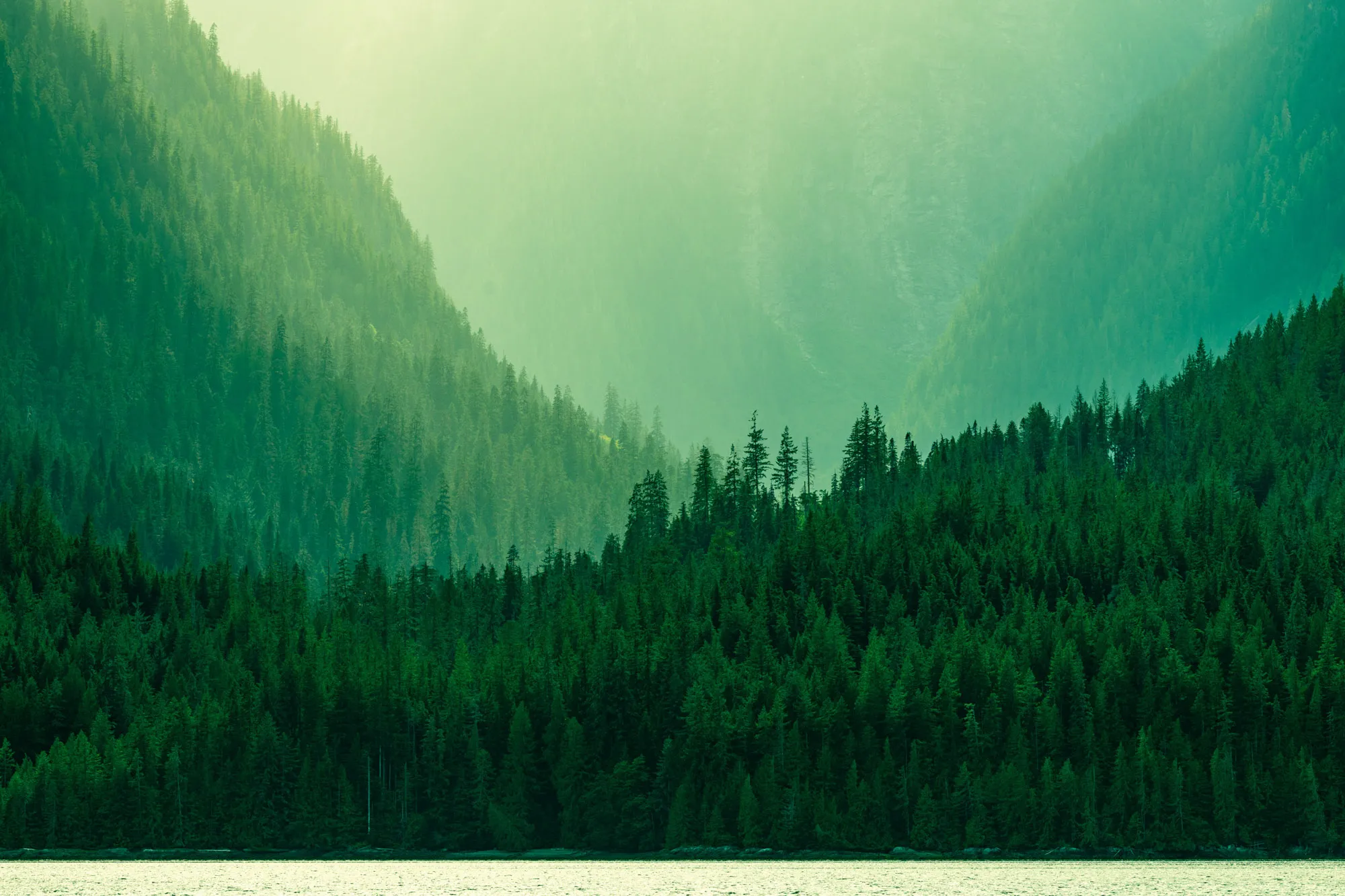
VIDEO: How to Color Grade in Lightroom
See how quick and easy it is to use Color Grading in Lightroom to enhance your images with our beginner's tutorial.
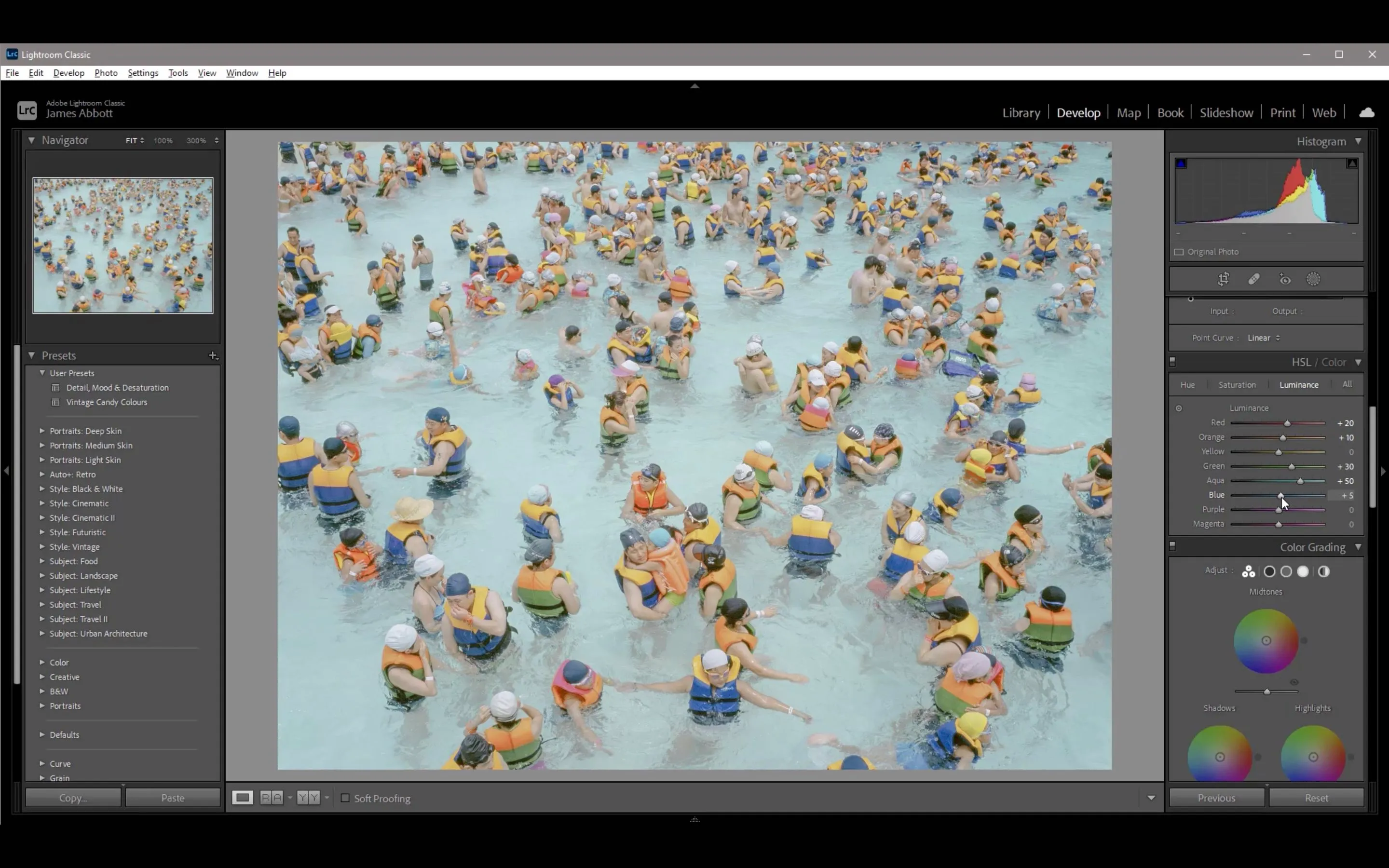
VIDEO: How to create vintage candy colours for your shots in Lightroom
Learn how you can give your photos a beatiful old-fashioned pastel look with this simple Lightroom tutorial
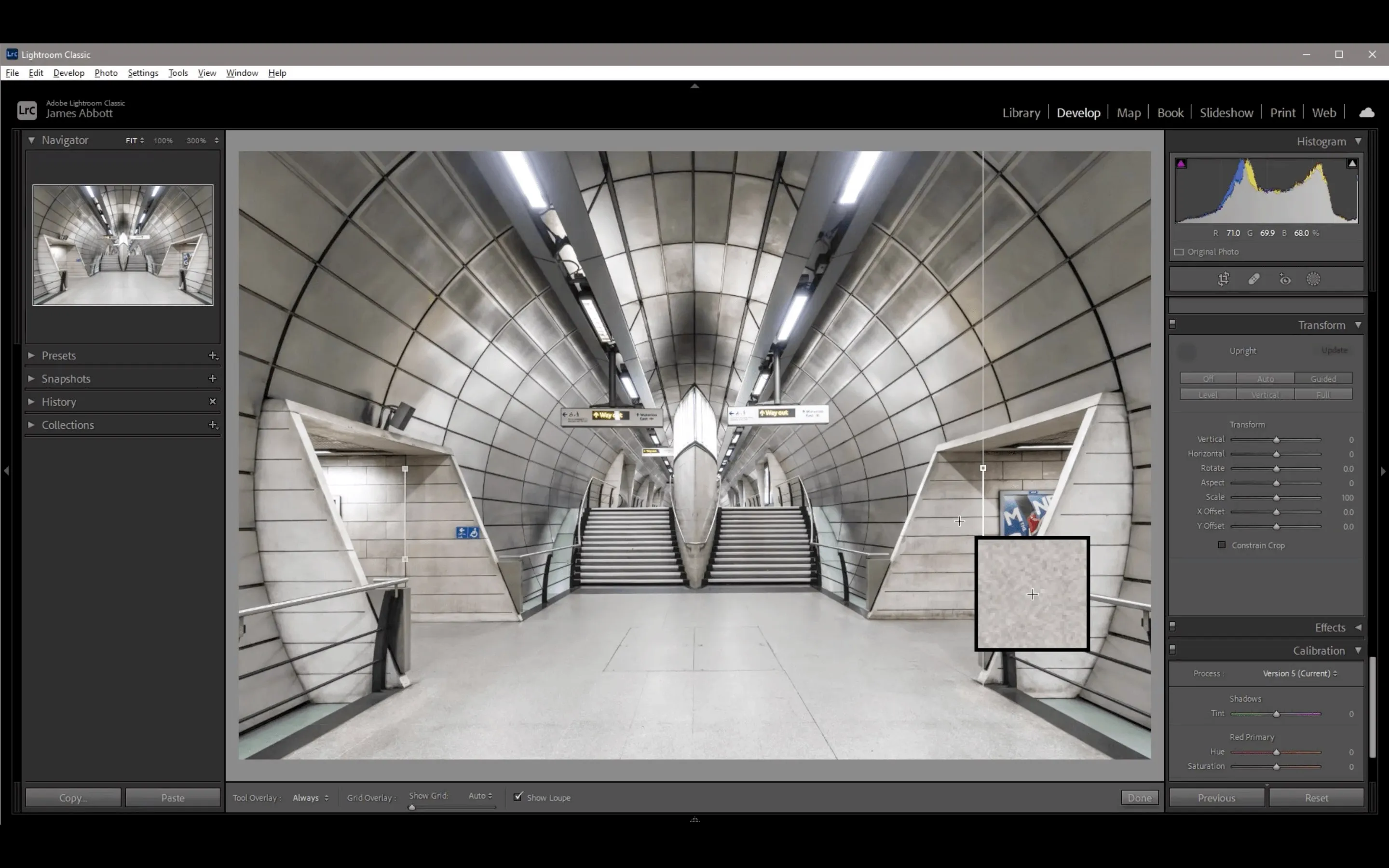
VIDEO: How to correct perspective distortion in Lightroom
See how easy it is to correct the distortion that's common in architecture and cityscape photography in a few simple steps.
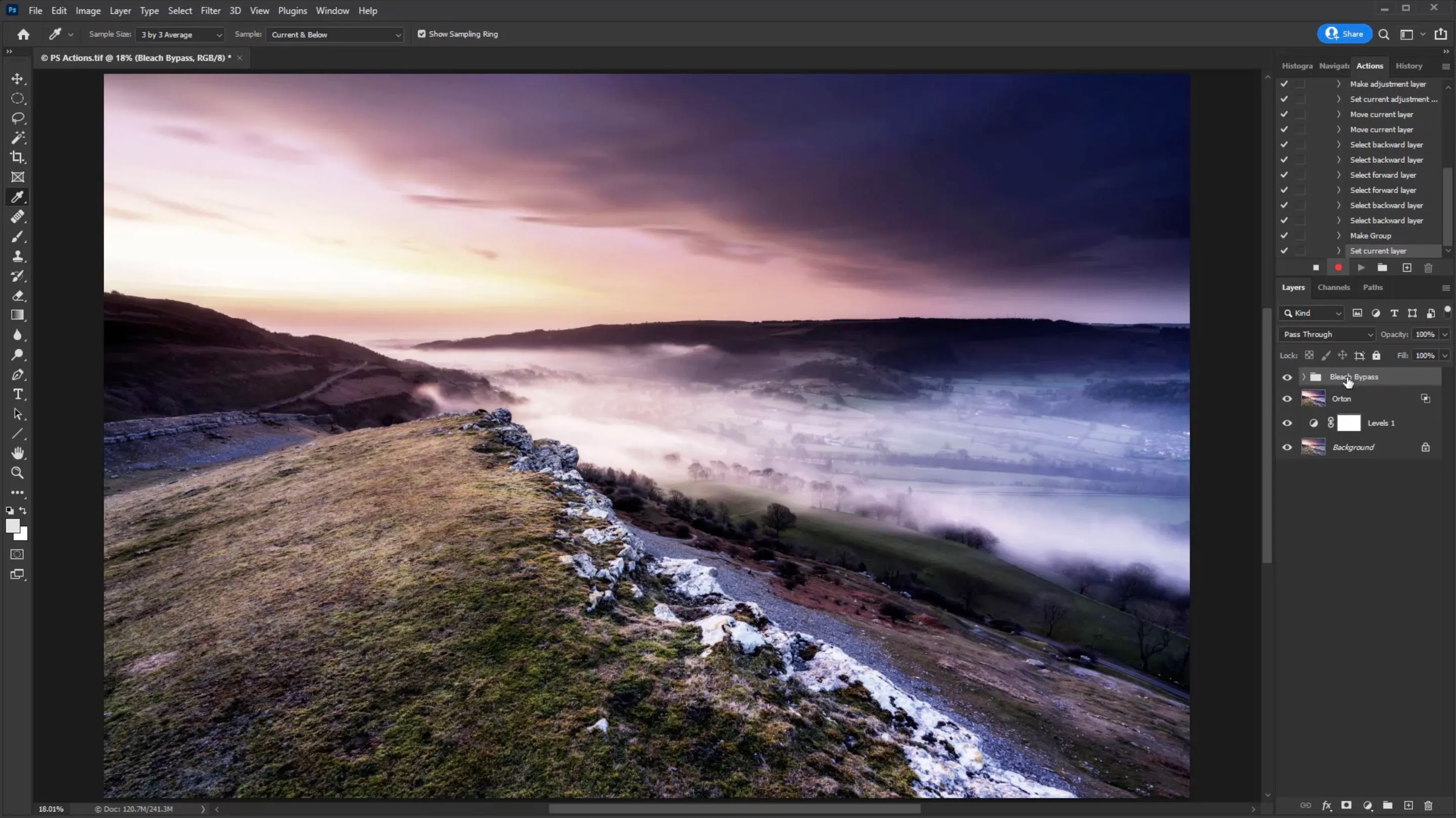
VIDEO: How to create Photoshop Actions to save time in your workflow
Learn how to create Photoshop Actions that will save you heaps of time when editing your photos.
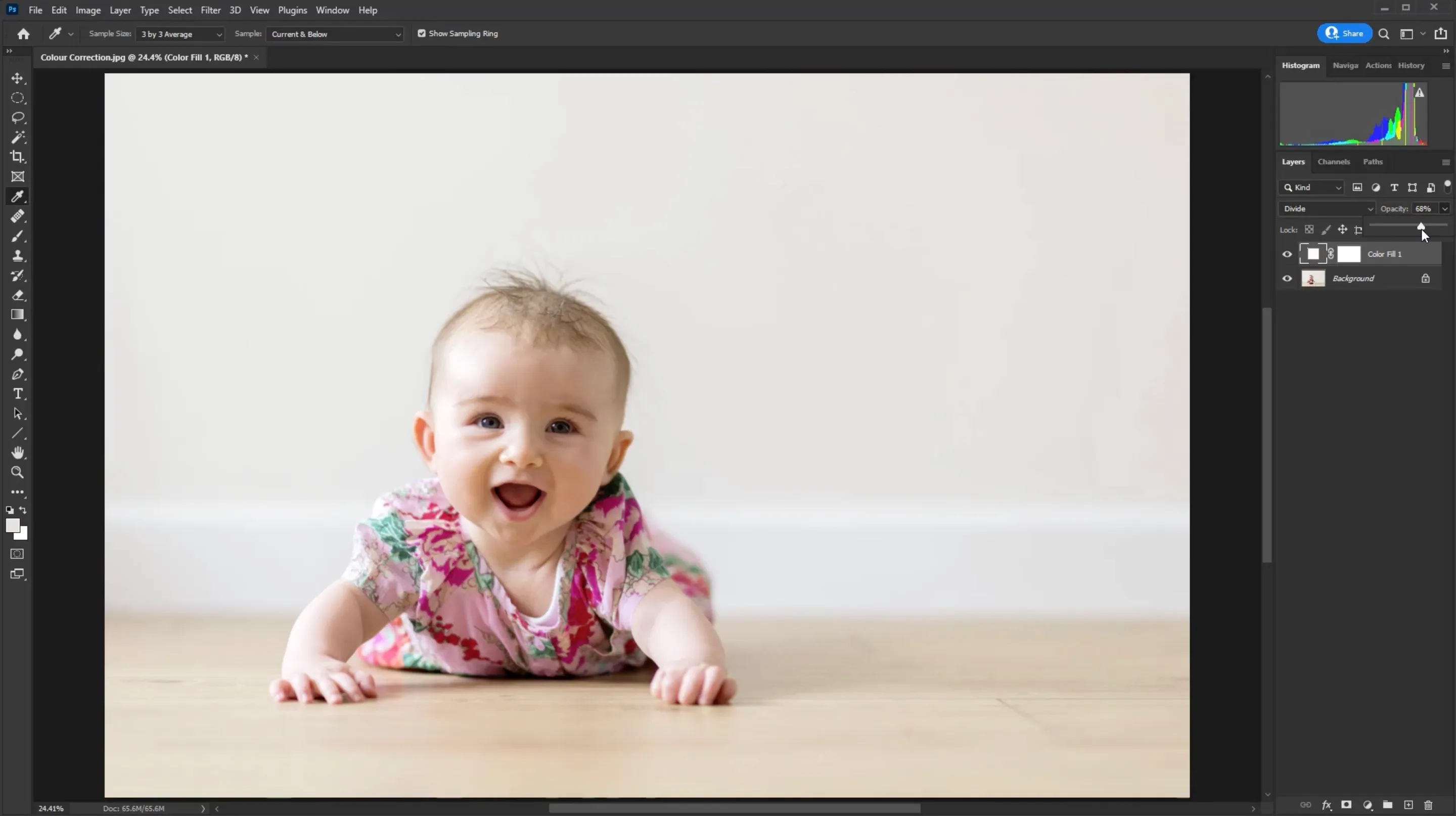
VIDEO: How to colour correct any photo in 30 seconds using Adobe Photoshop
See how quick and easy it is colour correct an image with this simple technique in Adobe Photoshop.
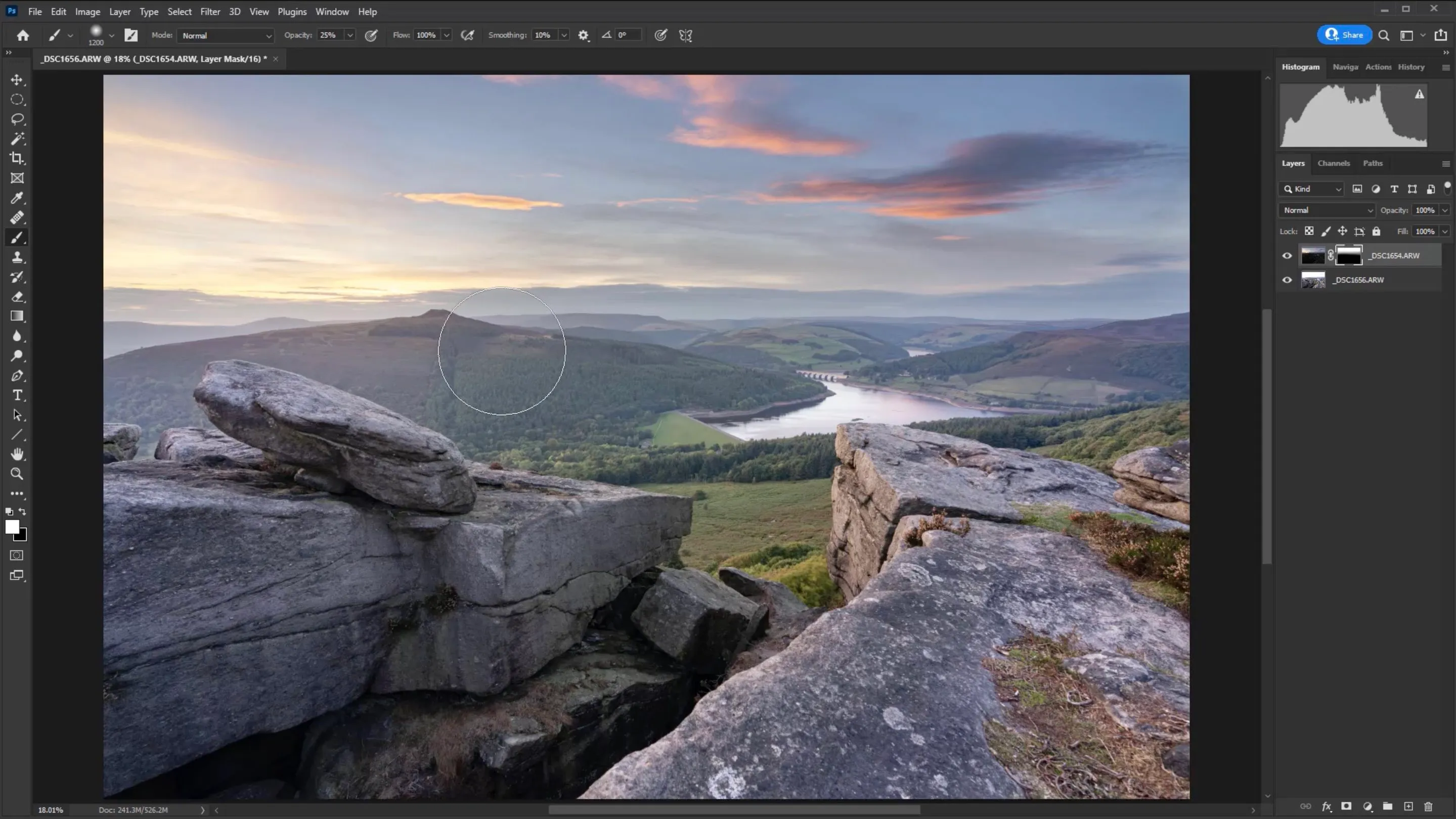
VIDEO: How to edit 'split Raw' images in Lightroom and Photoshop
Learn how to get a beautifully balanced scene by combining two exposures in Lightroom and Photoshop.
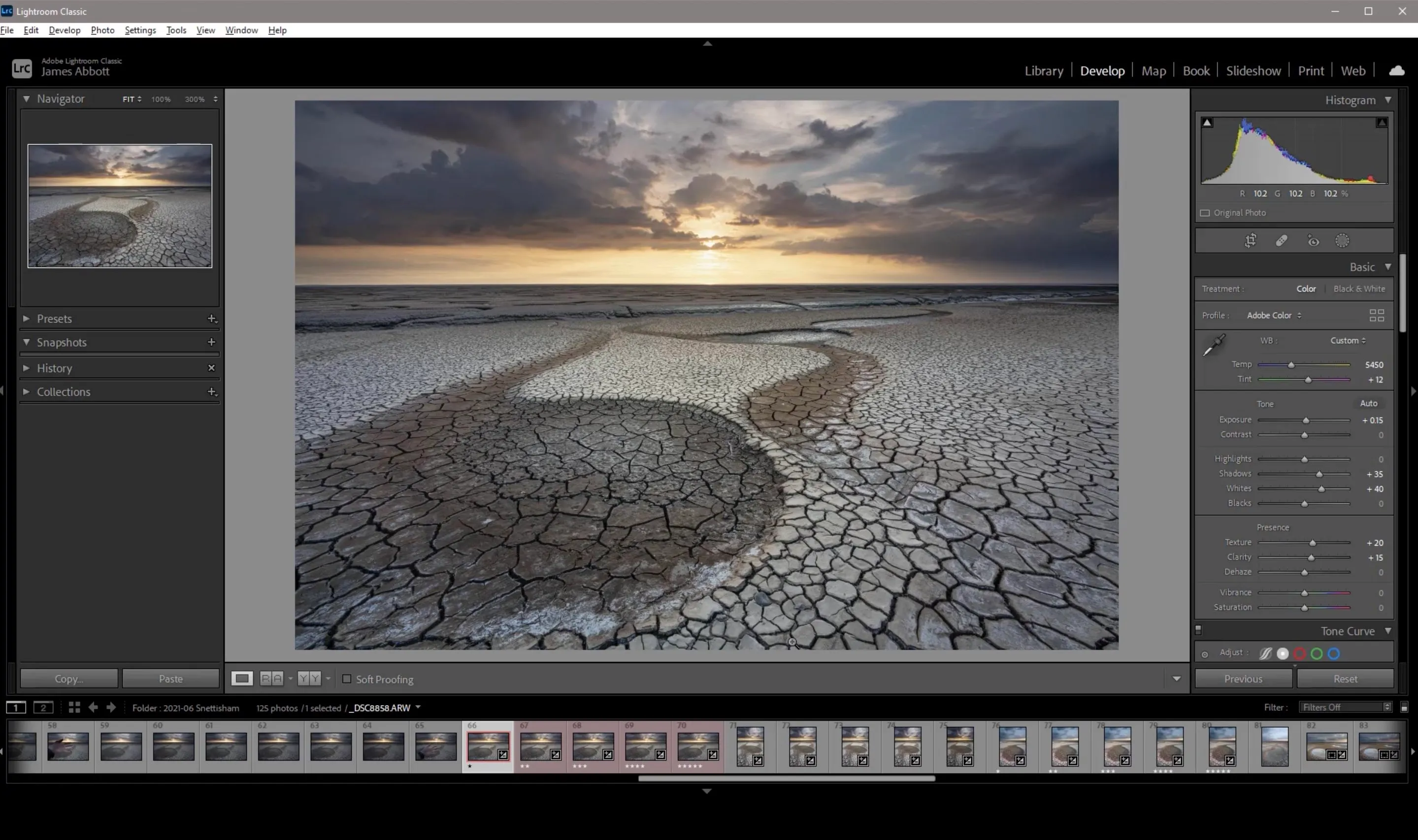
VIDEO: How to focus stack landscape images
Learn how to can stack your landscape photos so the scene is pin-sharp across the entire frame.
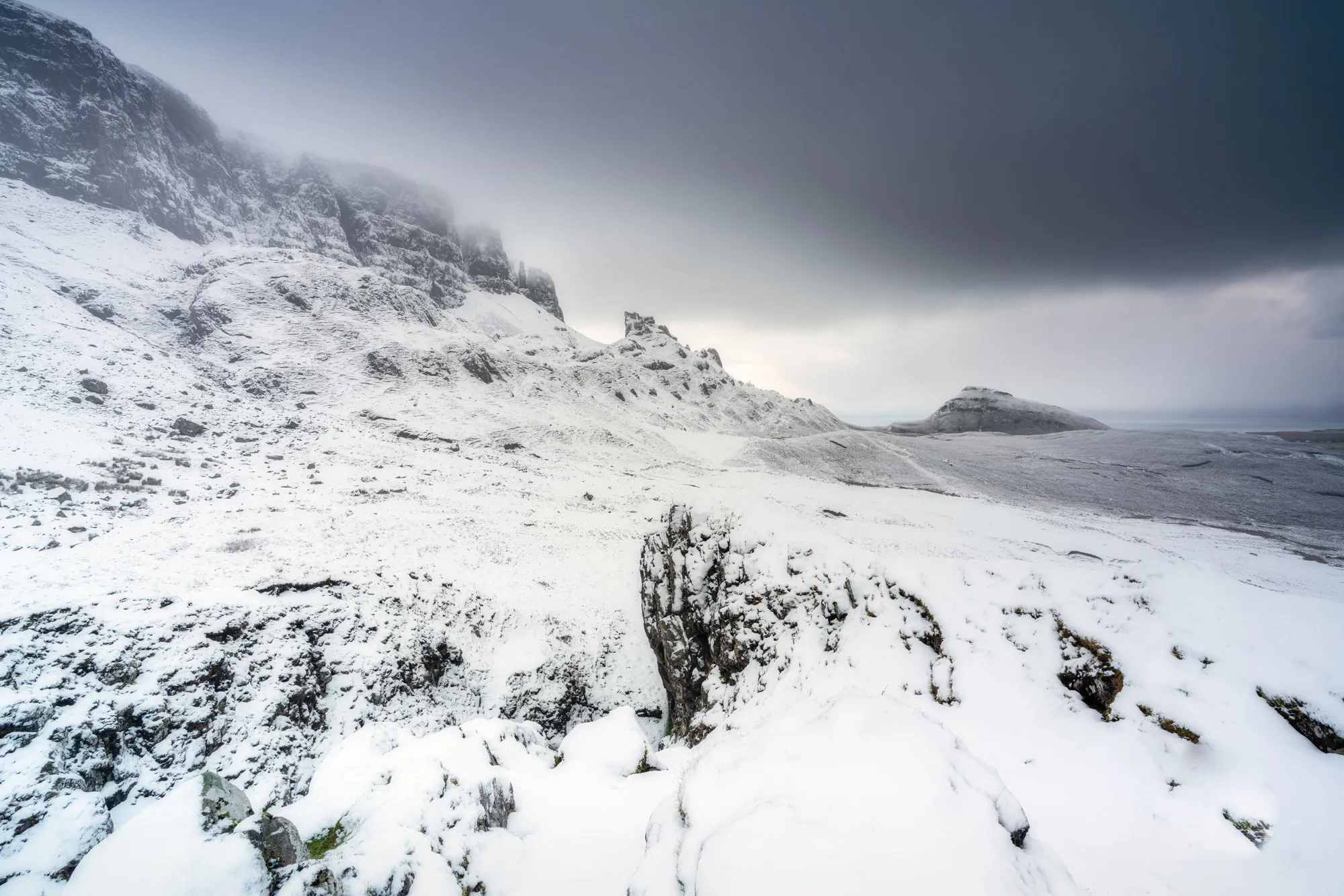
VIDEO: How to adjust white balance for winter scenes in Lightroom and Photoshop
Learn how to achieve the best colour settings for your winter images using Lightroom and Photoshop.


