


Most Picfair Store bios say almost nothing at all, mine included, for far too long. Here are five quick fixes, ten phrases to delete, and a before-and-after rewrite you can borrow for your own store
Your Picfair Store Bio Might Be Doing Nothing. Here's How To Fix It In Ten Minutes
If you're anything like me, you'd rather be out shooting and editing than worrying about the written bits of your Picfair Store. Which makes it very easy to neglect your Store (Homepage) Bio - the short piece of text sitting below your Store Name on your Store Homepage. I certainly did, for far longer than I'd like to admit.
Here's why that's worth putting right, and how to write a bio in ten minutes that actually helps you sell your work.
First, What Does A Bad Photography Store Bio Look Like?
No bio at all. This is by far the most common. Aside from looking at your images, how is a visitor going to learn anything about you if you have nothing else for them to read?
If someone likes one of your photos but has nothing else to go on, how likely are they to go through with the purchase? It's all about the connection with the photographer. The more a buyer knows about who you are, what you photograph and what drives you, the more likely they are to buy.
Everything else. Unnecessary information, badly edited copy full of typos, waffly writing that's hard to follow, text laden with clichés (see below), and copy that very blatantly looks like it's been written with the help of AI and pasted in without any editing.
Does any of that sound like you? Here are five quick tips for a Store Bio that'll help you sell your images.
Five Ways To Write A Picfair Store Bio That Sells:
1 Say What You Shoot, And Where You Shoot It
An obvious one, but plenty of bios skip it. Whether you shoot travel, macro, a bit of everything, or something as niche as brutalist architecture, spell it out. It hooks the visitor and is great for SEO, too. Think of someone Googling "brutalist architecture photographer" or whatever you specialise in. With that phrase in your bio, your store is far more likely to show up in search results.
2 Explain How You Work, Not When You Started
Plenty of bios open by telling people when you first picked up a camera. Fine if it's relevant to your store, but if it isn't, skip it and leave your full photography journey for your About page.
Concentrate on how you work instead. Analogue or digital, a particular camera or lens, a certain location, a certain time of day. Whatever it is, angle it towards what makes your photography yours.
3 Give Visitors A Reason To Trust You
Been published, won an award, or picked up a qualification? Briefly mention it. Any accolade in your name is a quick way to show a potential buyer you know your stuff.
Haven't got any of that yet? No worries at all, because trust doesn't only come from accolades. A long-term project you're steadily working through, the fact that you shoot the same stretch of coastline every week, or the care you take to get a print right, all tell a visitor that you take this seriously. Show that you're invested rather than simply saying so.
4 Cut Anything That Could Belong To Someone Else
Read your bio back one sentence at a time and ask whether another photographer could copy that line onto their own store and have it still ring true. If they could, it wouldn't tell anyone anything about you. Your bio should be the one thing on your store that nobody else could have written.
5 Tell People What You Can Actually Do For Them
Say what's on offer: prints and downloads through your Picfair Store, whether you take commissions, and whether you're available for hire in a certain area. You can pop a contact email down here, too, though we'd recommend a business address rather than a personal one.
A Before and After Example of a Picfair Store Bio
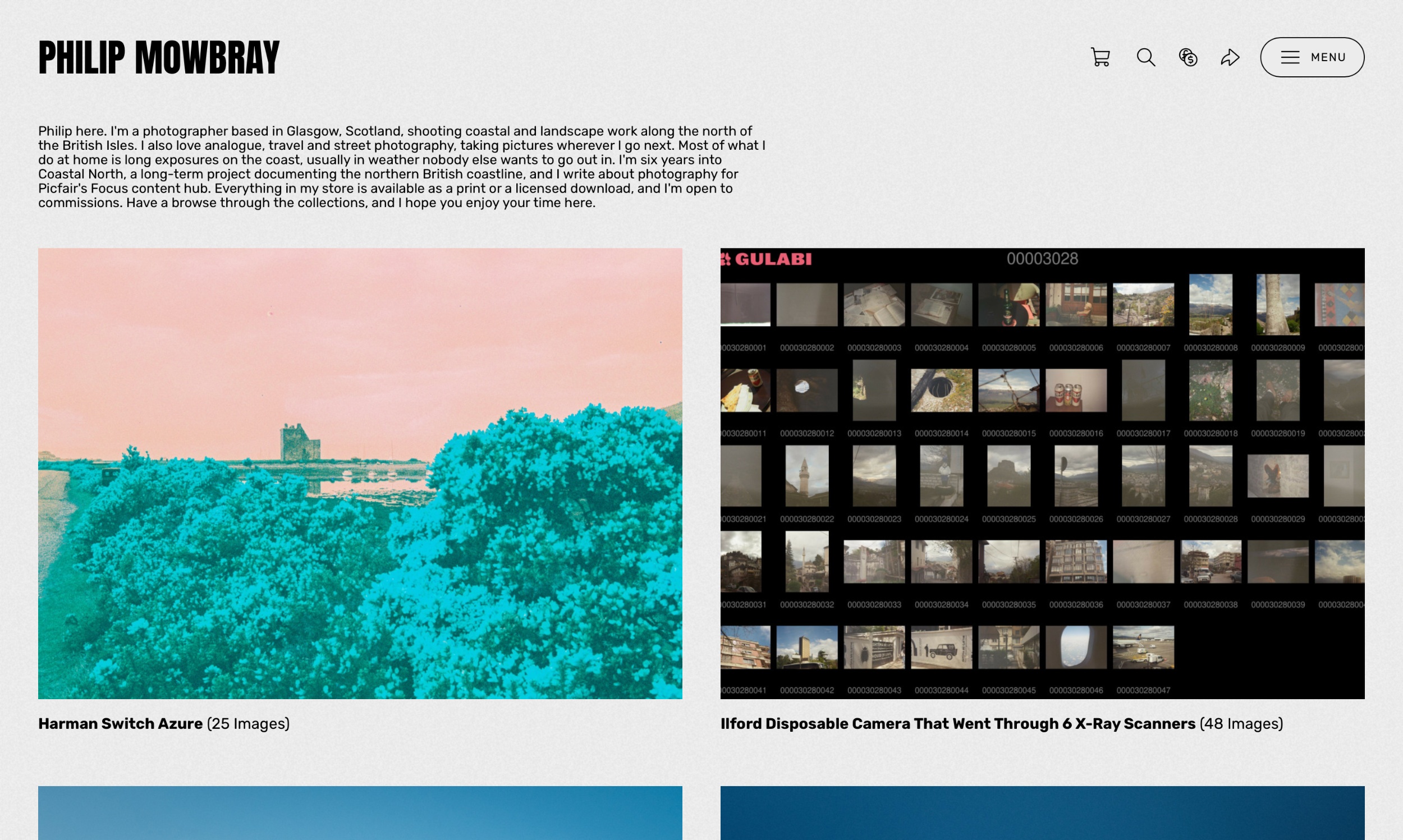
Here's my own, and I'm not putting it here because it's the best in the world. I'd like to show you how I've made mine specific to me so that you can do the same with yours.
Before:
Philip here, I'm a seasoned photographer specialising in landscape, travel, analogue, and experimental photography. What particularly interests me within these genres are coastal scenes, long exposures, walls and surfaces, street wildlife, architecture (particularly brutalism), quirky places, and anything just that little bit unusual. You can browse my images by collection. I try to see the world in my own way, and I do genuinely hope that comes through in my work. I hope you enjoy browsing!
Three things are wrong with it. It lists nine separate interests, which read as no speciality at all. It never says where I am. And it never once mentions that anything is actually for sale.
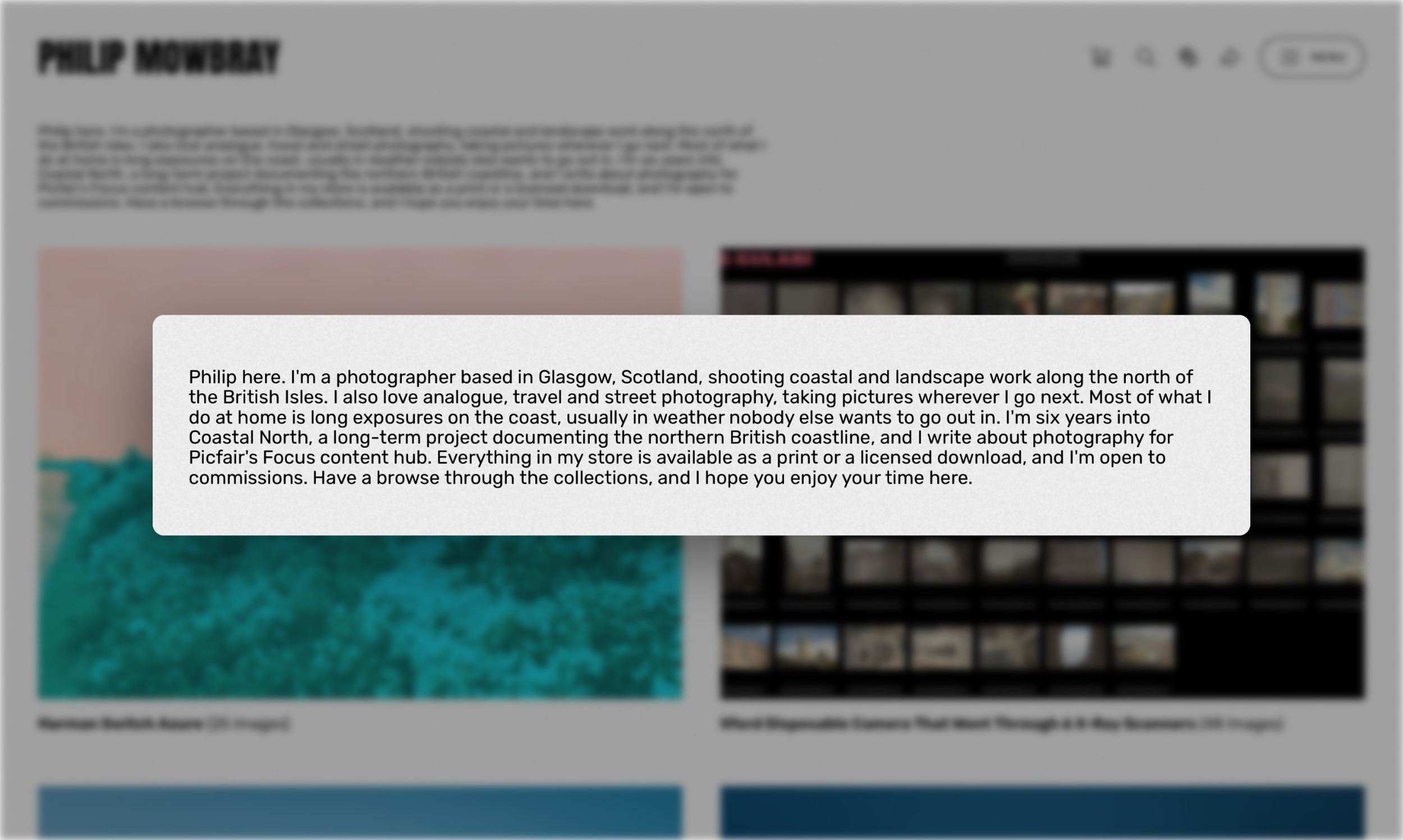
After:
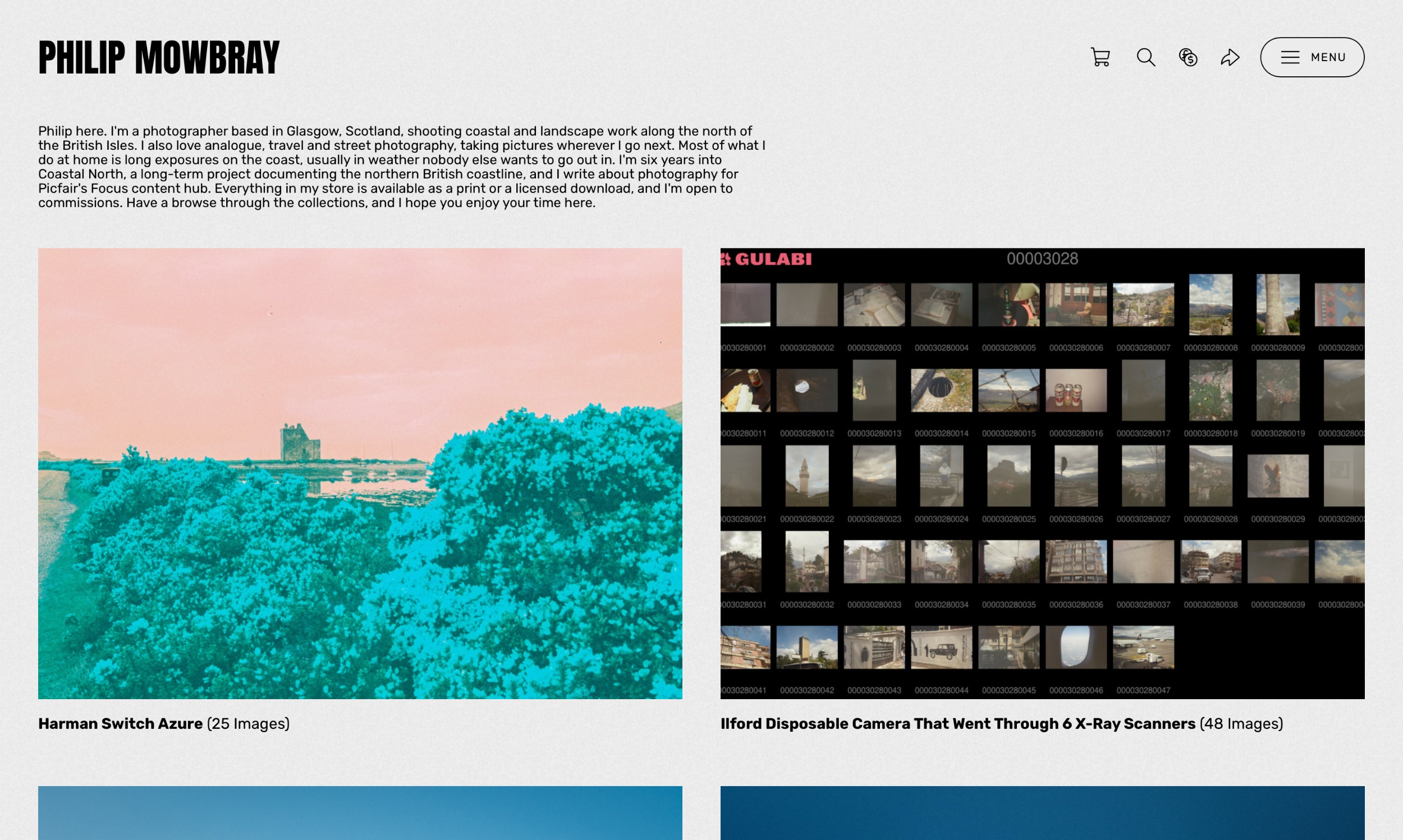
Philip here. I'm a photographer based in Glasgow, Scotland, shooting coastal and landscape work along the north of the British Isles. I also love analogue, travel, and street photography, taking pictures wherever I go next. Most of what I do at home is long exposures on the coast, usually in weather nobody else wants to go out in. I'm six years into Coastal North, a long-term project documenting the northern British coastline, and I write about photography for Picfair's Focus content hub. Everything in my store is available as a print or a licensed download, and I'm open to commissions. Have a browse through the collections, and I hope you enjoy your time here.
Now, it's roughly the same length, but it’s hitting all five tips as stated above.
Ten Phrases To Consider Deleting From Your Store Bio
A few main offenders when it comes to clichés and overused phrases. Notice any? Remove them, and try replacing them with something true to you.
Your Image Descriptions Are Doing A Different Job
While your Store Bio builds trust, once someone lands on your store. Your image descriptions are helping them get there in the first place, because they're what a search engine has to work with when someone searches for a photo like yours.
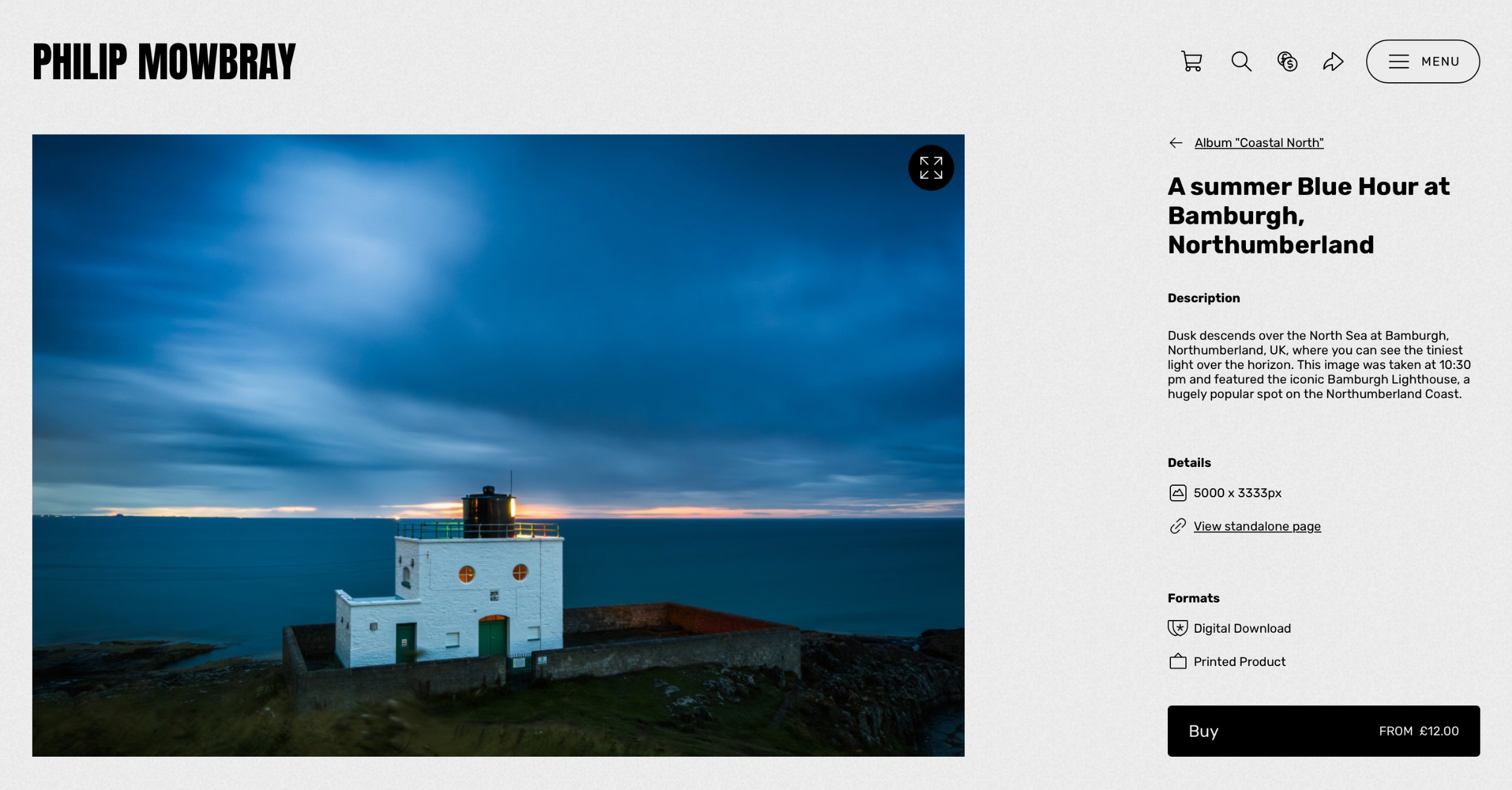
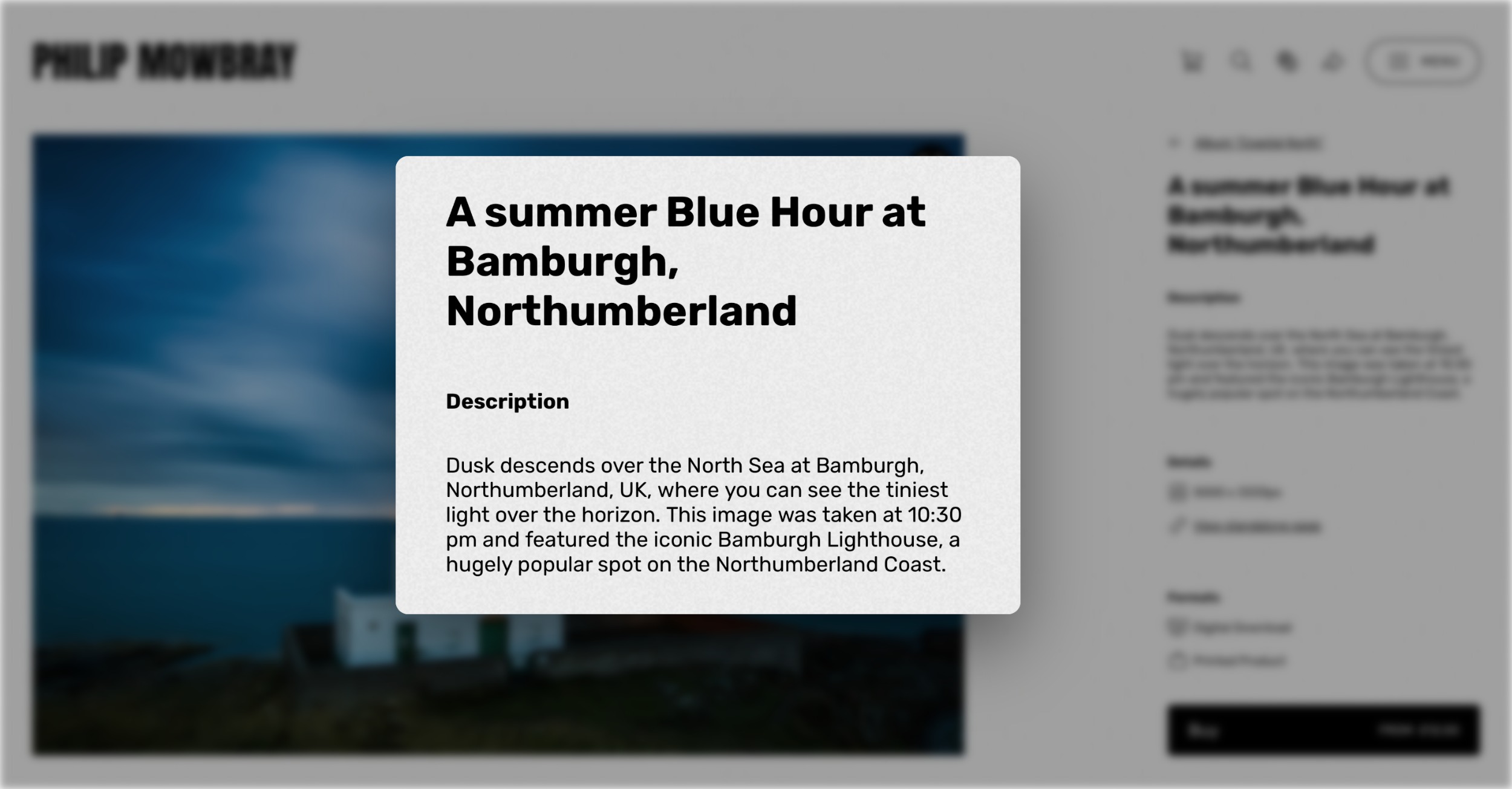
So remember to them factual, and nothing like your Picfair Store Bio. Describe what's in the frame, where it was taken, when, and in what conditions? For example, with the image below, the description "A summer Blue Hour at Bamburgh, Northumberland" gives a search engine far more to go on than "Lighthouse" ever will.
Our Smart Captions tool will handle much of the heavy lifting for you. Find Smart Captions on your Picfair Dashboard or learn more about how to use it with our dedicated guide.
Final Thoughts
Writing about yourself is never the fun part. Given a free hour, I'd far rather be out on the coast with a camera than sit at a keyboard, and I suspect you feel much the same. But your bio is the one part of your store working for you around the clock, doing its job every time somebody lands on your page, whether you're out shooting or fast asleep.
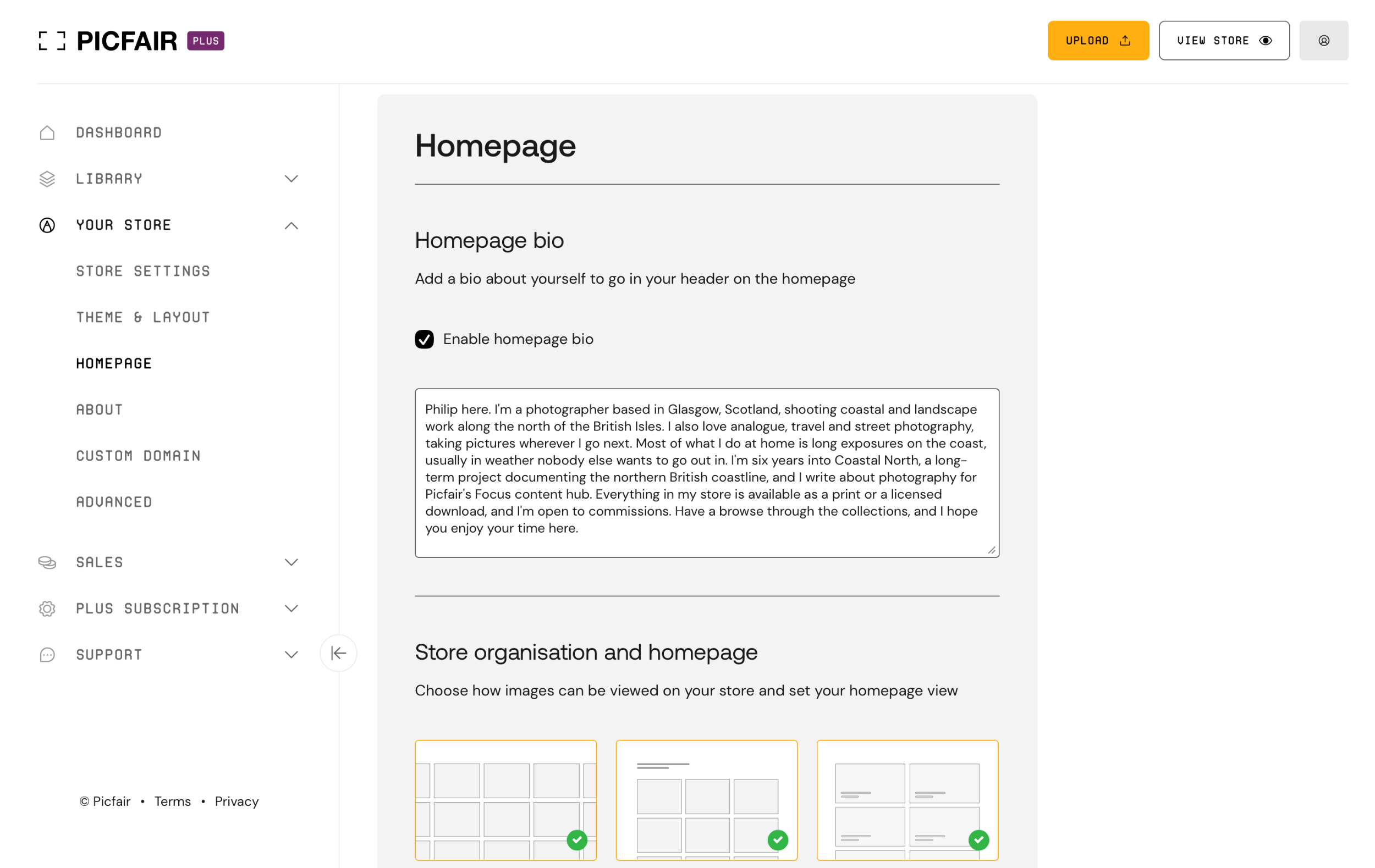
So give it 20 minutes. Open your store settings, read what's there (if anything), and with the five tips in mind, cut anything from the list. In no time you'll have a bio that sells your work.
Create and edit your Picfair Store bio now!


