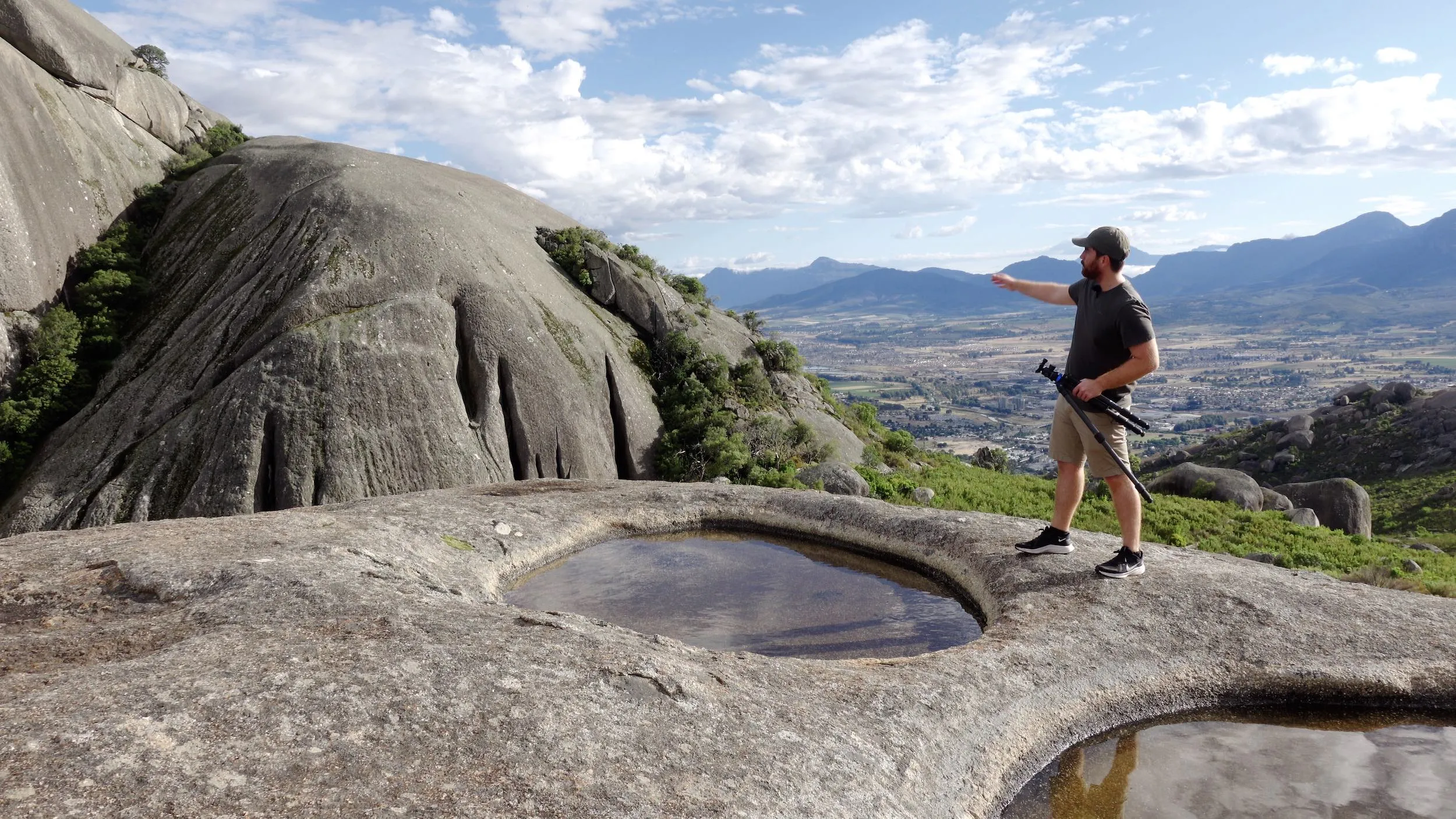
VIDEO: Improve your landscape photography with these 5 expert tips
Five of the simplest ways to you make huge improvements to your landscape photography. Filmed on-location Paarl Rock, South Africa.
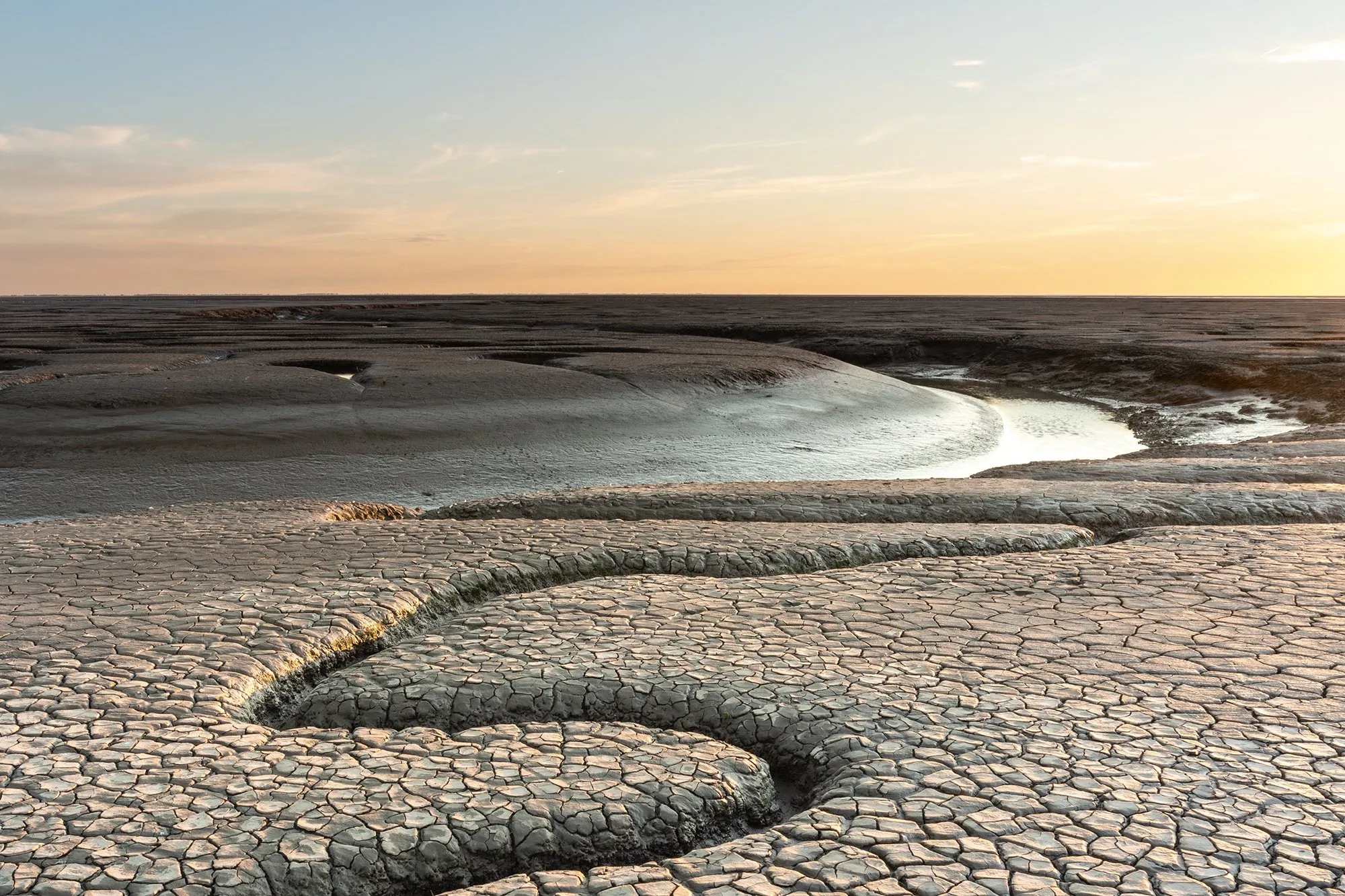
VIDEO: 3 ways to remove lens flare from your photos
Image editing expert James Abbott demonstrates three ways to eliminate pesky lens flare in your photos.
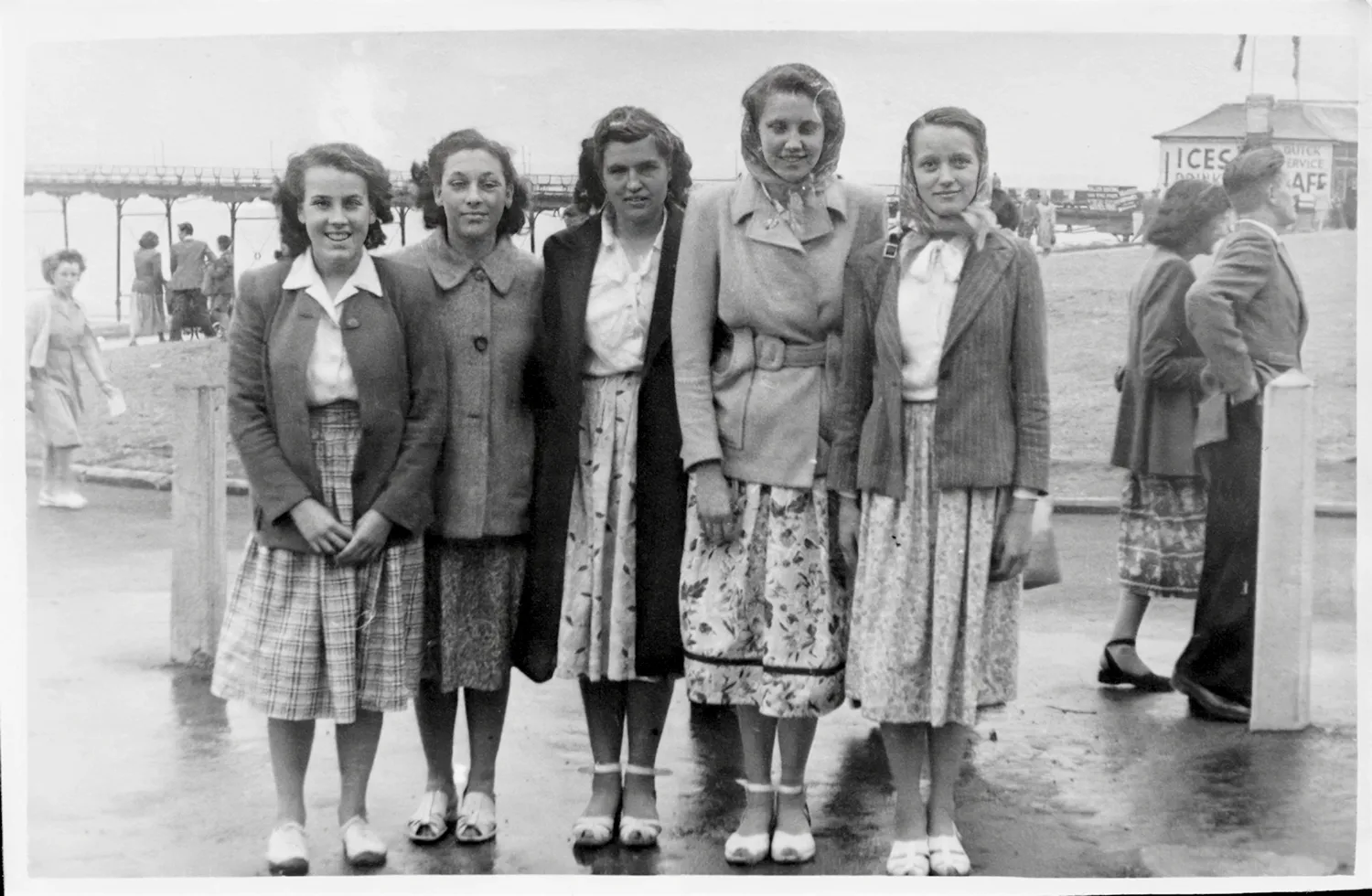
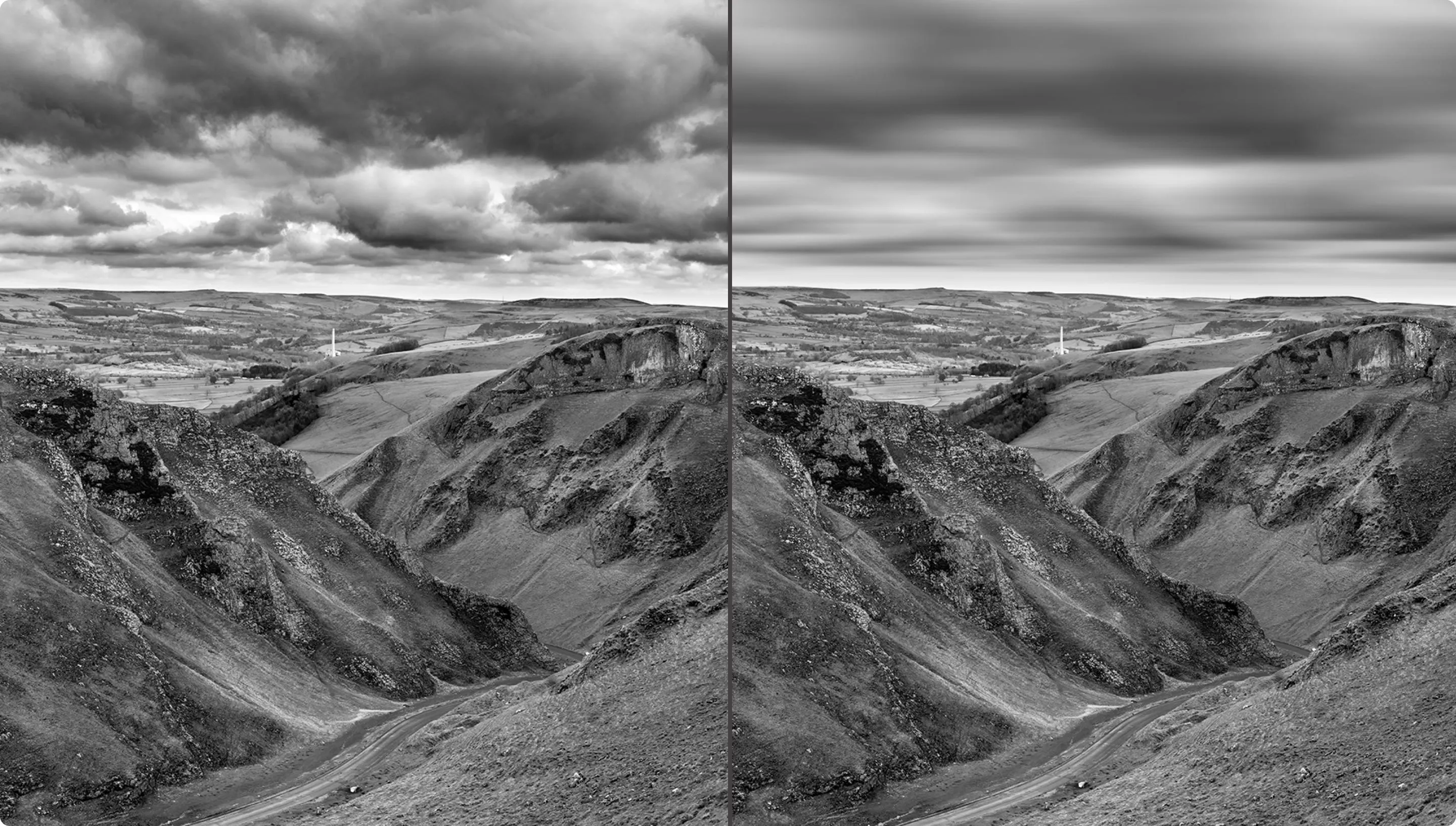
VIDEO: How to create the long exposure sky look in Photoshop
Want to resemble the look of a long exposure sky (but didn't create a long exposure shot in the first place)? Here's how...
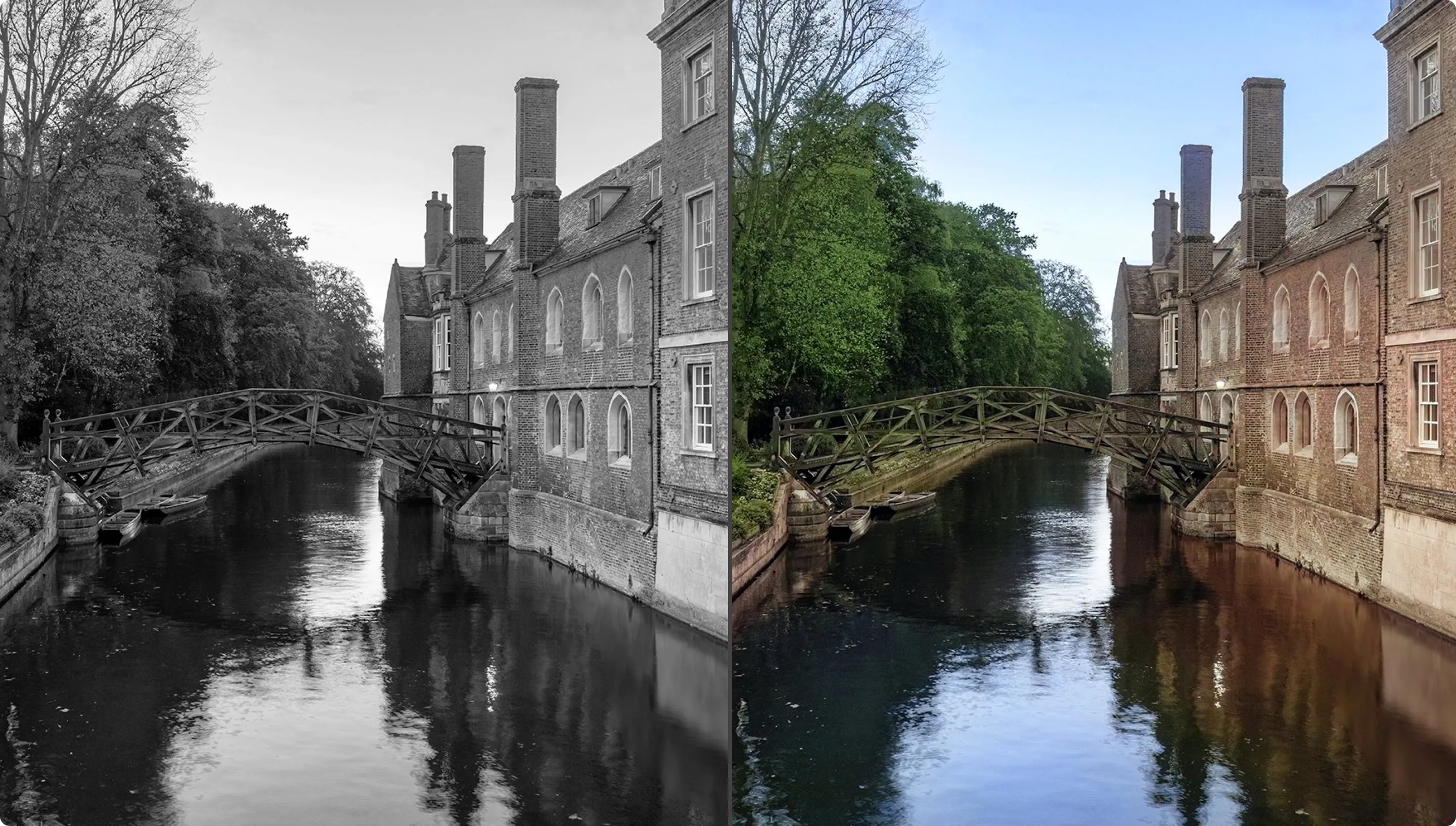
VIDEO: How to use AI to colourise black and white images in Photoshop
Discover how you can add colour to your black and white photos in minutes with the power of AI.
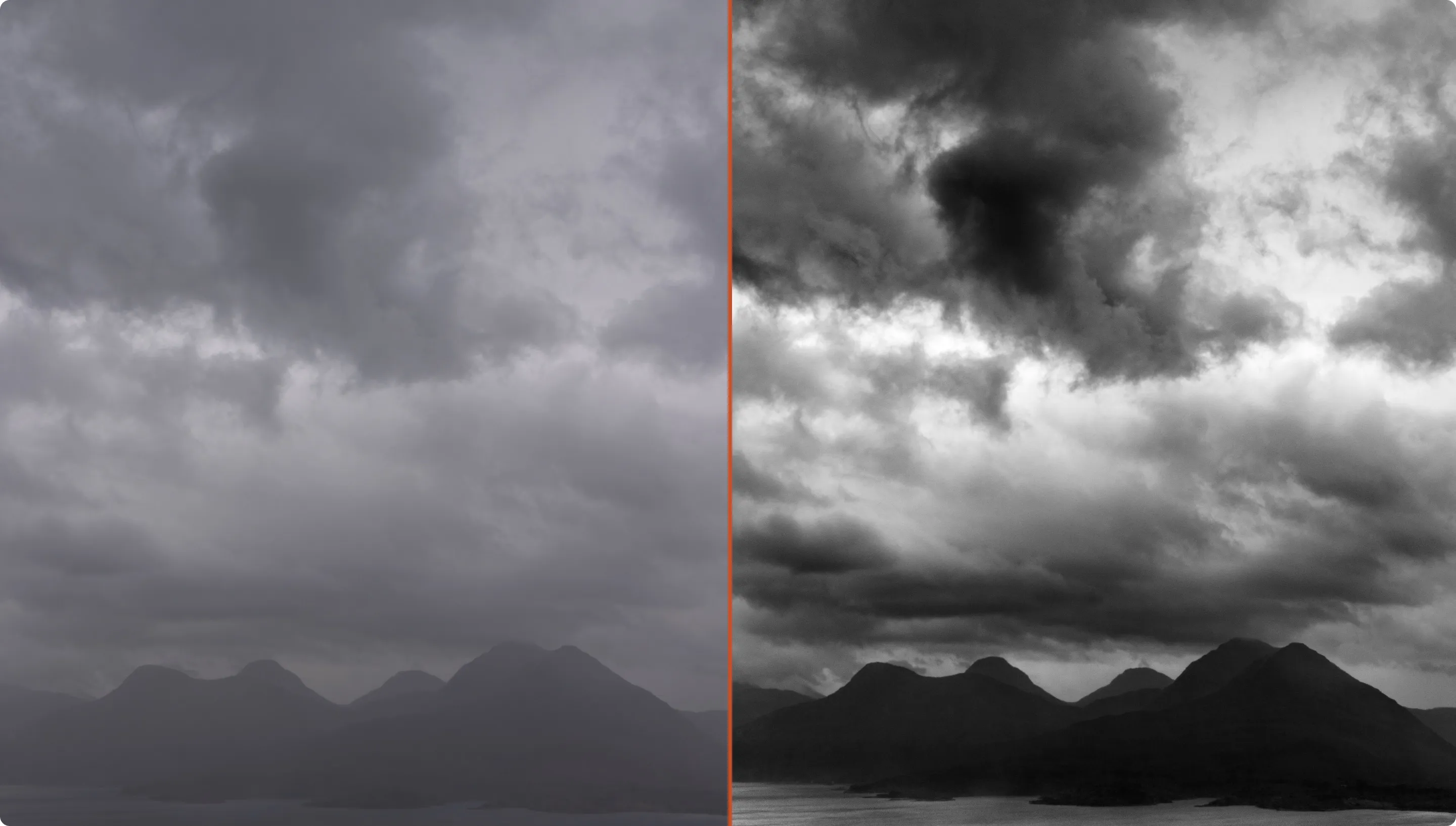
VIDEO: How to get dramatic skies in your black & white photos
B&W landscape photographer Murray Livingston demonstrates how you can use Photoshop to create stunning skies in your black and white images.
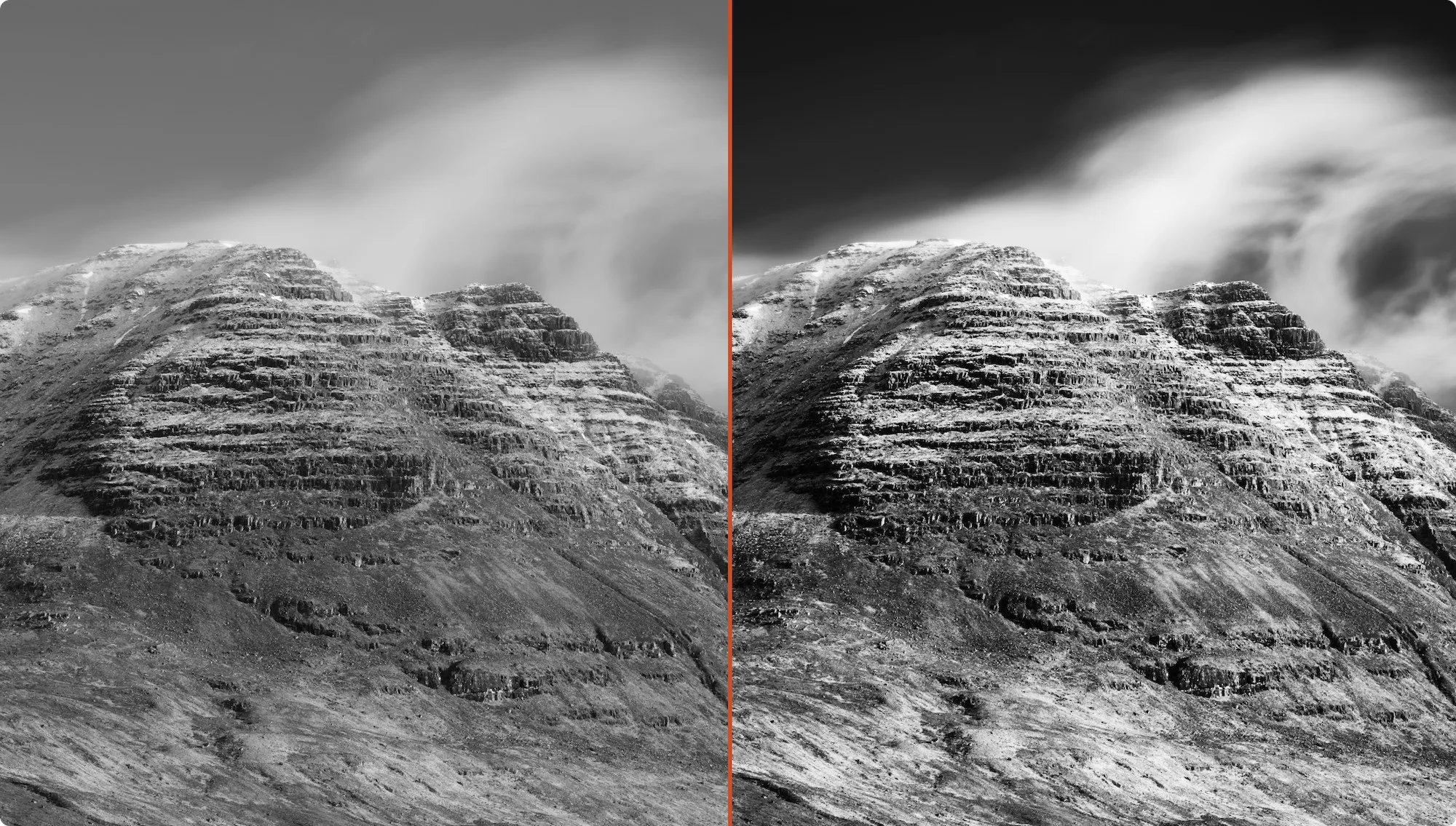
VIDEO: How to get a powerful black & white look for your photos
Landscape photographer Murray Livingston demonstrates how you can get an impactful black and white conversion for your photos.
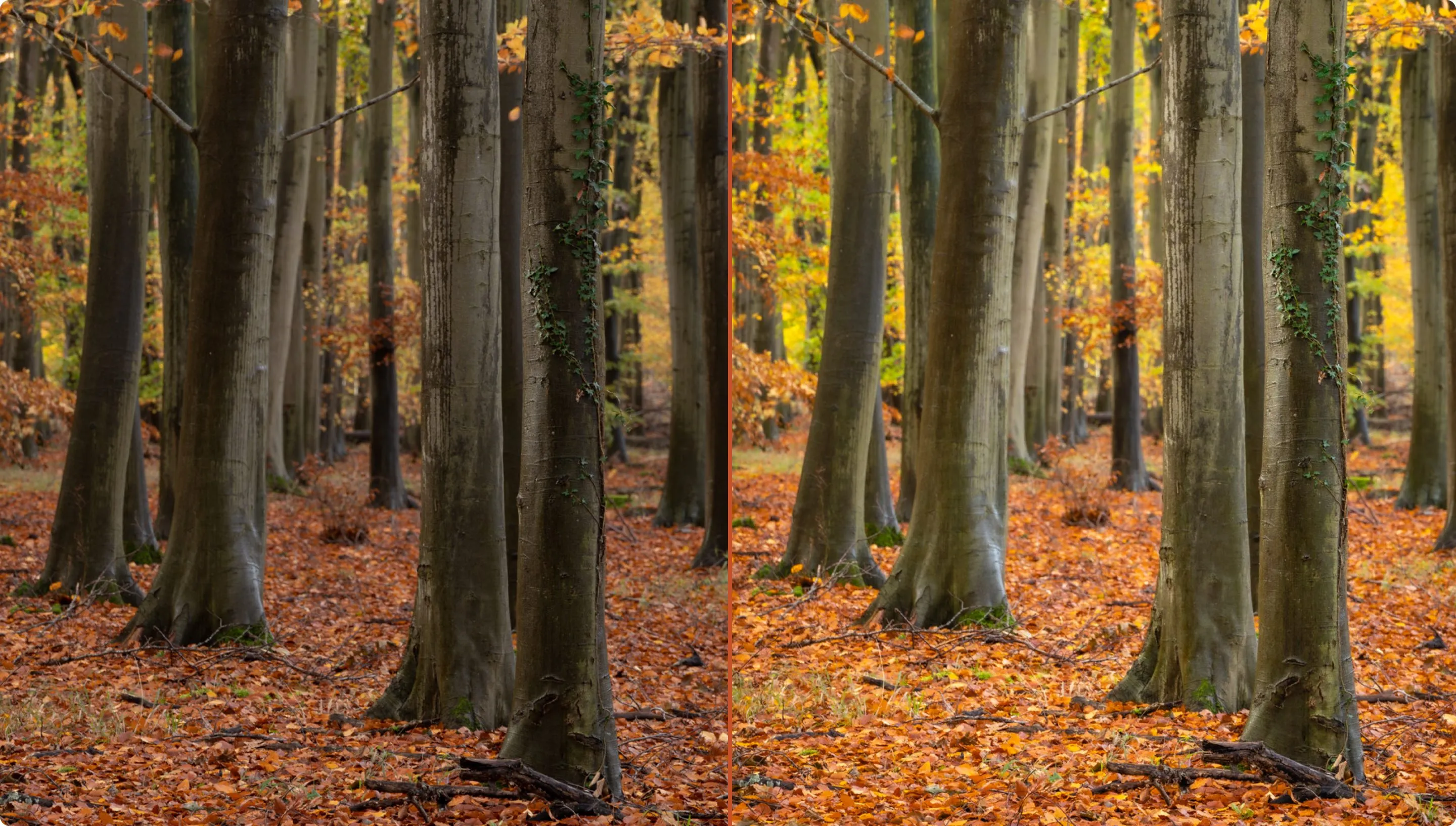
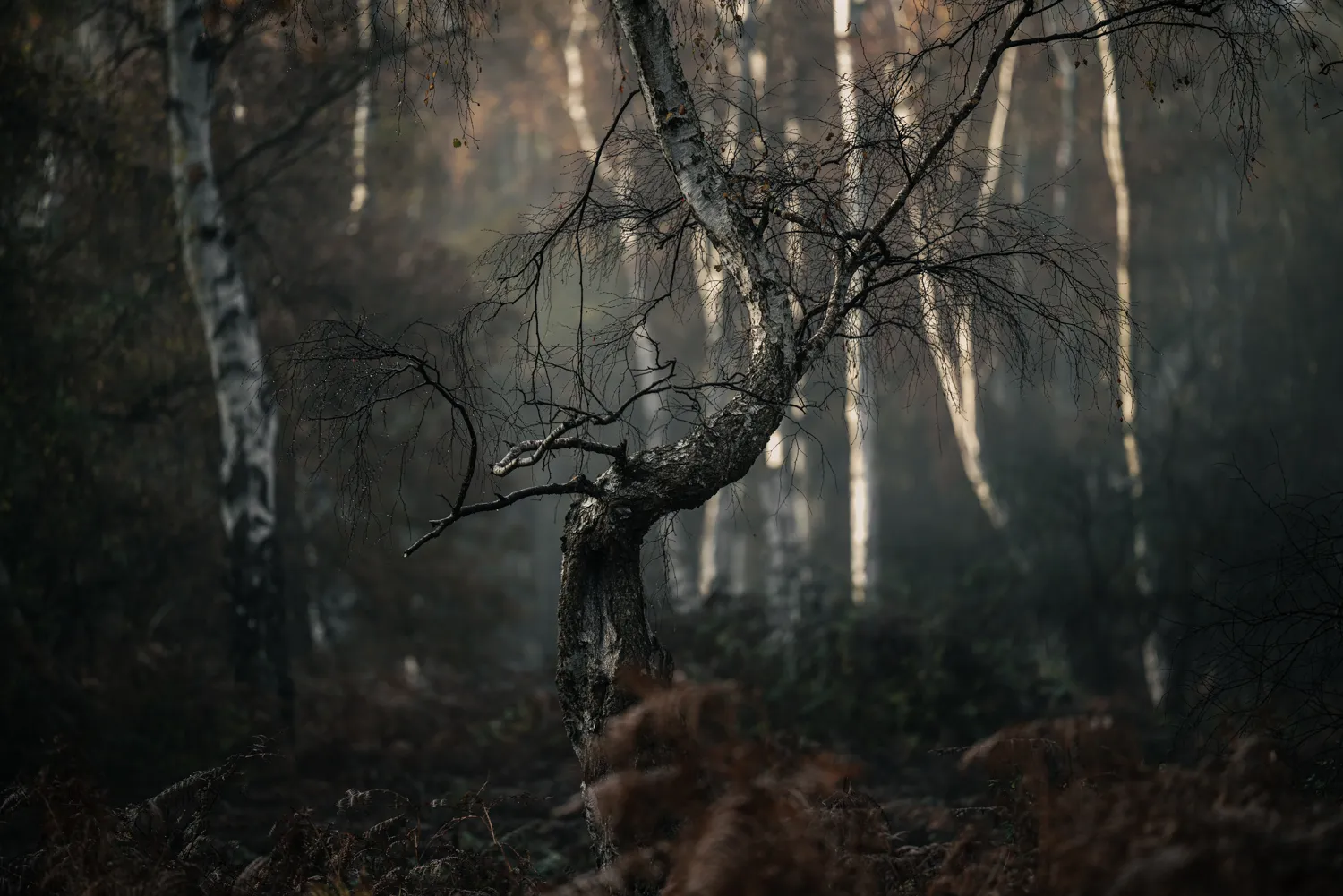
VIDEO: How I edited my shot of a beautiful autumnal forest scene
Lightroom and Photoshop expert James Abbott discusses how he edited a beautiful autumnal foliage shot to bring out the best fall colours.
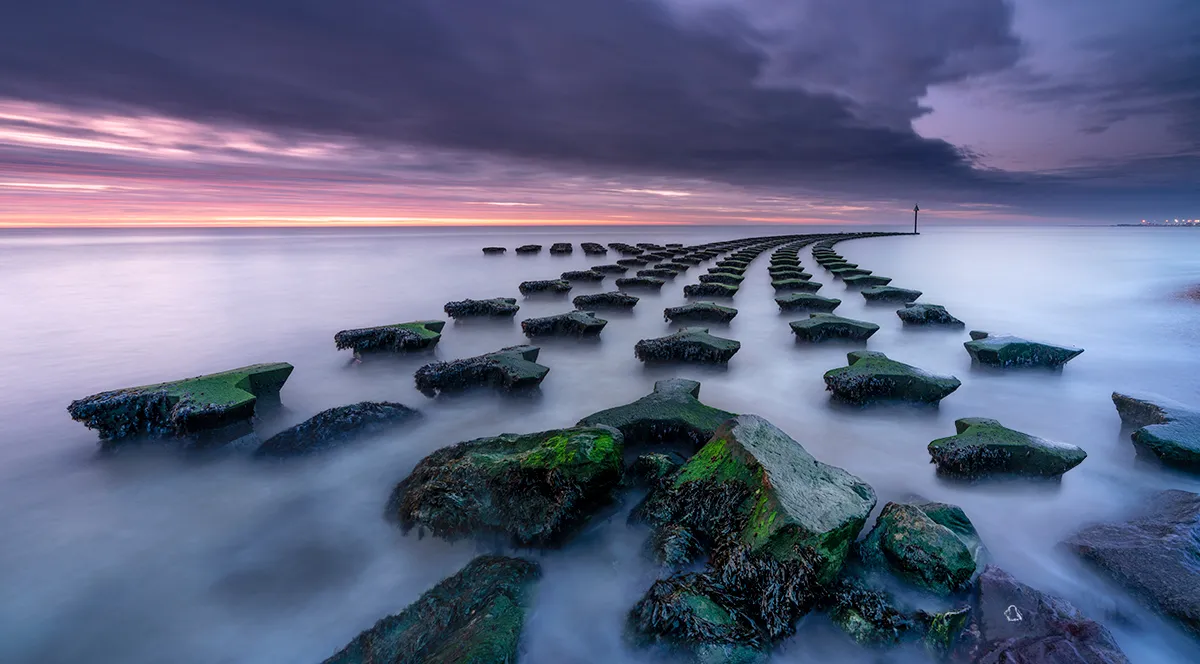
VIDEO: How to use Quick Mask Mode in Photoshop
Image editing expert James Abbott shows us how to use the Quick Mask in Photoshop to make quick selections and manipulations.
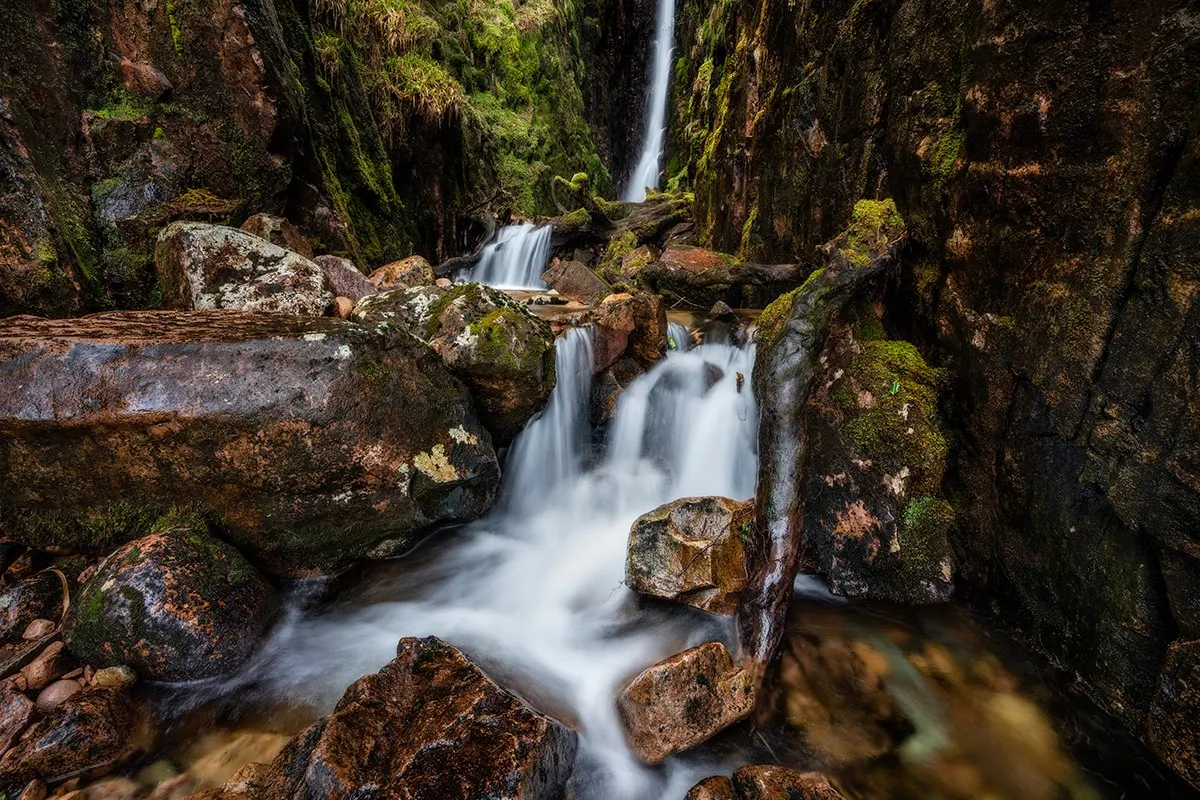
How to dodge and burn landscapes to beautiful effect
Image editing expert James Abbott shows us how to dodge and burn your landscape photos for maximum effect in this simple-to-follow tutorial.
VIDEO: How to resize your images for web and social media using Photoshop
Learn how to get the best quality shots that are perfectly-sized for web and social media use.
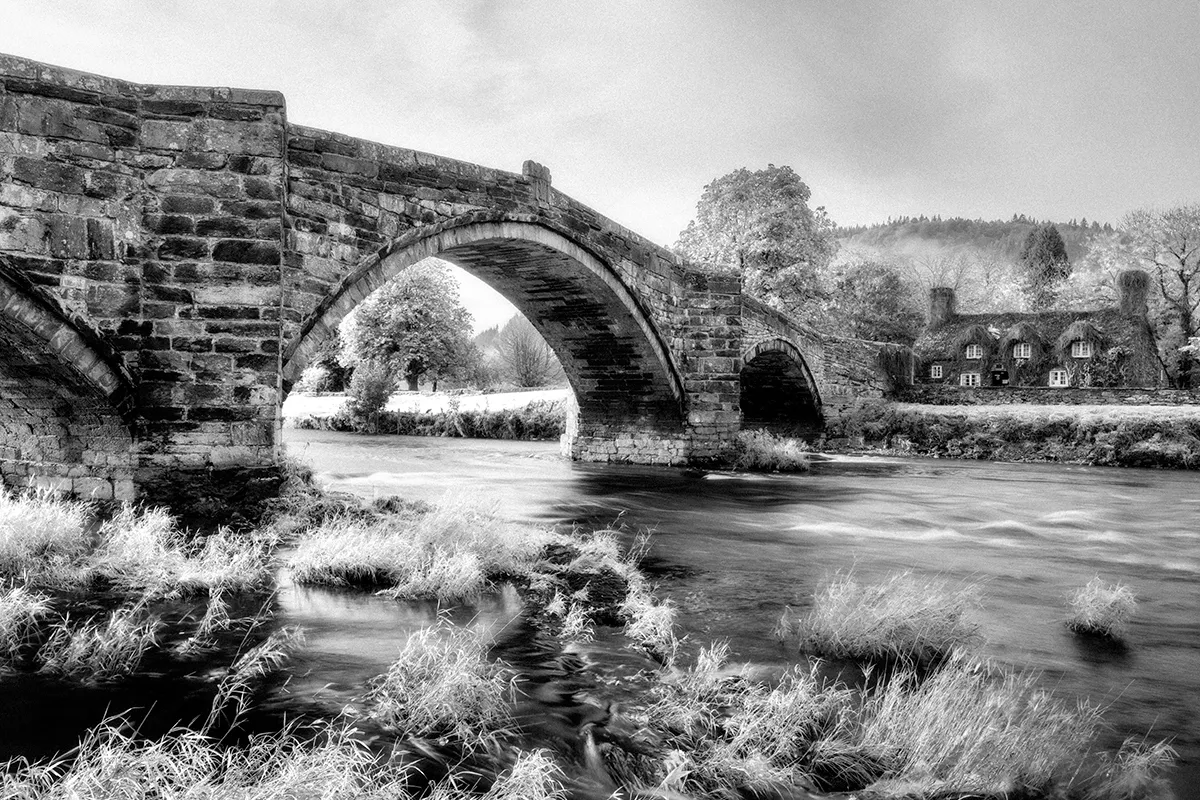
VIDEO: How to get the infrared look using Photoshop
Learn how to transform any of your images to infrared with this Photoshop video tutorial.
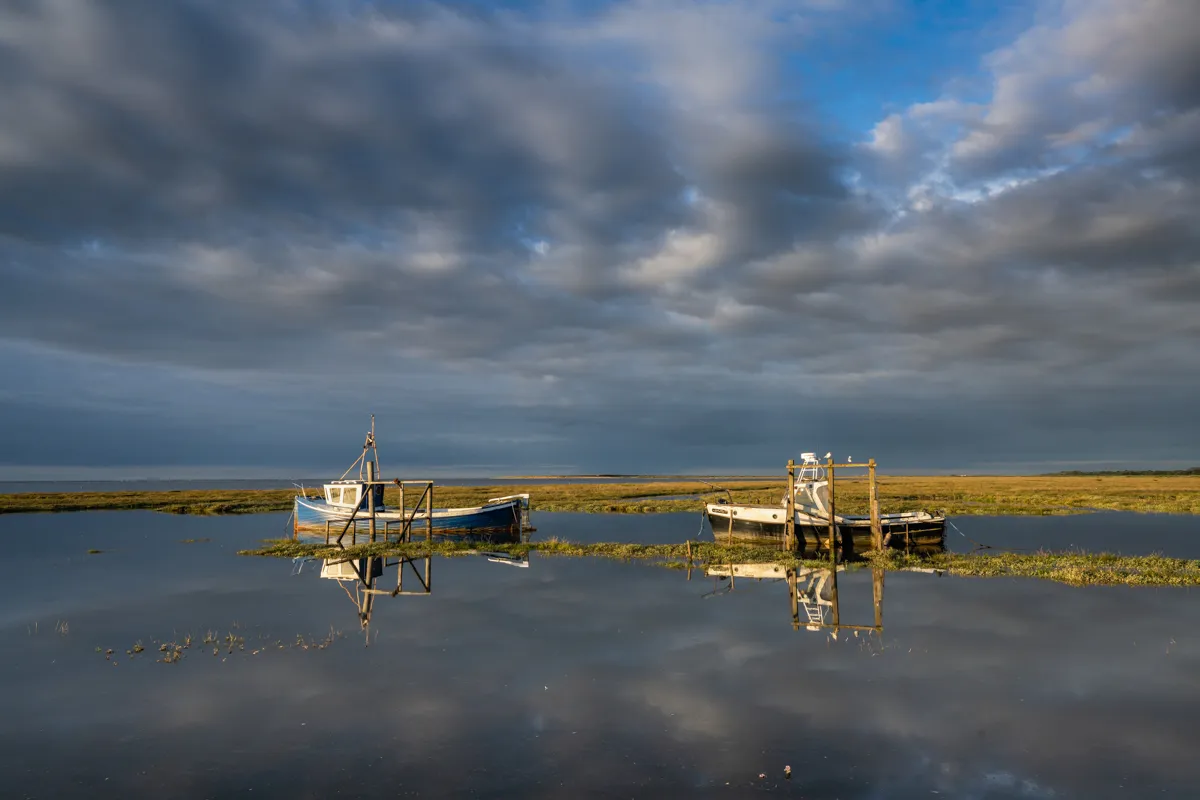
VIDEO: How to edit the sky in your photos for maximum effect with Lightroom
See how how you amplify the drama in your skies, yet keep it looking realistic, using tools in Lightroom
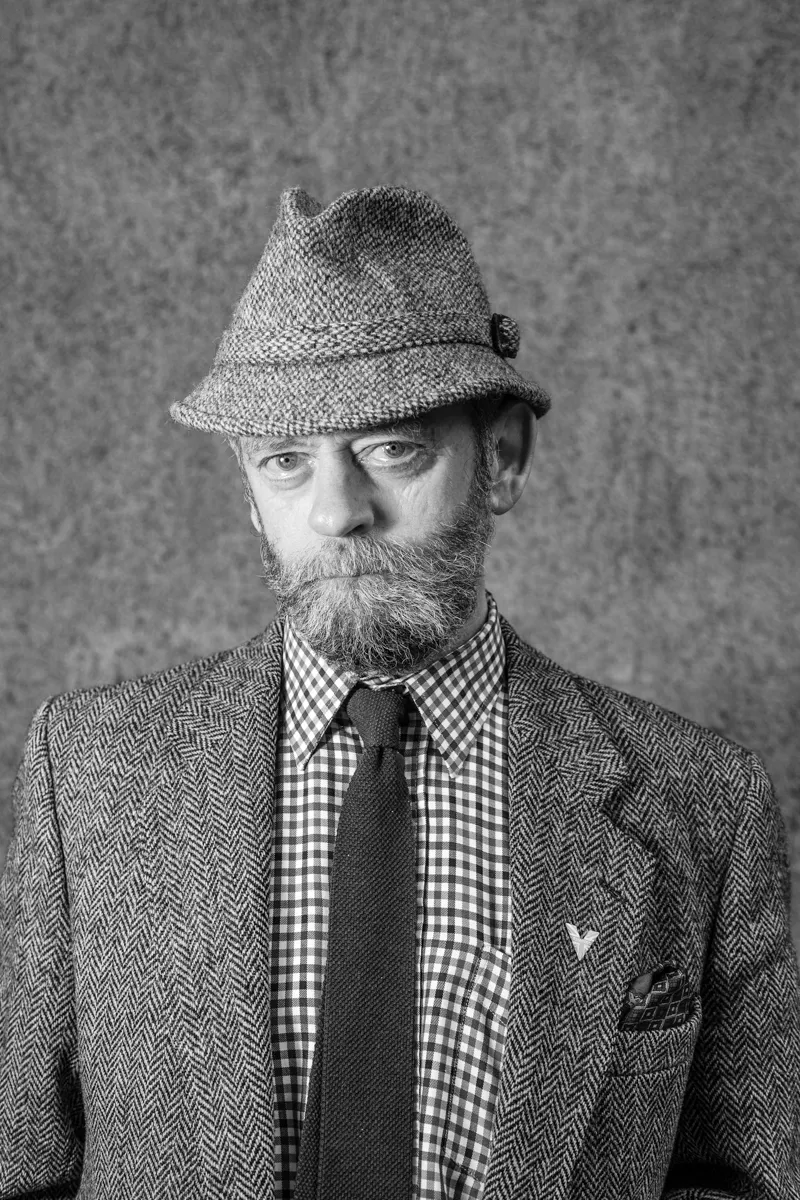
VIDEO: How to recreate the black and white 'Silvertone' darkroom effect in your photos
See how you can digitally recreate the iconic black and white 'Silvertone' effect in your photos using Lightroom.
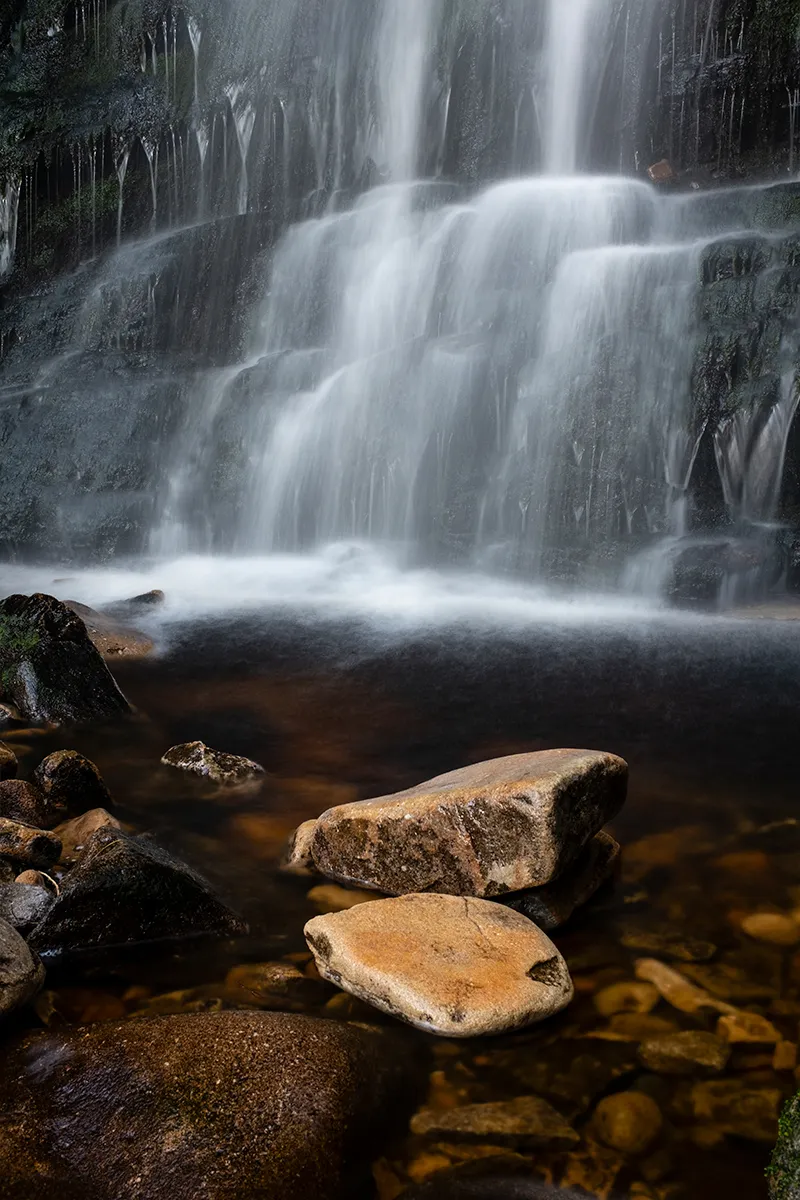
VIDEO: How to create artificial long exposures in Photoshop
Image editing expert James Abbott shows us how you can create long exposure shots in Photoshop by merging several images together.
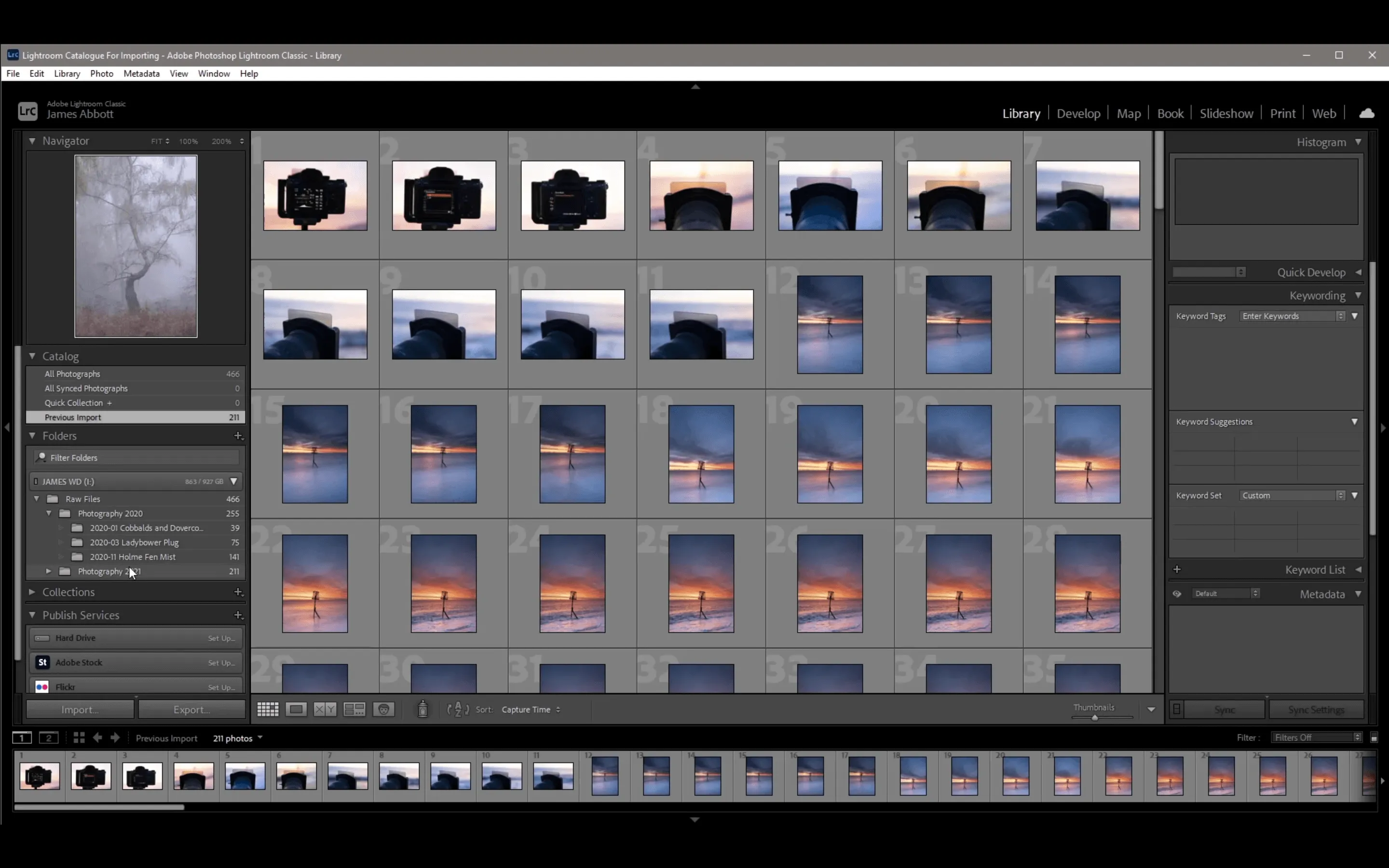

VIDEO: How to use Photoshop's Gradient Map creatively to enhance your images
Image editing expert James Abbott shows us how simple it is to use Photoshop's Gradient Map to add creative edits to your images.
How to create and edit vertical panorama shots
How to create and edit vertical panorama shots